The 3D MacBook mockup shows the laptop from an angle with the lid open, so the keyboard and trackpad are visible. It adds depth to hero sections and makes screenshots feel like real product photos.
Examples
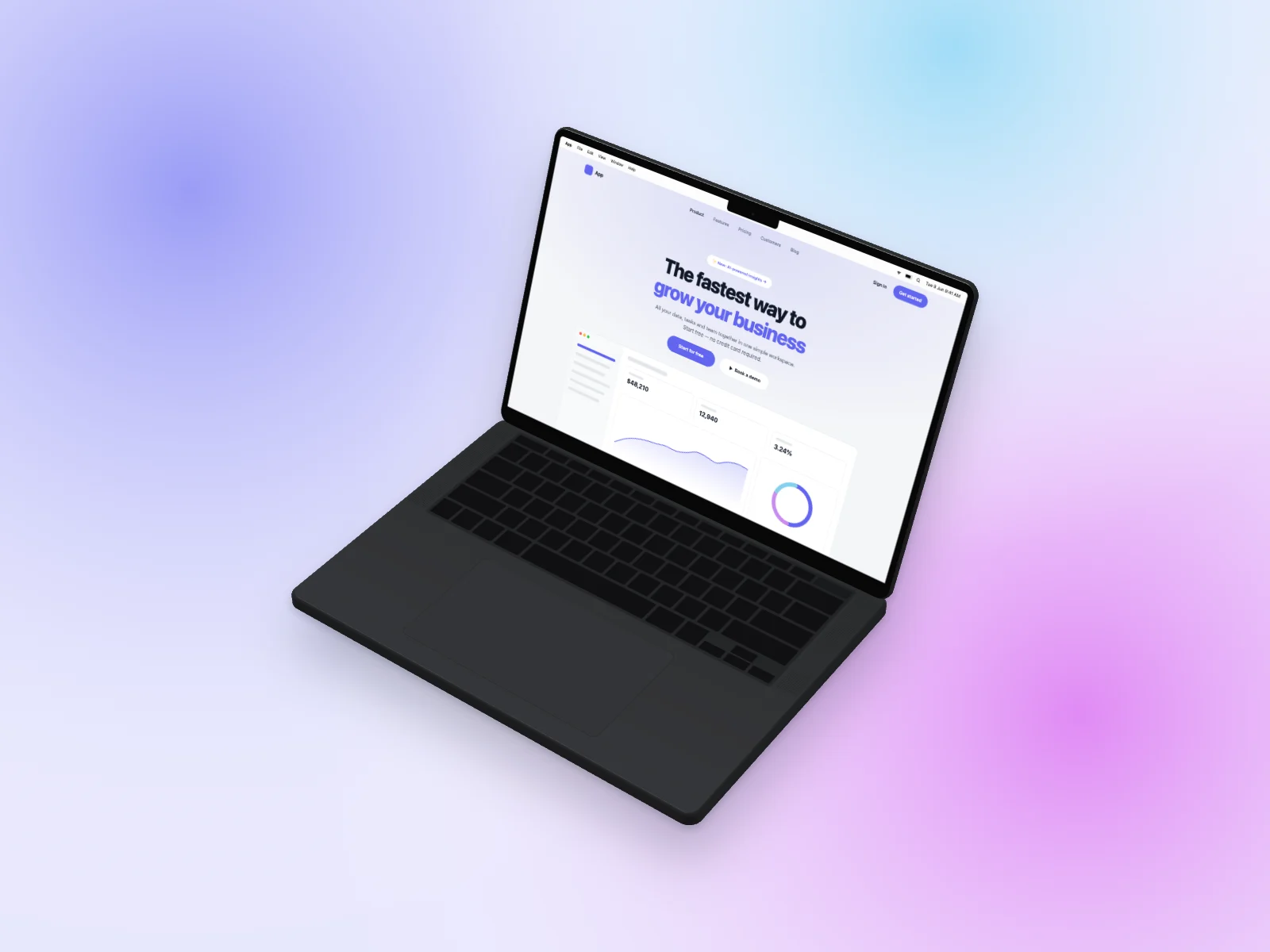 Landing Page on MacBook Pro 14-inch Mockup — Isometric
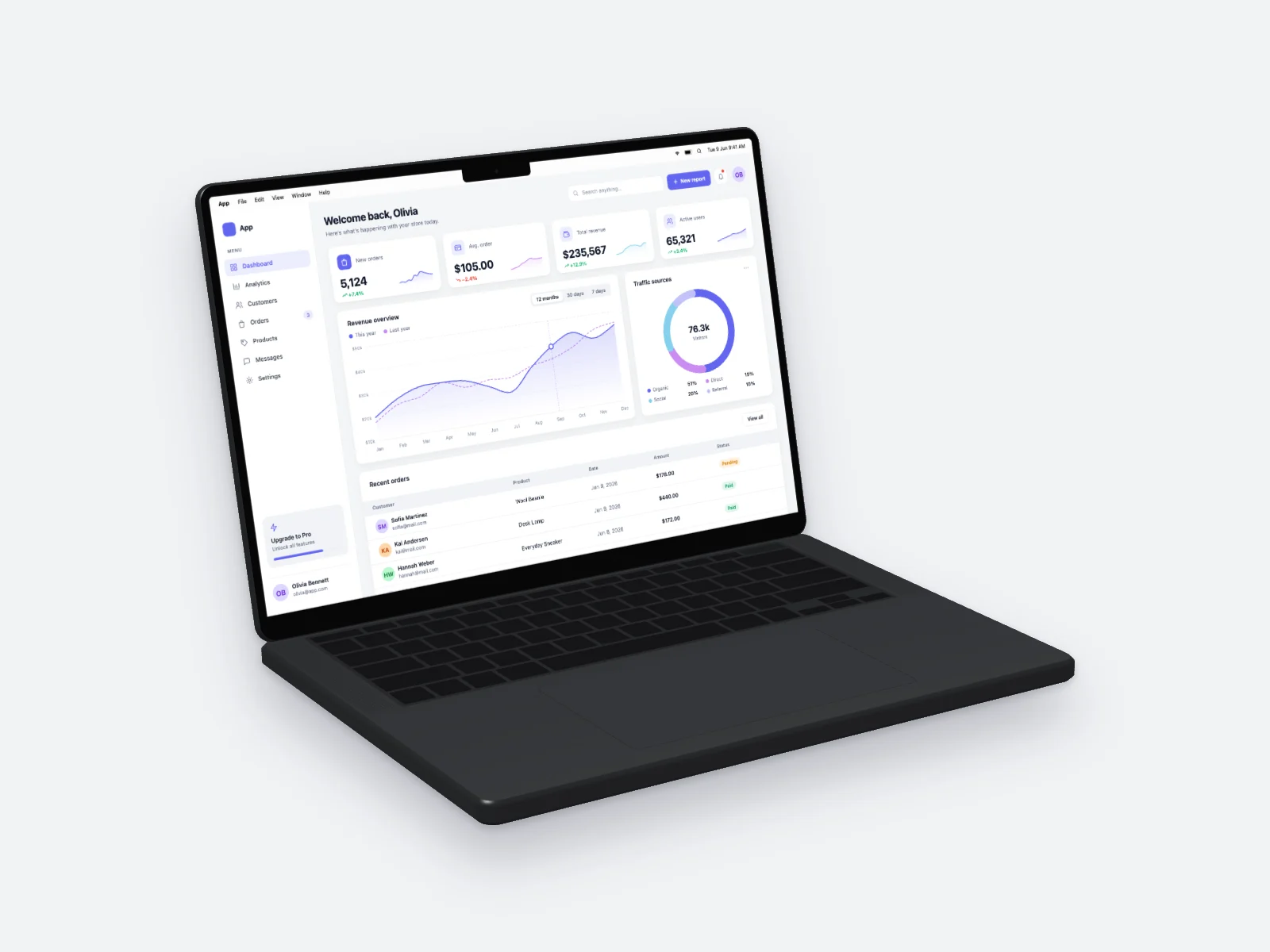 Analytics Dashboard on MacBook Pro 14-inch Mockup — Left Angle, Light Grey
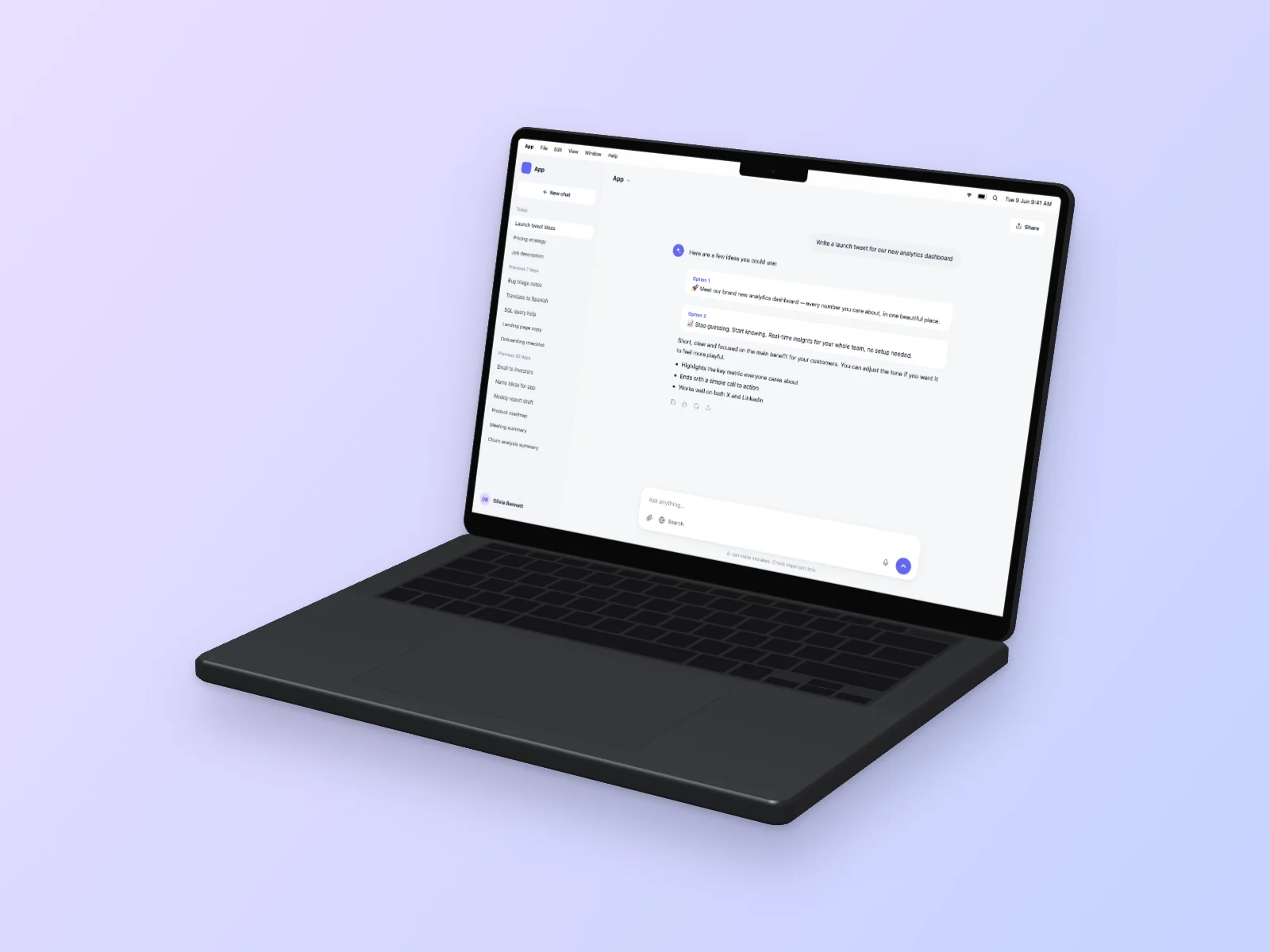 AI Chat on MacBook Pro 14-inch Mockup — Right Angle
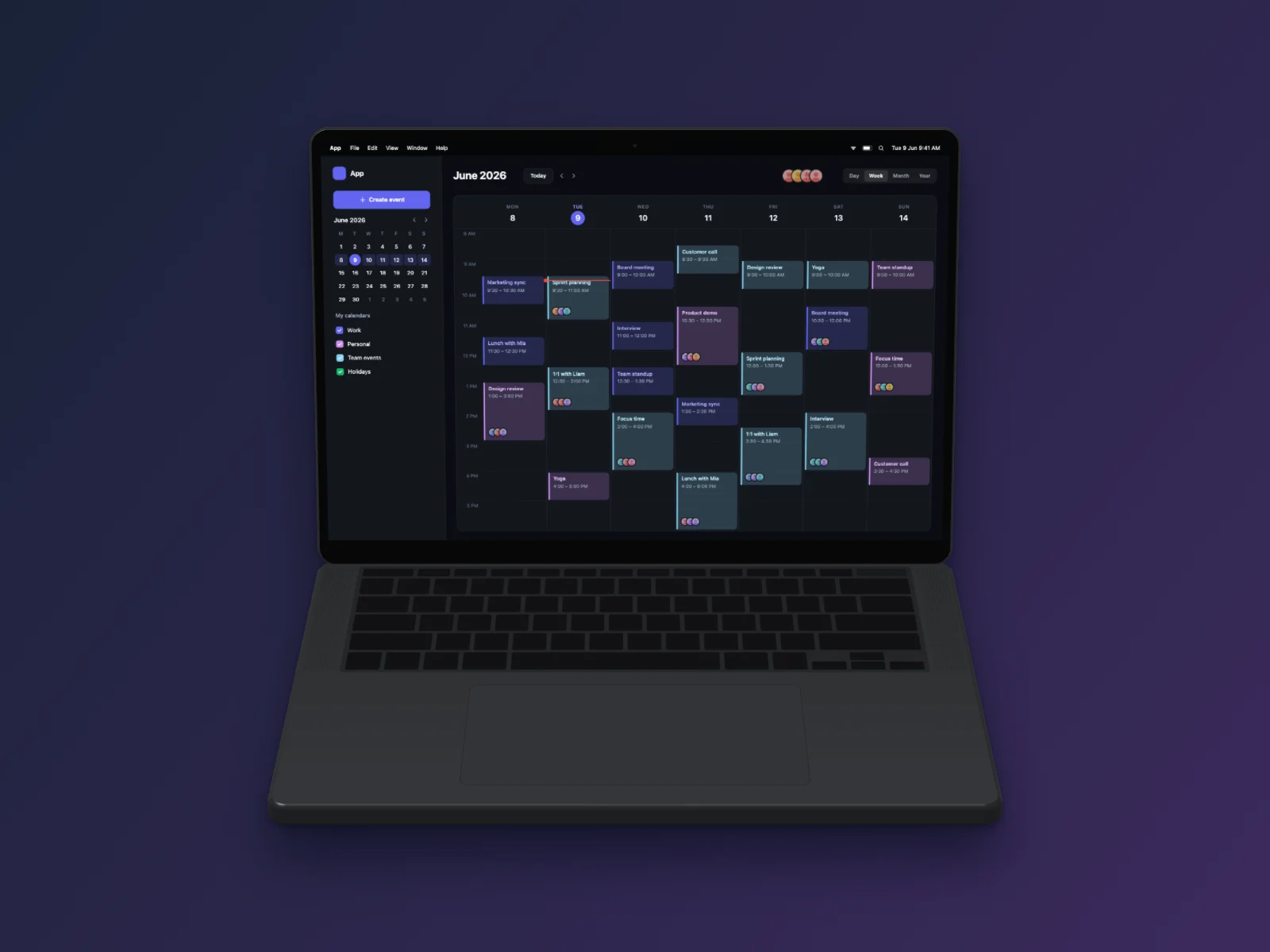 Calendar App on MacBook Pro 14-inch Mockup — Floating 3D, Dark Mode
How it works
Choose a screen
Pick one of 18 interface types (5 layouts each) or upload your own screenshot. Press “New variant” until you like it.
Choose a device
Put it on an iPhone 17 Pro, iPhone Air, MacBook Pro or MacBook Air — or show it in a browser window.
Download
Pick an angle and background, then download a high-resolution PNG, JPG or WebP. Transparent background works too.
Questions
Can I change the lid angle?
Each view uses a natural lid angle chosen for that camera.
Which colors are available?
Space Black and Silver for Pro; Midnight, Starlight, Sky Blue and Silver for Air.
Can I upload a website screenshot?
Yes.
Is UI Generator free?
Yes. Every interface, device, angle and export size is free, and you don’t need an account. You can use the images in commercial projects.
Can I put my own screenshot on an iPhone or MacBook?
Yes. Click “Your screenshot”, drag an image onto the preview or paste it with Ctrl/Cmd+V. Your image is processed in your browser and is never uploaded.
More mockups
- iPhone mockup generator
- iPhone 17 Pro mockup
- iPhone Air mockup
- MacBook mockup generator
- MacBook Pro mockup
- MacBook Air mockup
- iPhone and MacBook mockup together
- Isometric mockup generator
- 3D iPhone mockup
- Browser mockup generator
- Screenshot to mockup
- Transparent iPhone mockup PNG
- AI image generator mockup
- AI agent mockup
- AI meeting notes mockup
- AI chat mockup
- Dashboard mockup generator
- Fake dashboard generator
- Mobile app mockup generator
- Finance app mockup