Click “Your screenshot”, drag an image onto the preview or just paste it. Portrait screenshots go on an iPhone automatically, landscape ones on a MacBook. Pick an angle and a background and download.
Your image is processed entirely in your browser — it never leaves your computer.
Examples
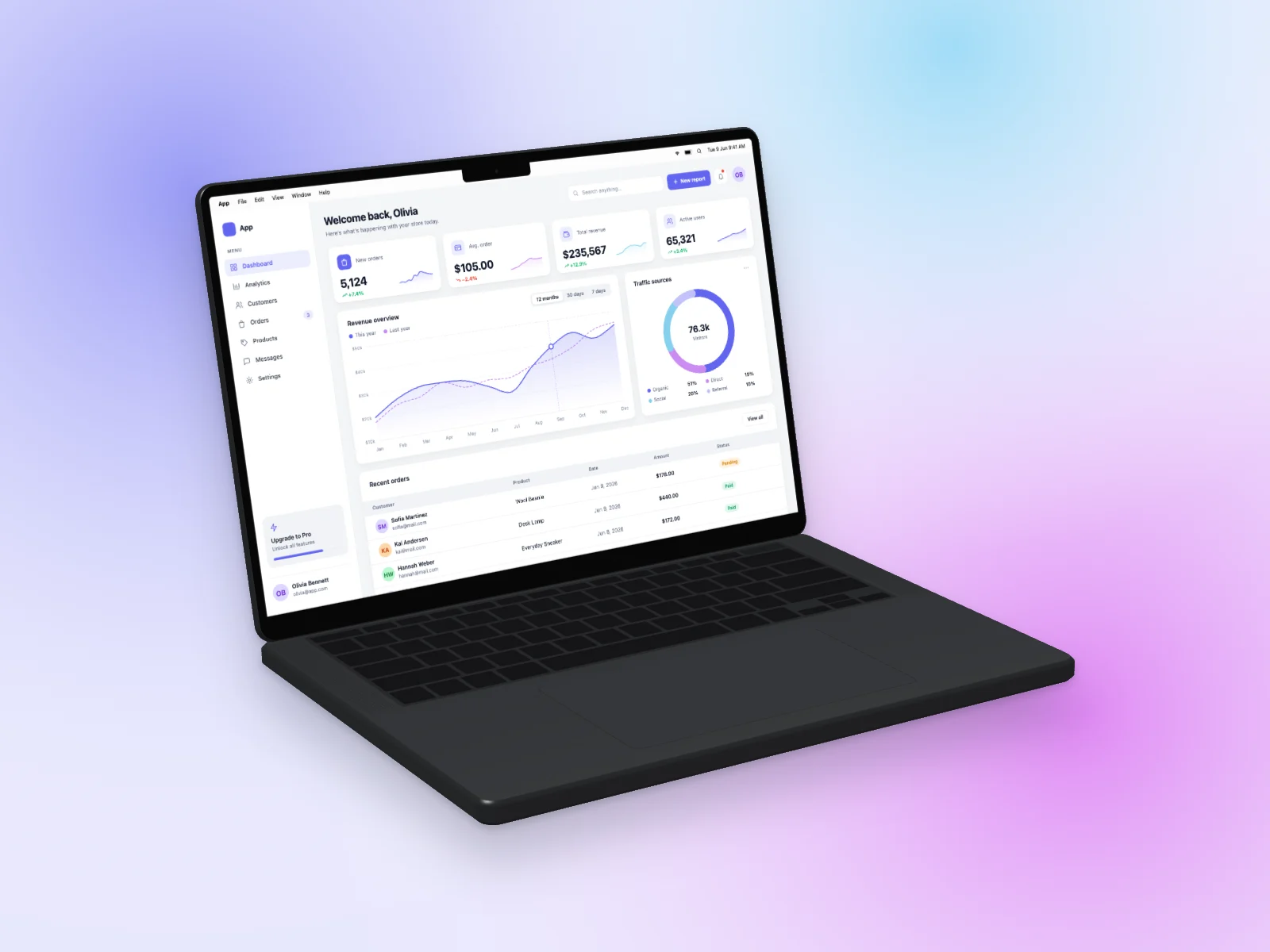 Analytics Dashboard on MacBook Pro 14-inch Mockup — Left Angle
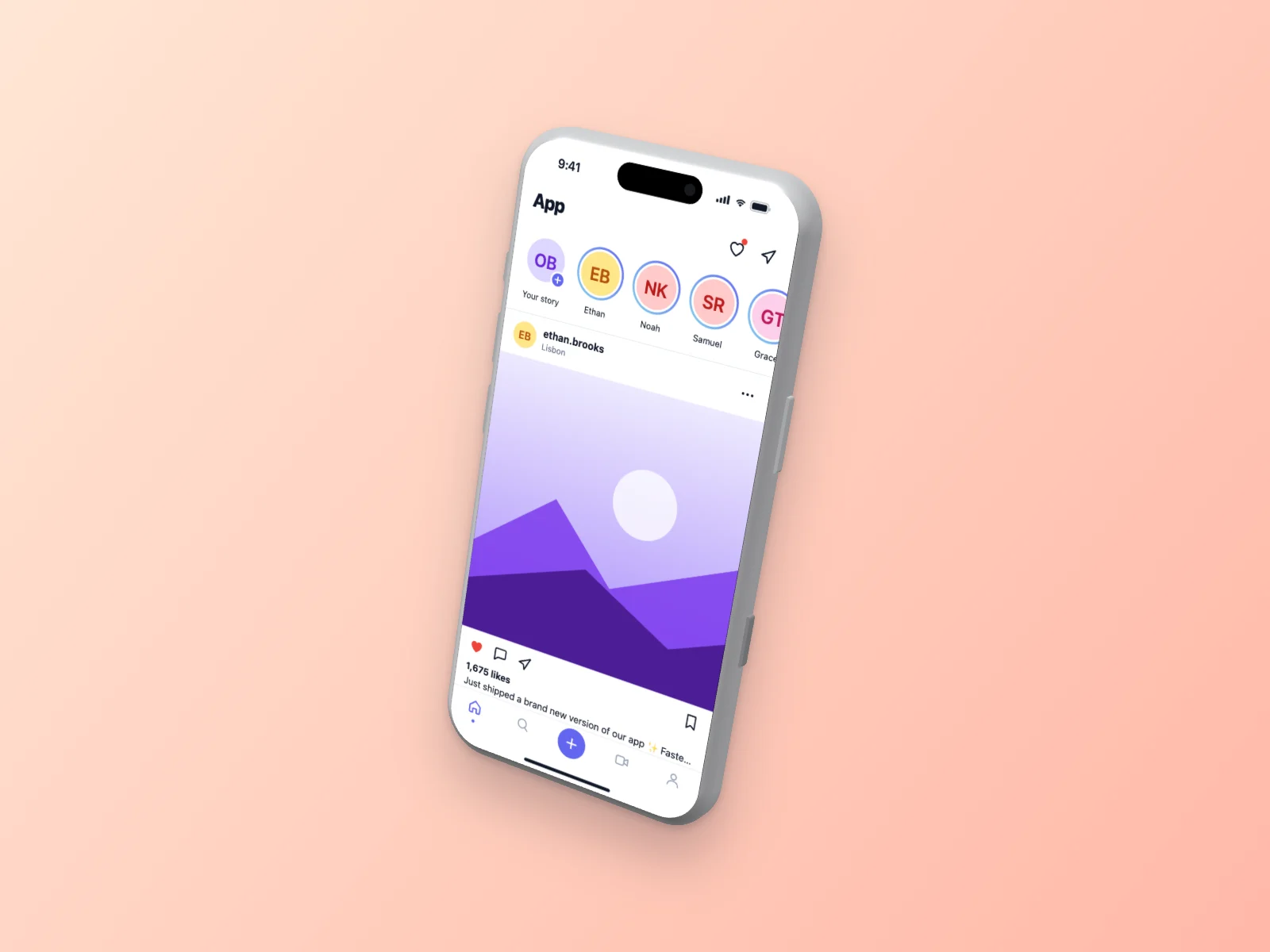 Social Media App on iPhone 17 Pro Mockup — Floating 3D, Peach
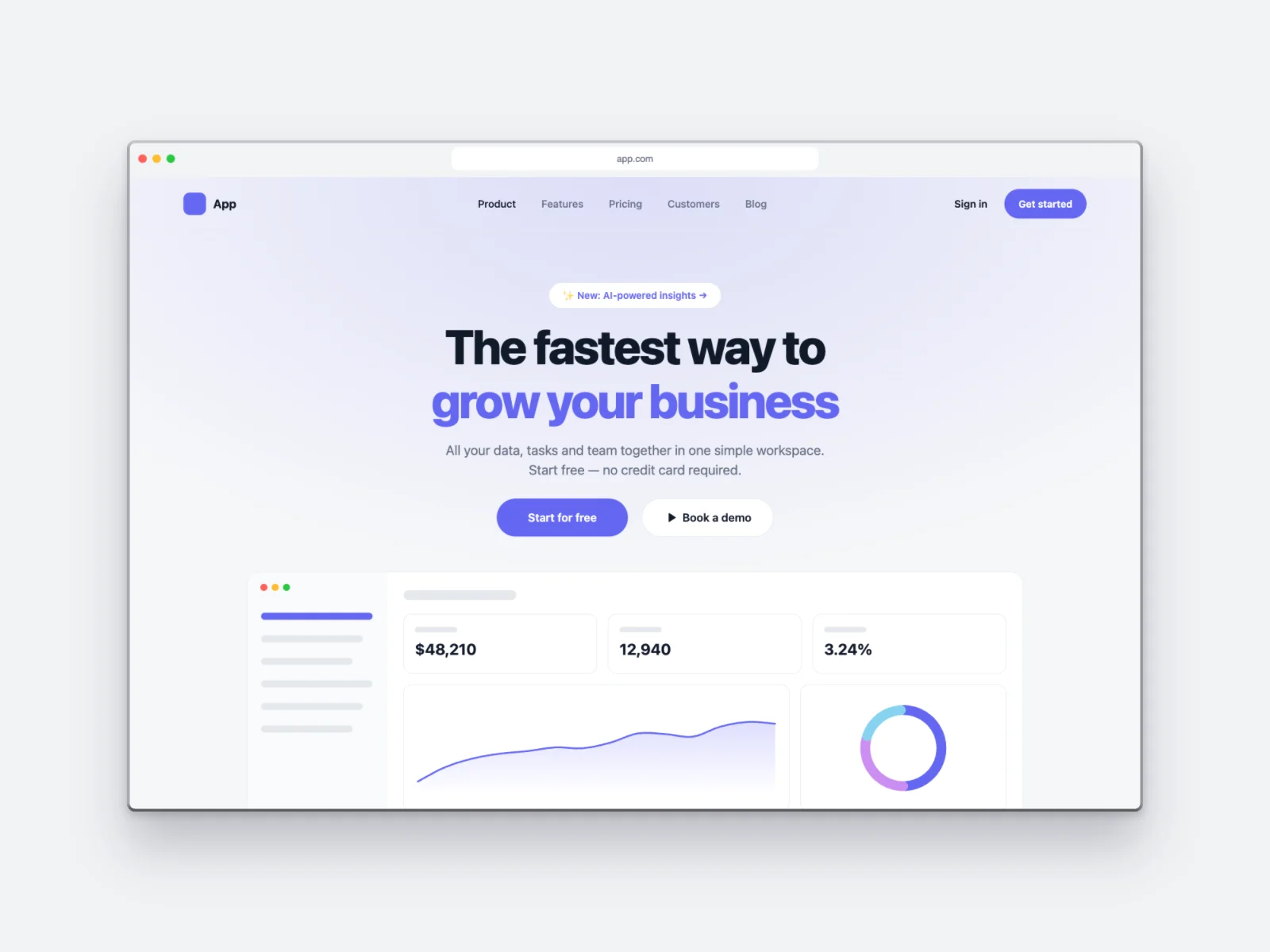 Landing Page on Browser Window Mockup, Light Grey
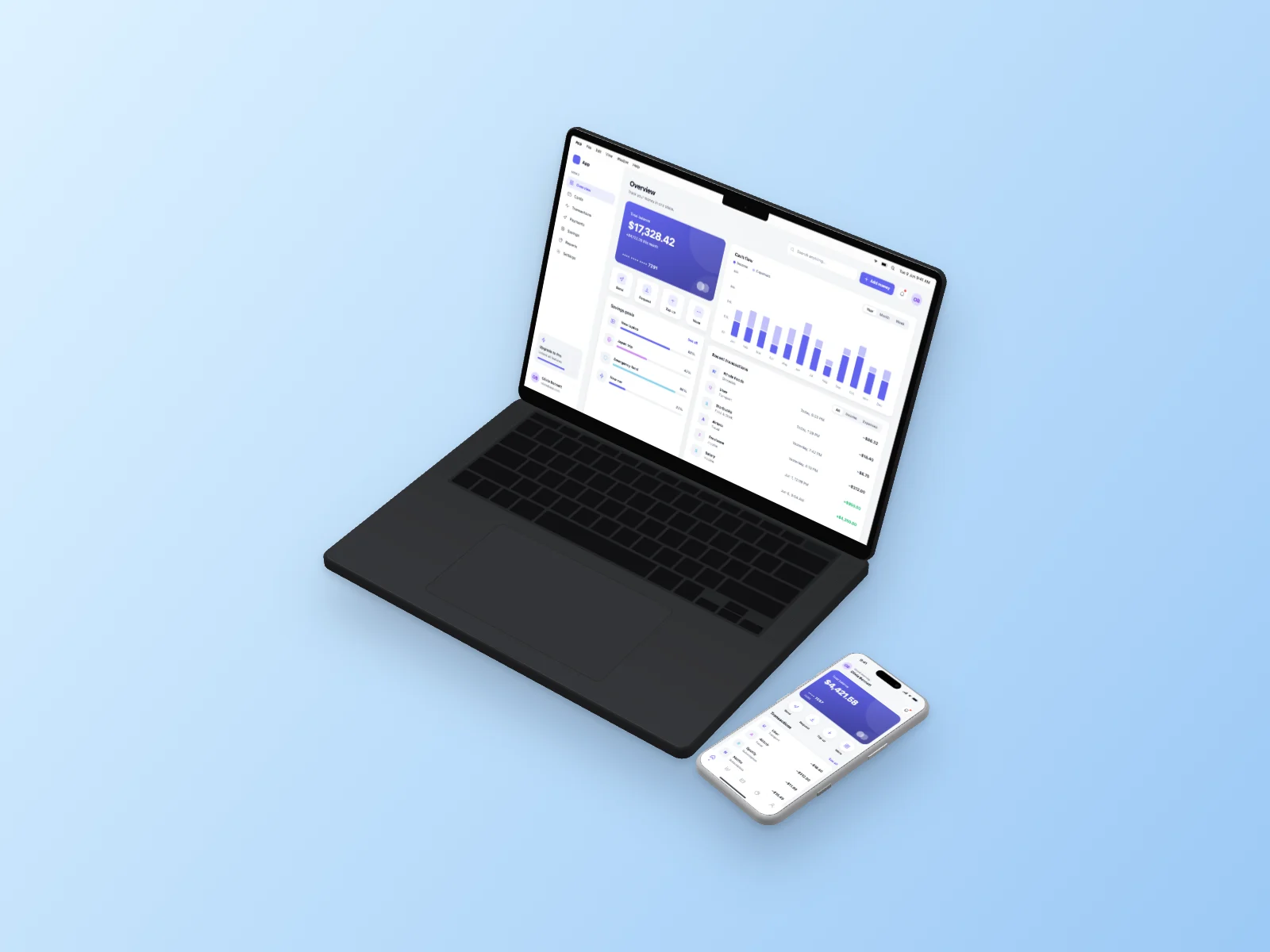 Finance App on MacBook Pro 14-inch and iPhone 17 Pro Mockup — Isometric
How it works
Choose a screen
Pick one of 18 interface types (5 layouts each) or upload your own screenshot. Press “New variant” until you like it.
Choose a device
Put it on an iPhone 17 Pro, iPhone Air, MacBook Pro or MacBook Air — or show it in a browser window.
Download
Pick an angle and background, then download a high-resolution PNG, JPG or WebP. Transparent background works too.
Questions
Is my screenshot uploaded anywhere?
No. All rendering happens in your browser. We never see your image.
What formats are supported?
PNG, JPG, WebP, GIF and any image your browser can open.
How does it fit my screenshot?
It fills the screen and is aligned to the top, so tall screenshots show their top part.
Is UI Generator free?
Yes. Every interface, device, angle and export size is free, and you don’t need an account. You can use the images in commercial projects.
Can I put my own screenshot on an iPhone or MacBook?
Yes. Click “Your screenshot”, drag an image onto the preview or paste it with Ctrl/Cmd+V. Your image is processed in your browser and is never uploaded.
More mockups
- iPhone mockup generator
- iPhone 17 Pro mockup
- iPhone Air mockup
- MacBook mockup generator
- MacBook Pro mockup
- MacBook Air mockup
- iPhone and MacBook mockup together
- Isometric mockup generator
- 3D iPhone mockup
- 3D MacBook mockup
- Browser mockup generator
- Transparent iPhone mockup PNG
- AI image generator mockup
- AI agent mockup
- AI meeting notes mockup
- AI chat mockup
- Dashboard mockup generator
- Fake dashboard generator
- Mobile app mockup generator
- Finance app mockup