Transparent PNGs are easy to place on any website section, slide or social post. The background is fully transparent, while the soft drop shadow is kept so the phone still looks grounded.
Examples
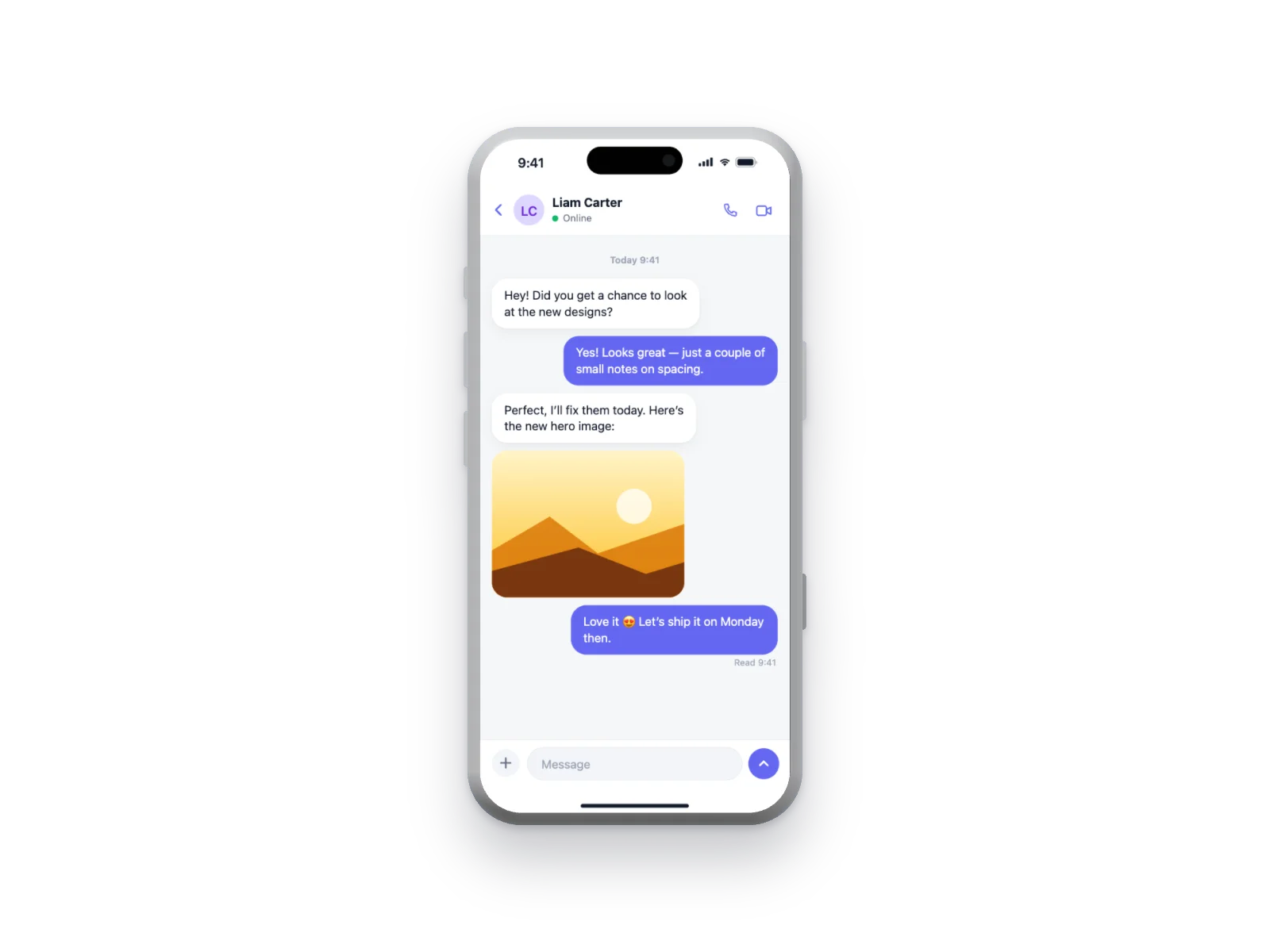 Chat App on iPhone 17 Pro Mockup
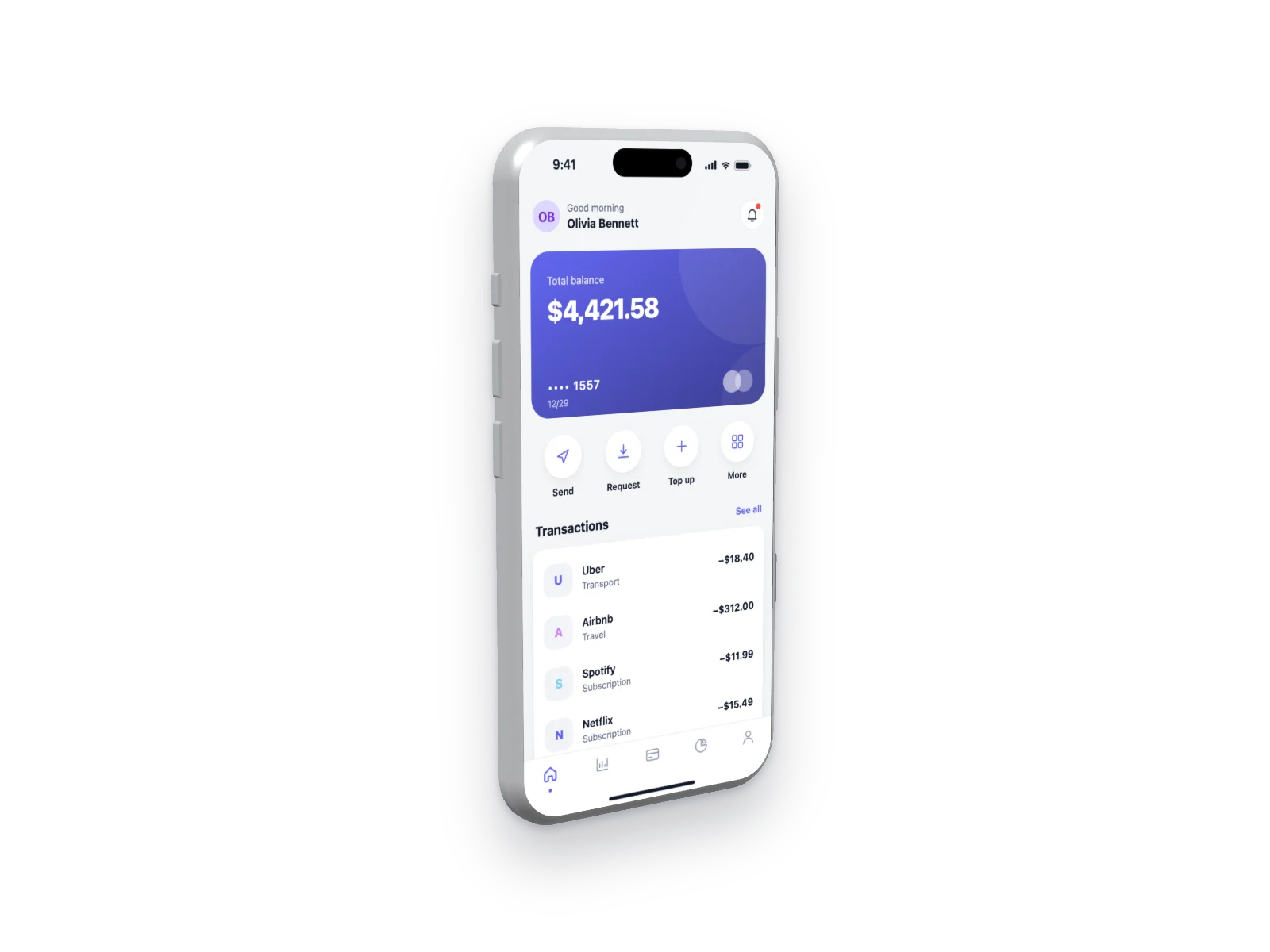 Finance App on iPhone 17 Pro Mockup — Left Angle, Transparent
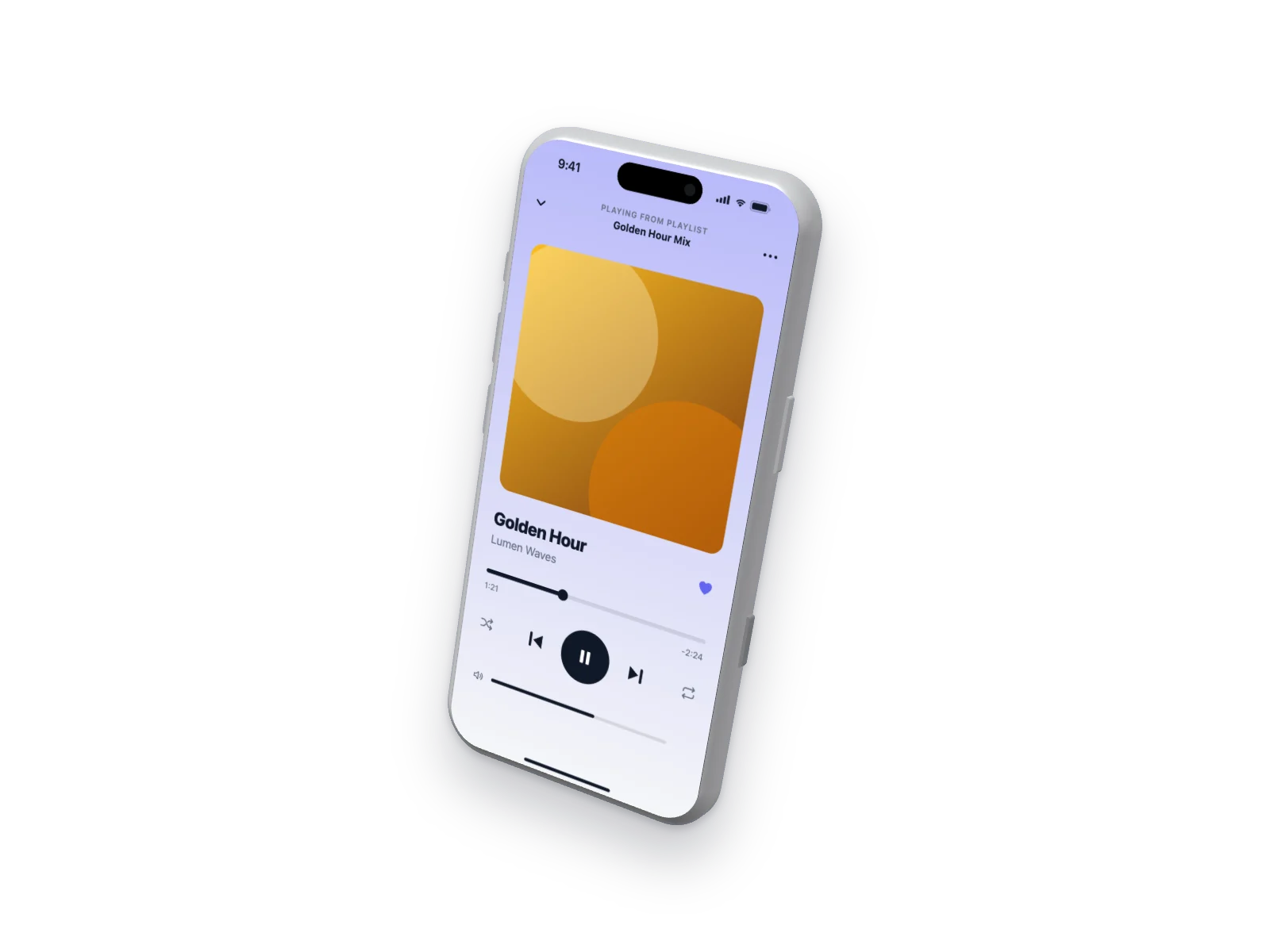 Music Player on iPhone 17 Pro Mockup — Floating 3D, Transparent
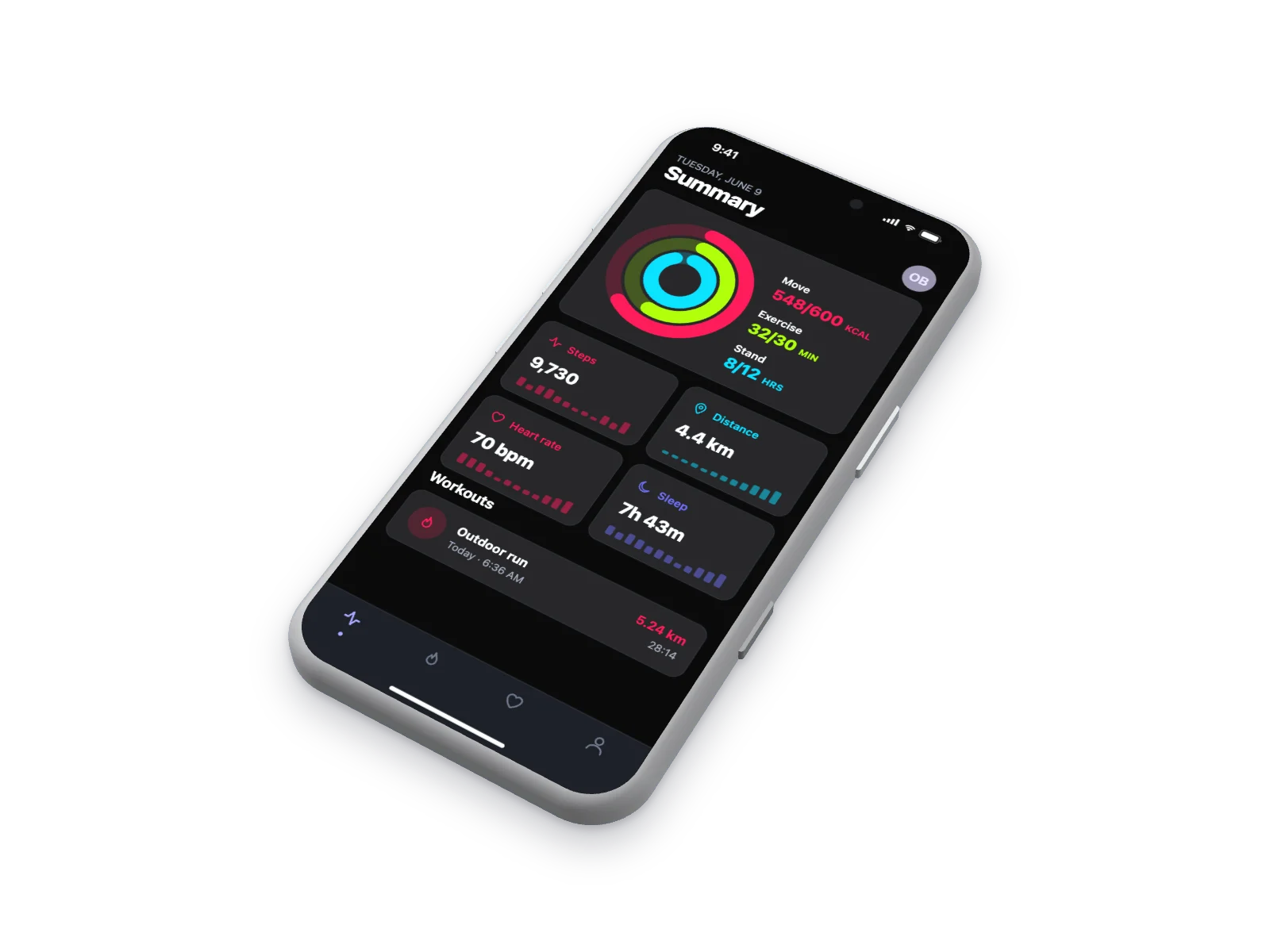 Fitness App on iPhone 17 Pro Mockup — Isometric, Dark Mode
How it works
Choose a screen
Pick one of 18 interface types (5 layouts each) or upload your own screenshot. Press “New variant” until you like it.
Choose a device
Put it on an iPhone 17 Pro, iPhone Air, MacBook Pro or MacBook Air — or show it in a browser window.
Download
Pick an angle and background, then download a high-resolution PNG, JPG or WebP. Transparent background works too.
Questions
Is the shadow included?
Yes, you can also turn it off under Background.
Which format keeps transparency?
PNG and WebP. JPG always gets a white background.
What resolution is it?
About 3000 px on the long side in Auto size.
Is UI Generator free?
Yes. Every interface, device, angle and export size is free, and you don’t need an account. You can use the images in commercial projects.
Can I put my own screenshot on an iPhone or MacBook?
Yes. Click “Your screenshot”, drag an image onto the preview or paste it with Ctrl/Cmd+V. Your image is processed in your browser and is never uploaded.
More mockups
- iPhone mockup generator
- iPhone 17 Pro mockup
- iPhone Air mockup
- MacBook mockup generator
- MacBook Pro mockup
- MacBook Air mockup
- iPhone and MacBook mockup together
- Isometric mockup generator
- 3D iPhone mockup
- 3D MacBook mockup
- Browser mockup generator
- Screenshot to mockup
- AI image generator mockup
- AI agent mockup
- AI meeting notes mockup
- AI chat mockup
- Dashboard mockup generator
- Fake dashboard generator
- Mobile app mockup generator
- Finance app mockup