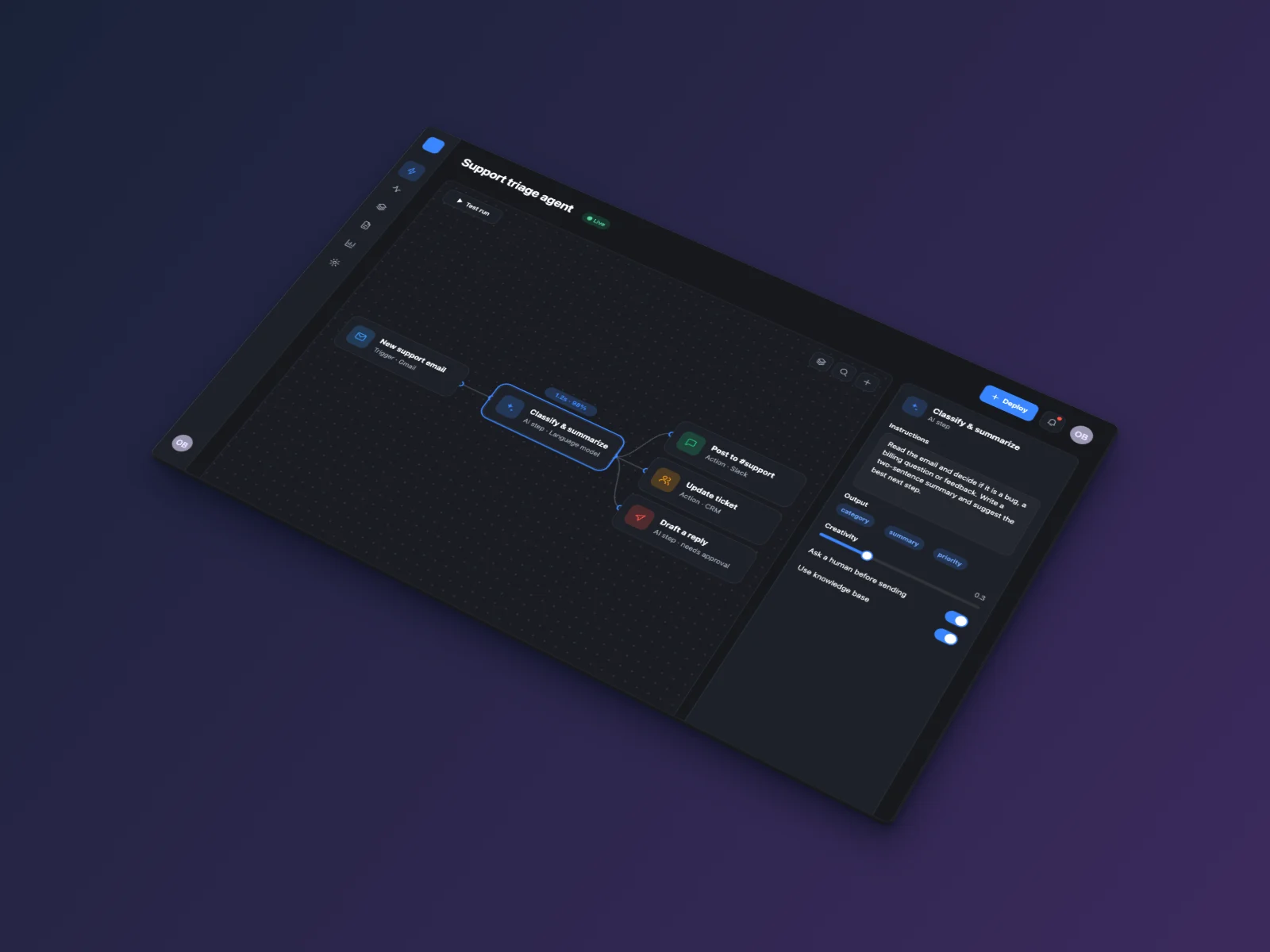
A ready-to-use ai agent builder screenshot in a isometric view in dark mode. It is generated in your browser — open it in the editor above, adjust anything and download.
What’s on the screen
The desktop screen is a visual agent builder: a dotted canvas with a trigger, a highlighted AI step and three connected actions, plus a side panel with instructions, outputs, a creativity slider and human-approval toggles.
Frame
There is no device frame: the screen itself is rendered as a thin floating panel with rounded corners, which keeps the focus entirely on the interface.
Angle and style
The device lies flat and is seen from above at an isometric angle, the look used on many modern SaaS websites for hero sections and feature blocks.
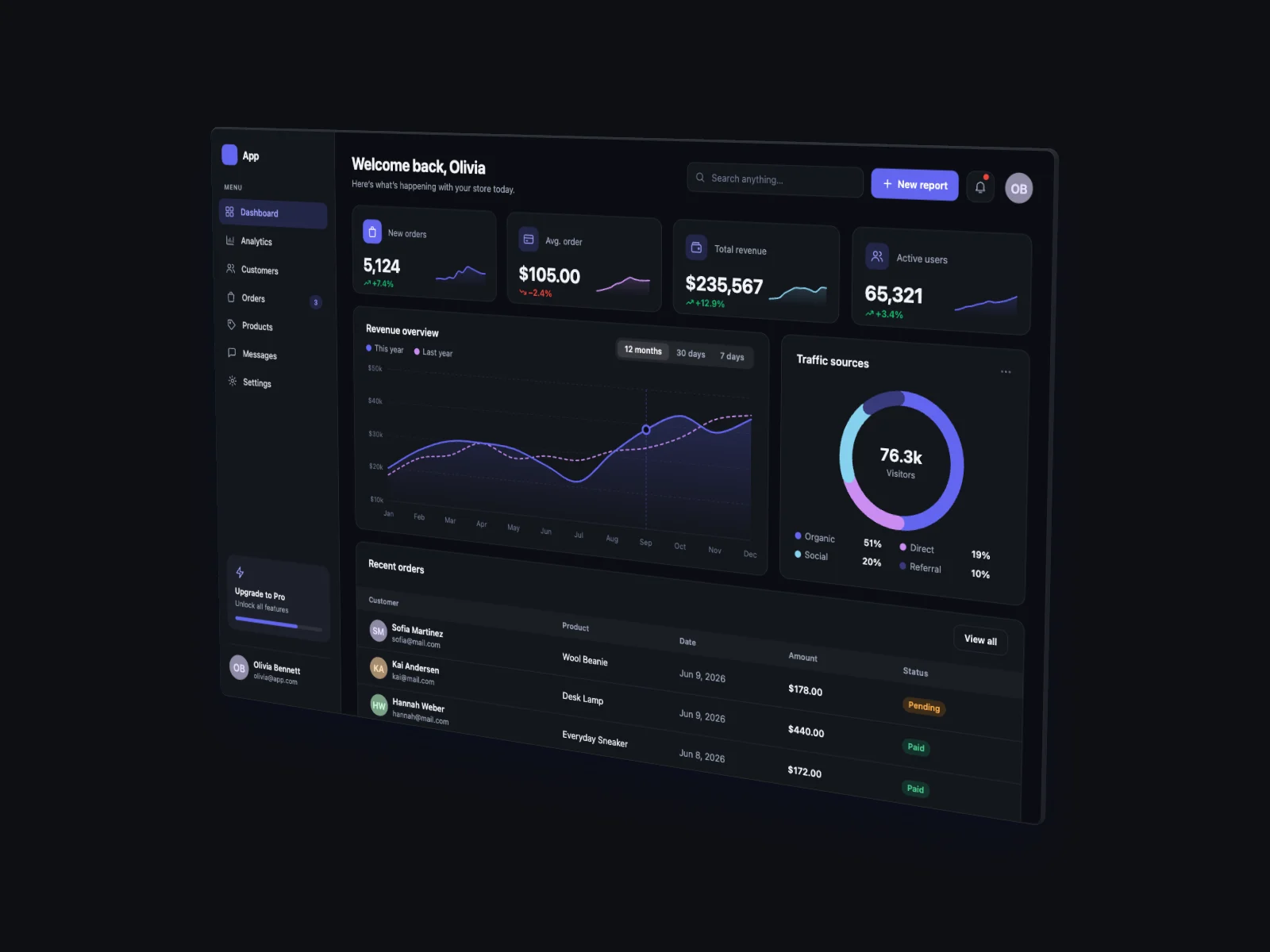
The interface uses the dark theme with the blue accent color and soft cards with gentle shadows. The scene is placed on a deep night gradient with a soft shadow.
Details
| Screen | AI Agent Builder (desktop) |
|---|---|
| Device | Desktop Screen |
| Color | — |
| Angle | Isometric |
| Theme | Dark |
| Accent | blue |
| Background | deep night gradient |
| Formats | PNG, JPG, WebP |
| Sizes | Auto (up to 3000 px), 1200×630, 1270×760, 1600×1200, 1080×1080, 1080×1350, 1920×1080 |
Good for
- AI agent and automation platforms
- Workflow and no-code tools
- Human-in-the-loop explainers
- Enterprise AI decks
Questions
Can I download this ai agent builder screenshot for free?
Yes. The editor at the top of this page is already set up exactly like the image. Press “Download” to get a high-resolution PNG, or change anything first. No account is needed and you can use it commercially.
Can I put this screen on an iPhone or MacBook?
Yes. Choose iPhone, MacBook, Browser or Both under “Device” and pick an angle.
Can I change the colors of this ai agent builder?
Yes. Pick one of 8 accent colors, switch between light and dark, or choose the Soft, Sharp or Glass style. “New variant” generates different data and names.
Similar mockups
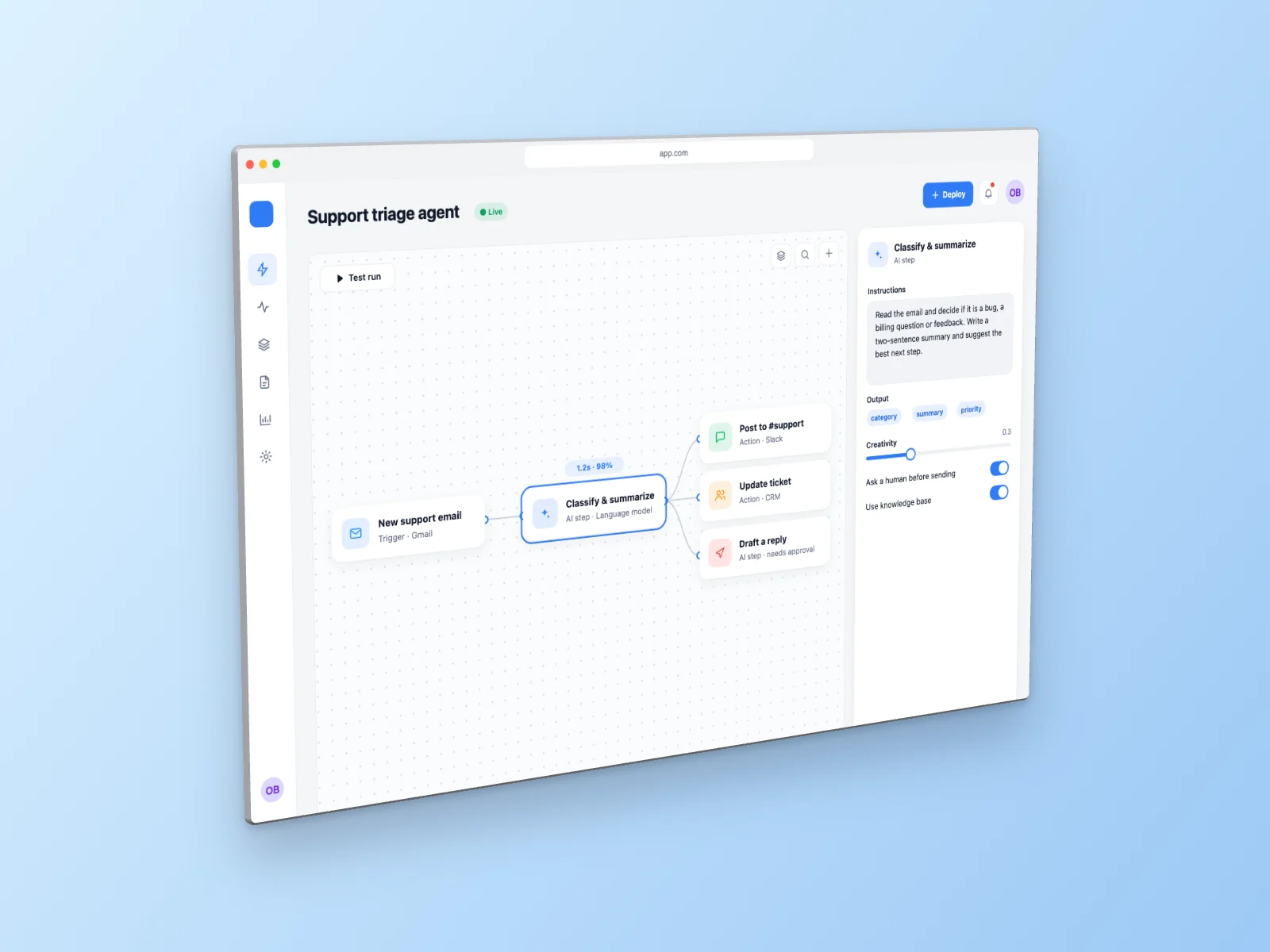 AI Agent Builder on Browser Window Mockup — Left Angle
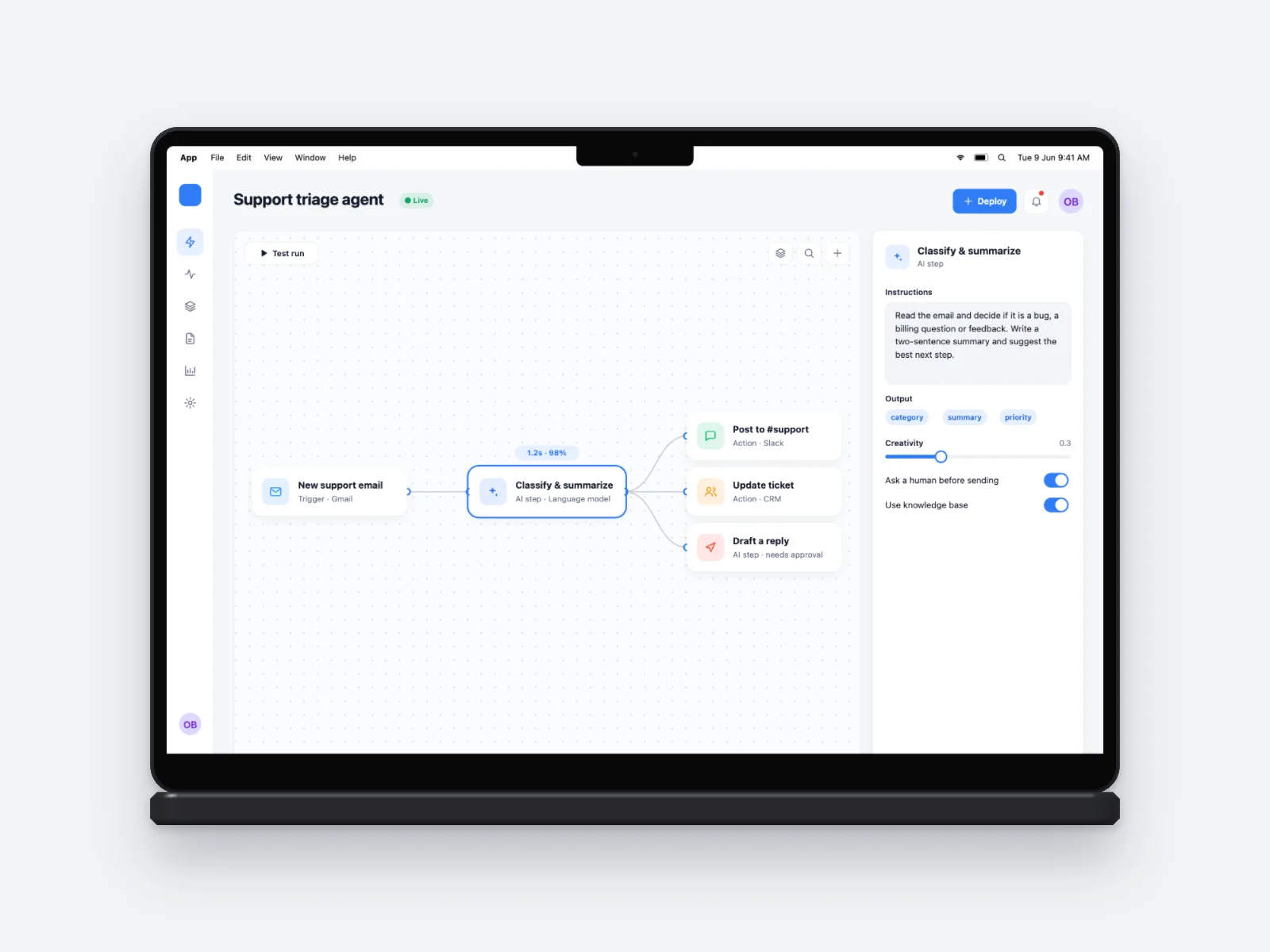 AI Agent Builder on MacBook Pro 14-inch Mockup
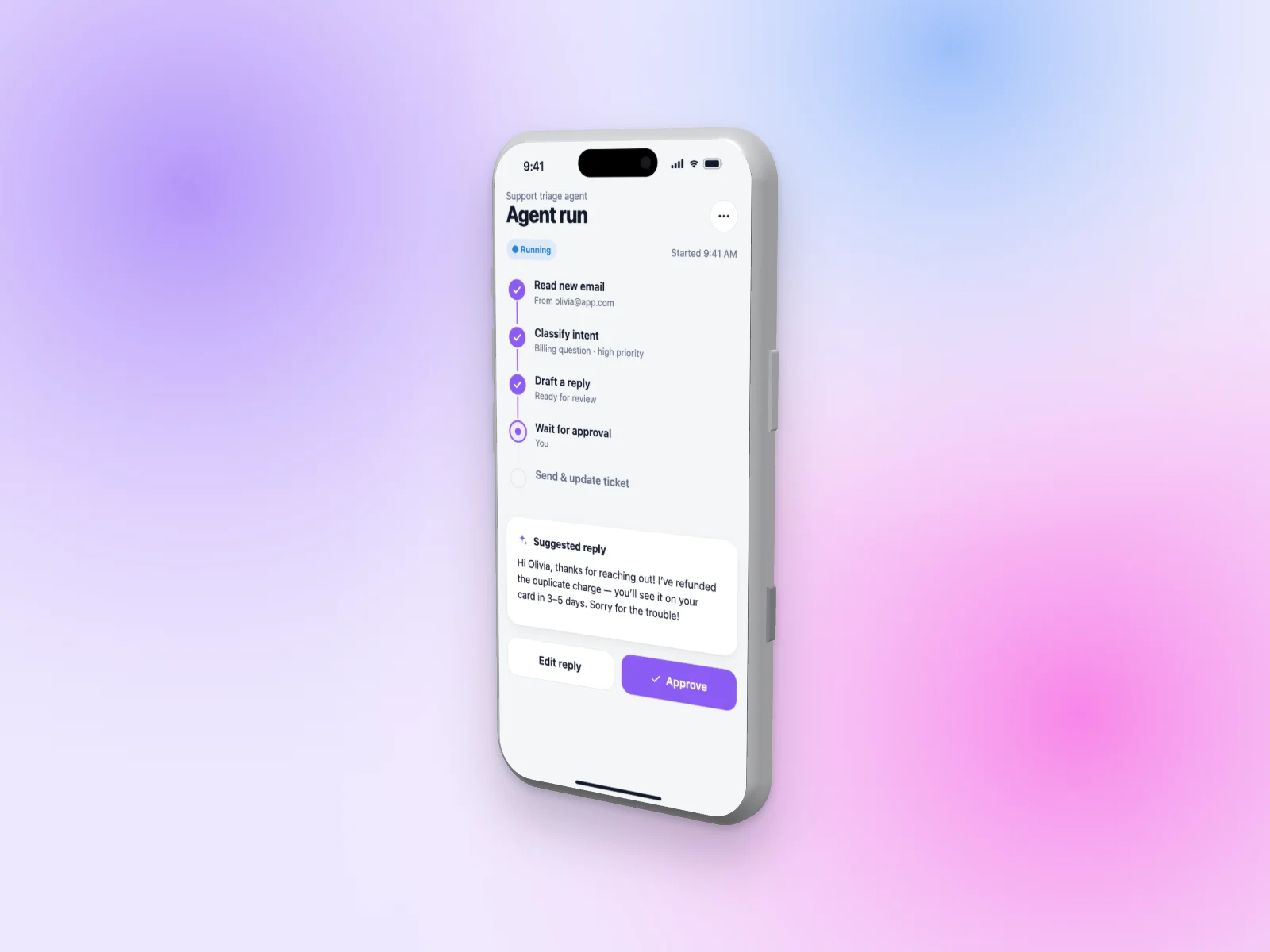 AI Agent Builder on iPhone 17 Pro Mockup — Right Angle
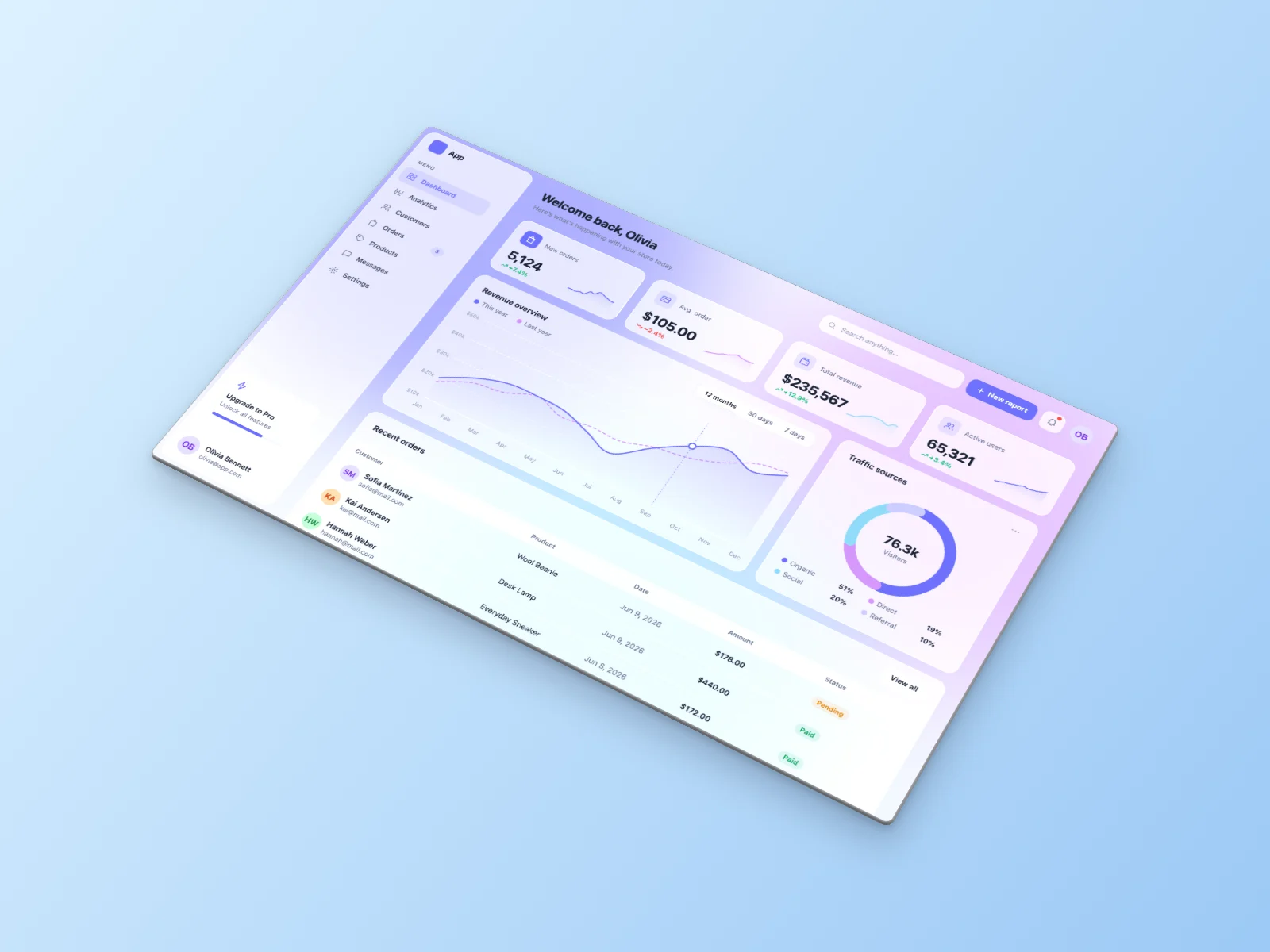 Analytics Dashboard UI Screenshot (Desktop) — Isometric
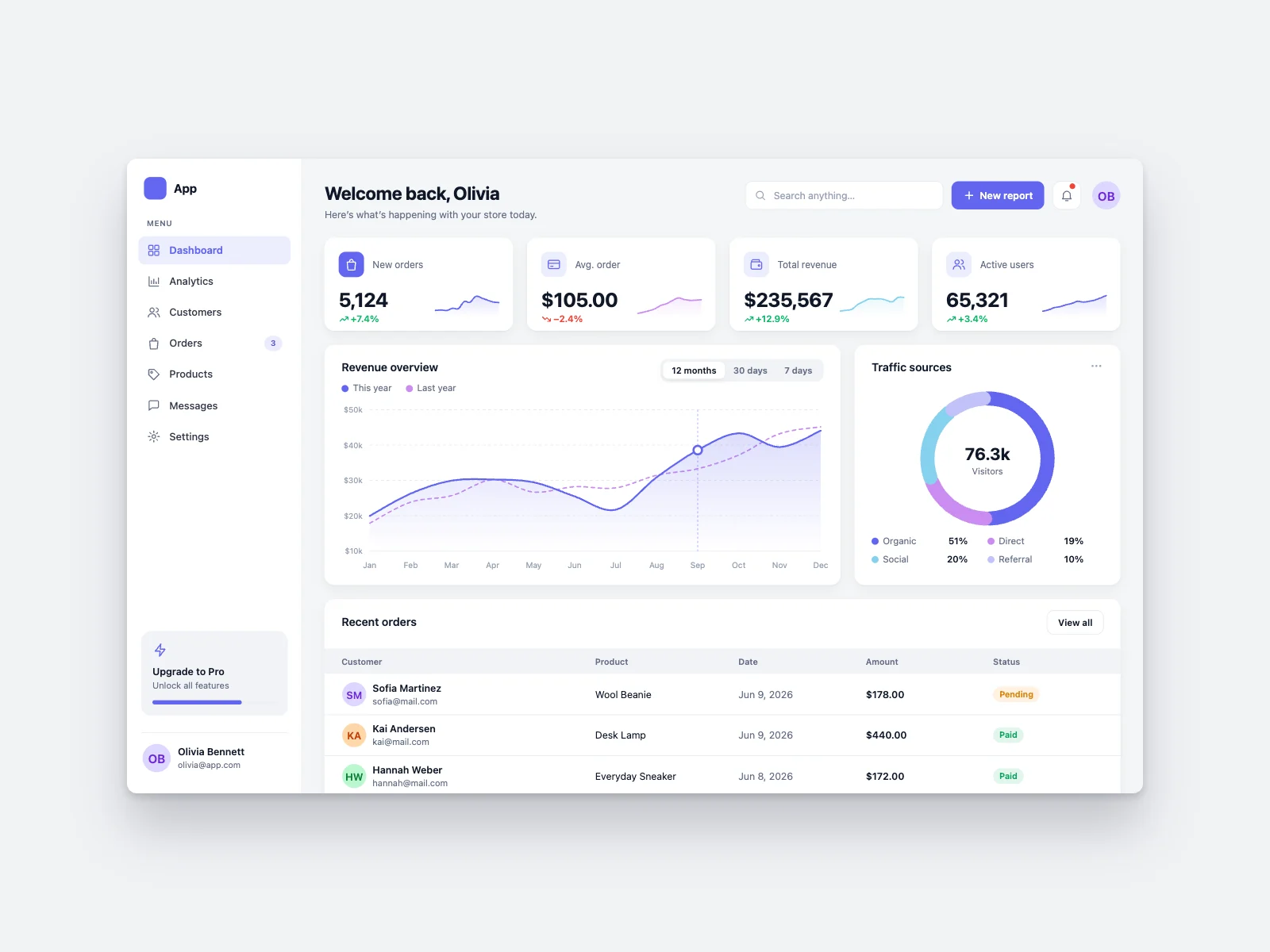 Analytics Dashboard UI Screenshot (Desktop)
 Analytics Dashboard UI Screenshot (Desktop) — Left Angle
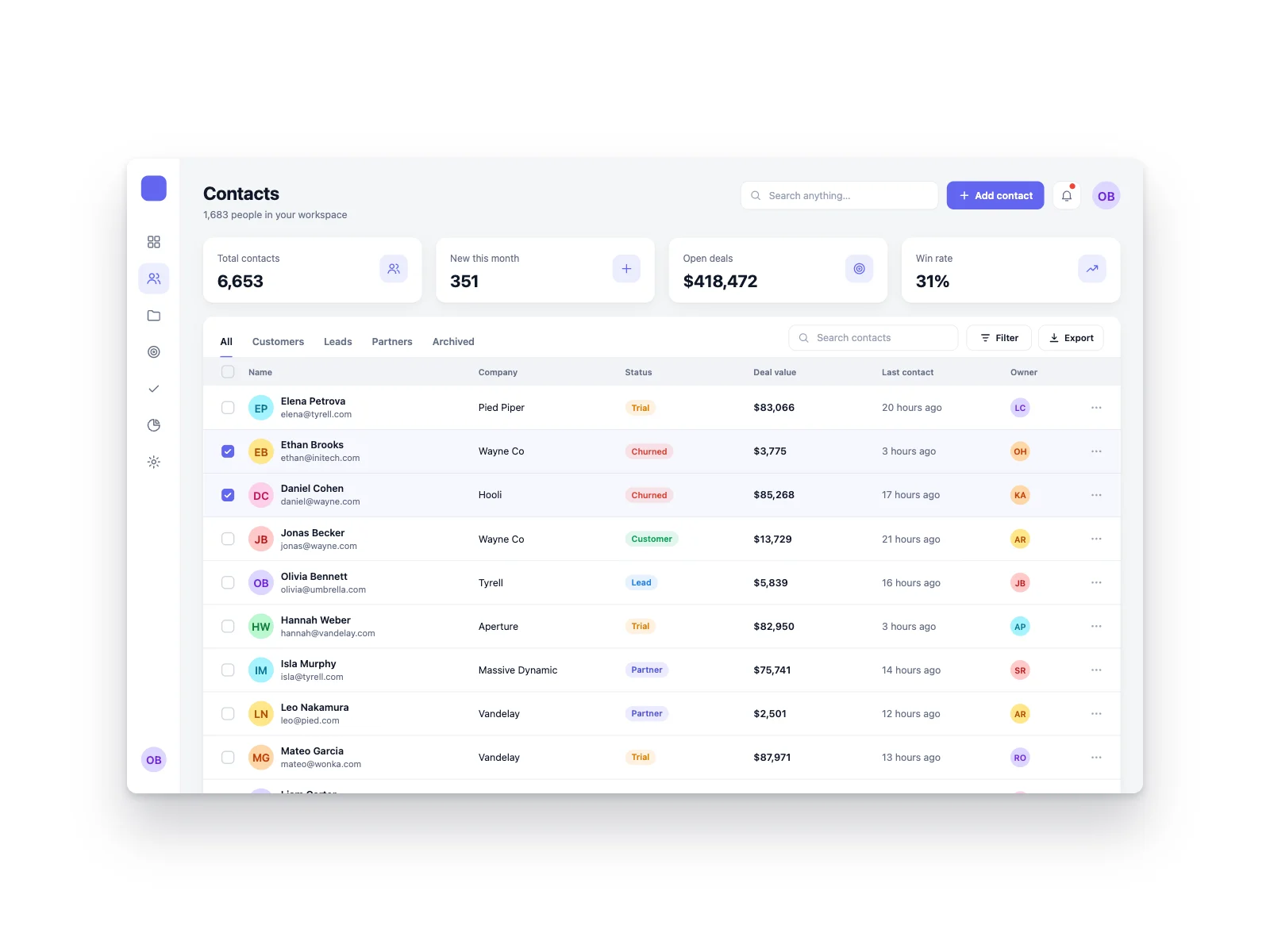 CRM Table UI Screenshot (Desktop)
 Analytics Dashboard UI Screenshot (Desktop) — Right Angle, Dark Mode