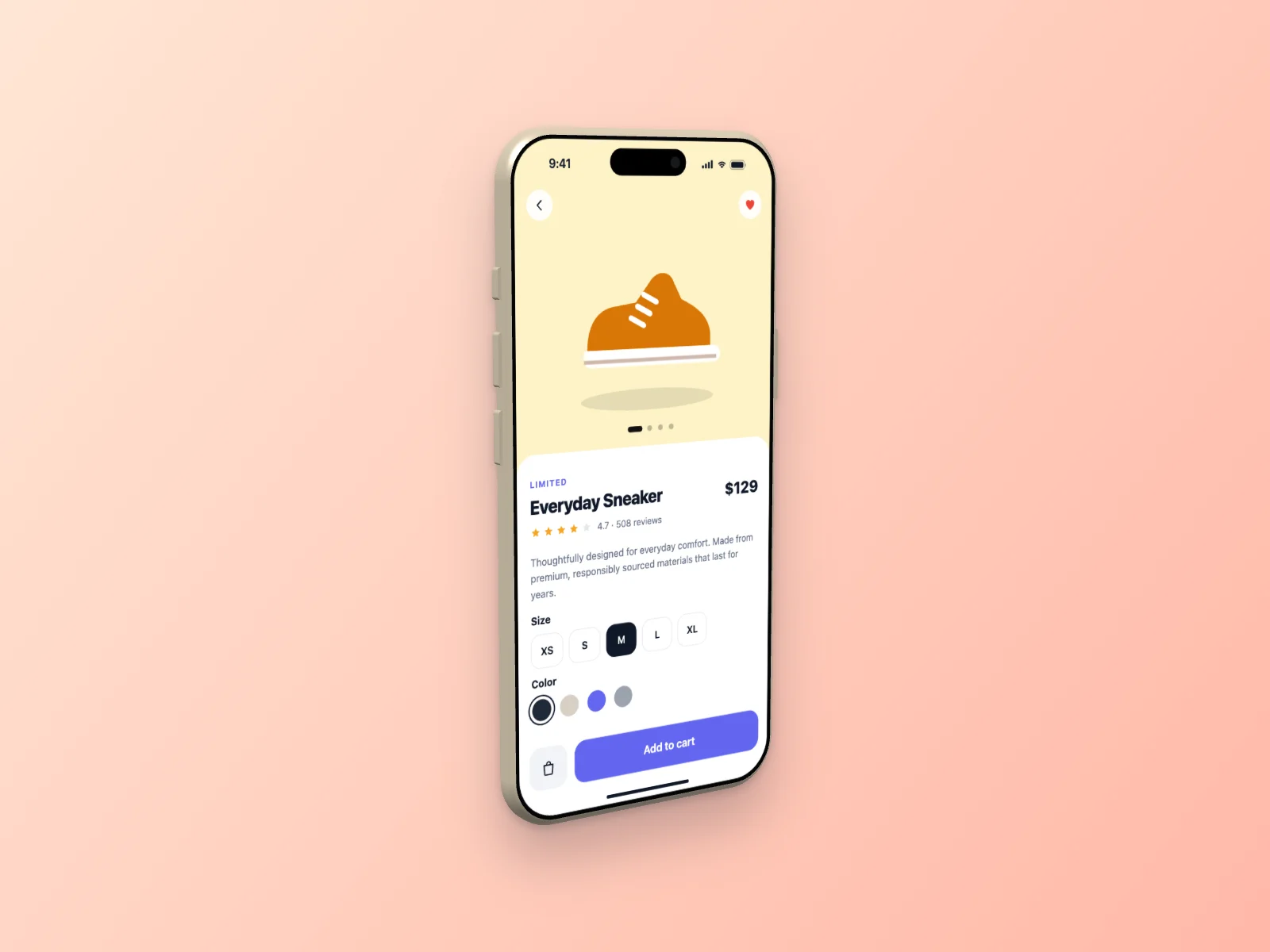
A ready-to-use e-commerce store mockup on iPhone Air in a left angle view. It is generated in your browser — open it in the editor above, adjust anything and download.
What’s on the screen
The mobile version is a product page with a large product photo, gallery dots, price, rating, description, size and color pickers and an “Add to cart” button.
The device
The screen sits on an iPhone Air in Light Gold, modeled from its real dimensions: rounded display corners, the Dynamic Island, a thin metal frame and the side buttons are all visible when the phone is turned.
Angle and style
The camera looks from the left and slightly above, so you see the side of the device and the screen in gentle perspective. It adds depth without hiding the interface.
The interface uses the light theme with the indigo accent color and soft cards with gentle shadows. The scene is placed on a peach gradient with a soft shadow.
Details
| Screen | E-commerce Store (mobile) |
|---|---|
| Device | iPhone Air |
| Color | Light Gold |
| Angle | Left Angle |
| Theme | Light |
| Accent | indigo |
| Background | peach gradient |
| Formats | PNG, JPG, WebP |
| Sizes | Auto (up to 3000 px), 1200×630, 1270×760, 1600×1200, 1080×1080, 1080×1350, 1920×1080 |
Good for
- E-commerce platforms and themes
- Online store launches
- Marketplace pitch decks
- DTC brand websites
Questions
Can I download this e-commerce store mockup for free?
Yes. The editor at the top of this page is already set up exactly like the image. Press “Download” to get a high-resolution PNG, or change anything first. No account is needed and you can use it commercially.
Can I put my own screenshot on this iPhone Air?
Yes. Click “Your screenshot” or drop an image on the preview. It replaces the generated e-commerce store and never leaves your browser.
Can I change the colors of this e-commerce store?
Yes. Pick one of 8 accent colors, switch between light and dark, or choose the Soft, Sharp or Glass style. “New variant” generates different data and names.
Similar mockups
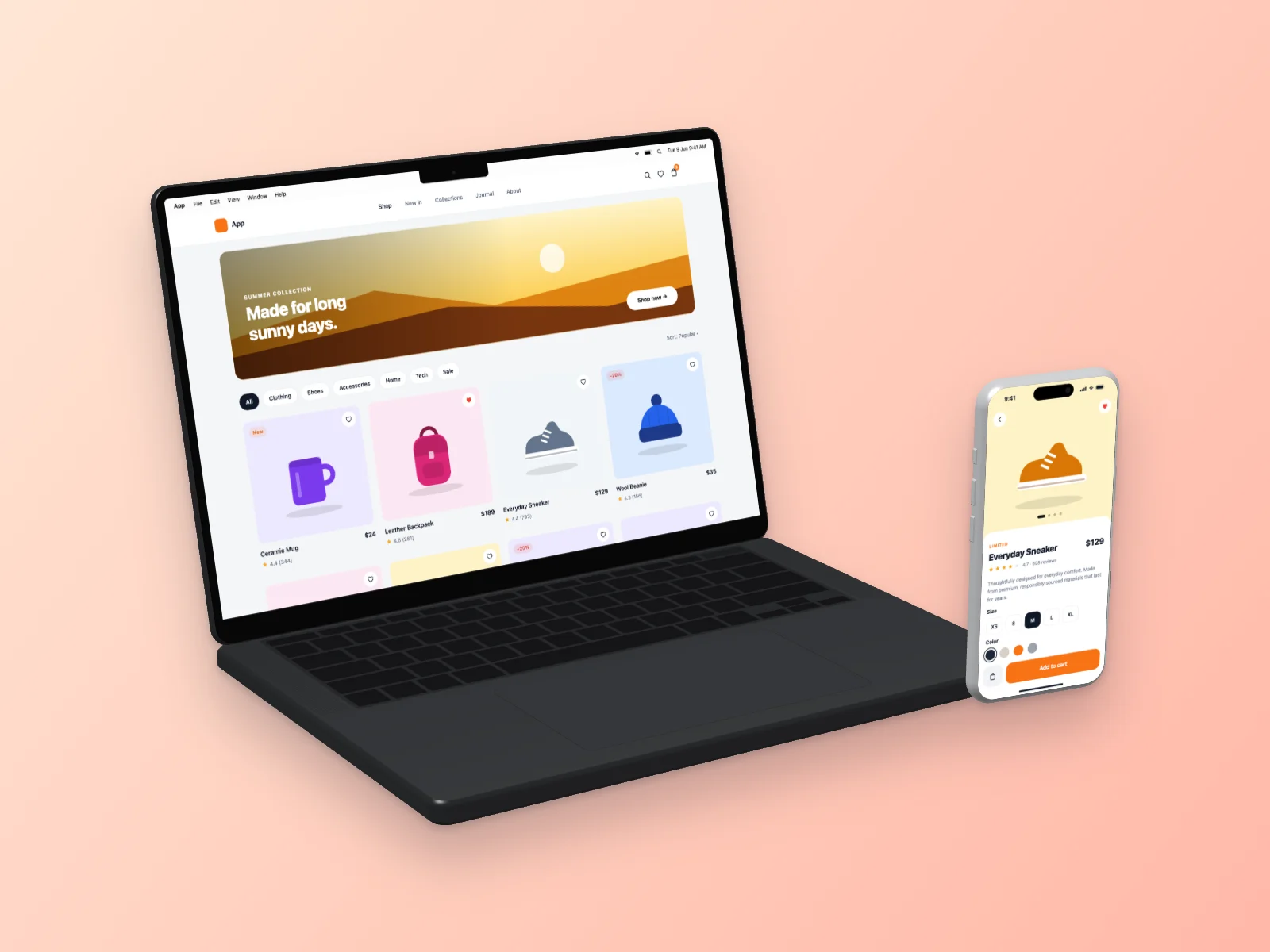 E-commerce Store on MacBook Pro 14-inch and iPhone 17 Pro Mockup — Left Angle
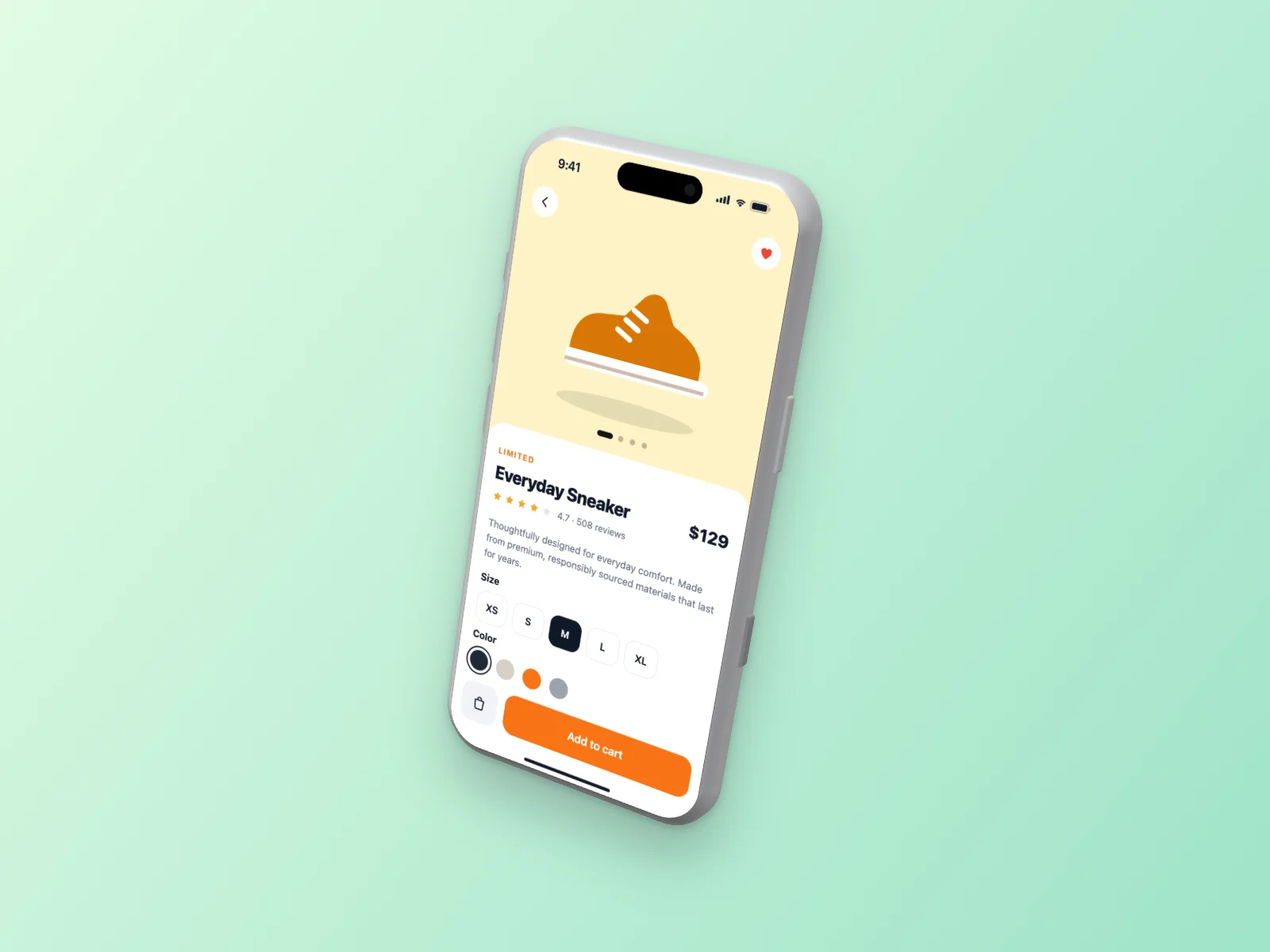 E-commerce Store on iPhone 17 Pro Mockup — Floating 3D
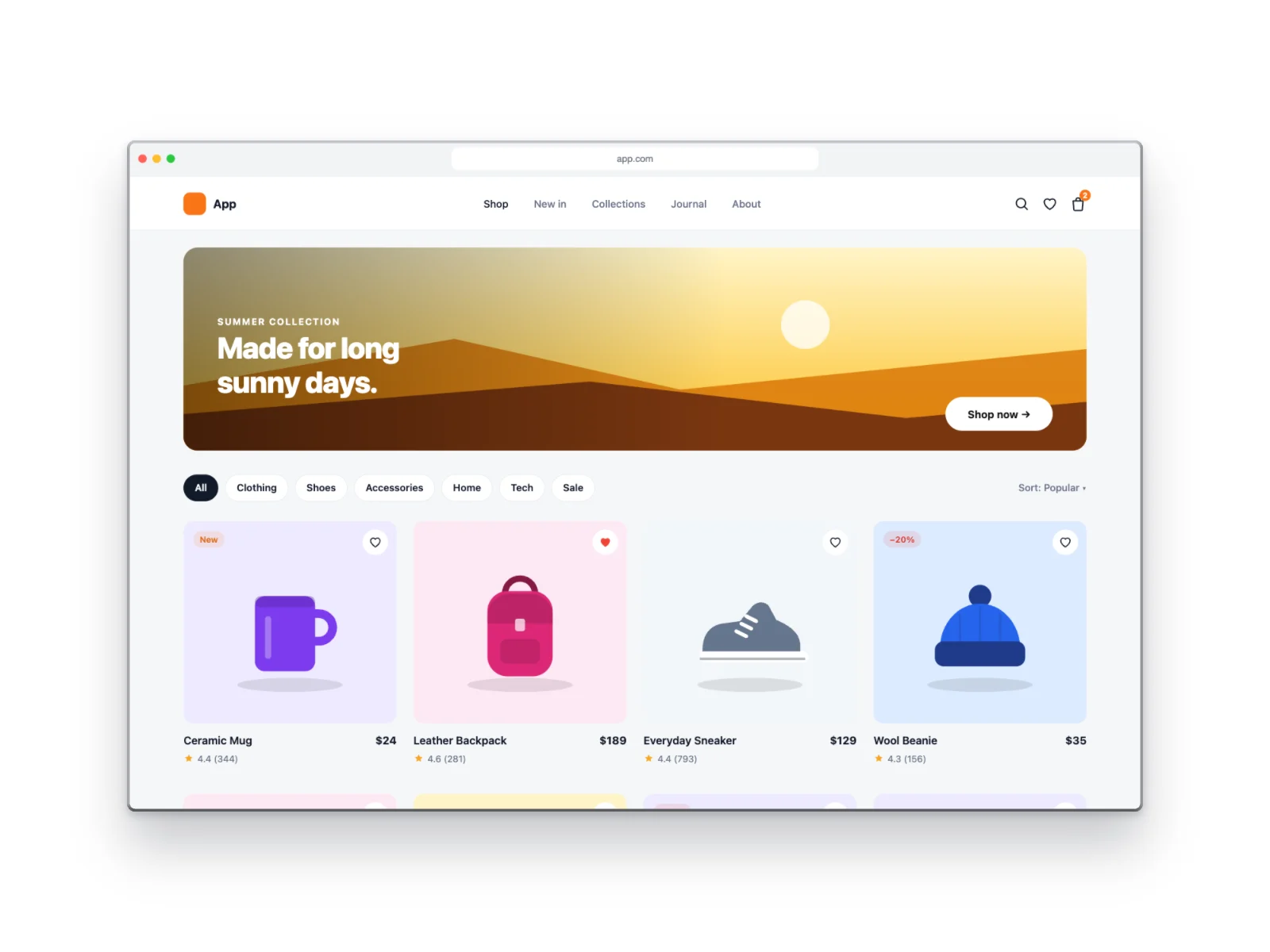 E-commerce Store on Browser Window Mockup
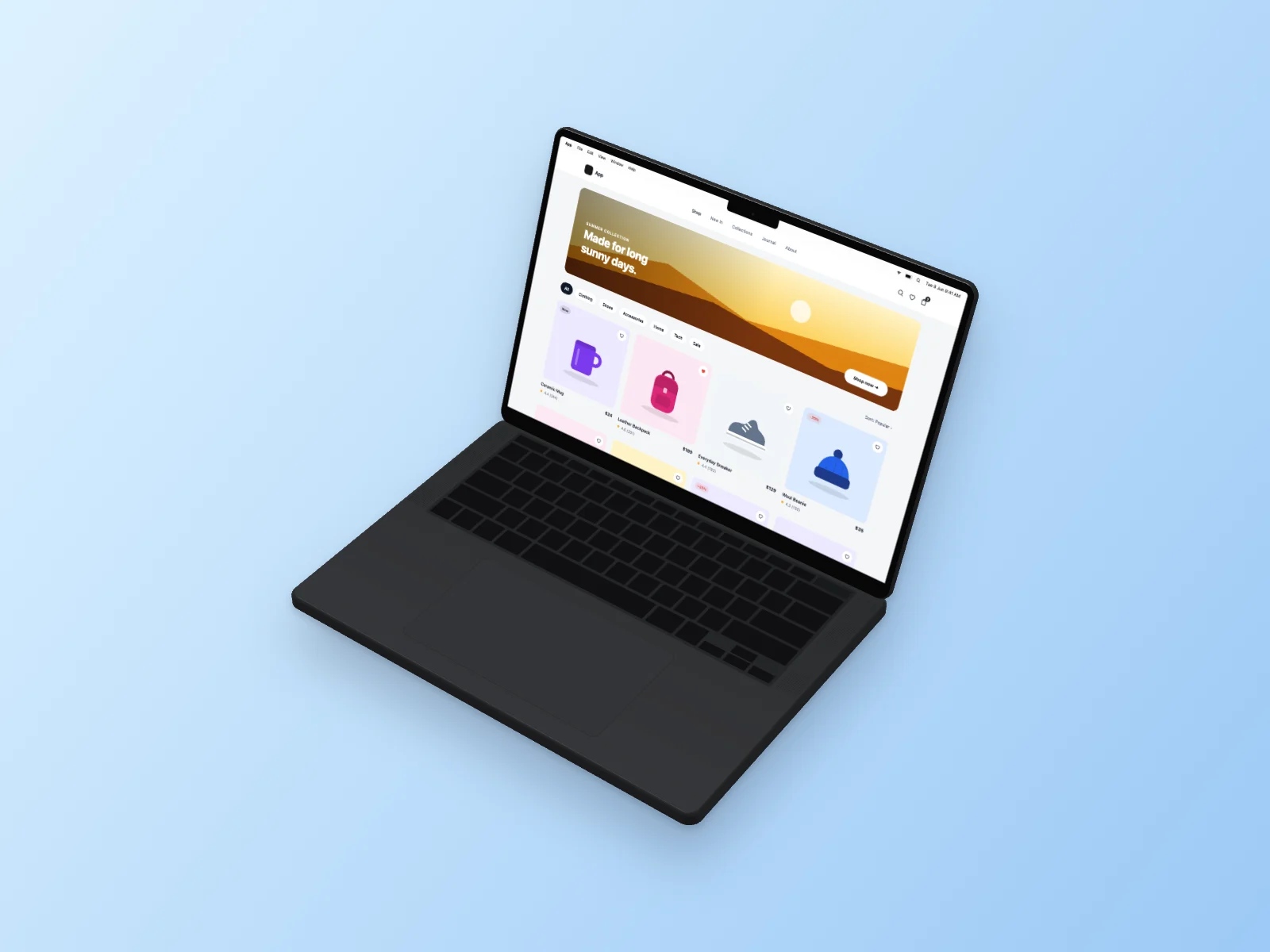 E-commerce Store on MacBook Pro 14-inch Mockup — Isometric
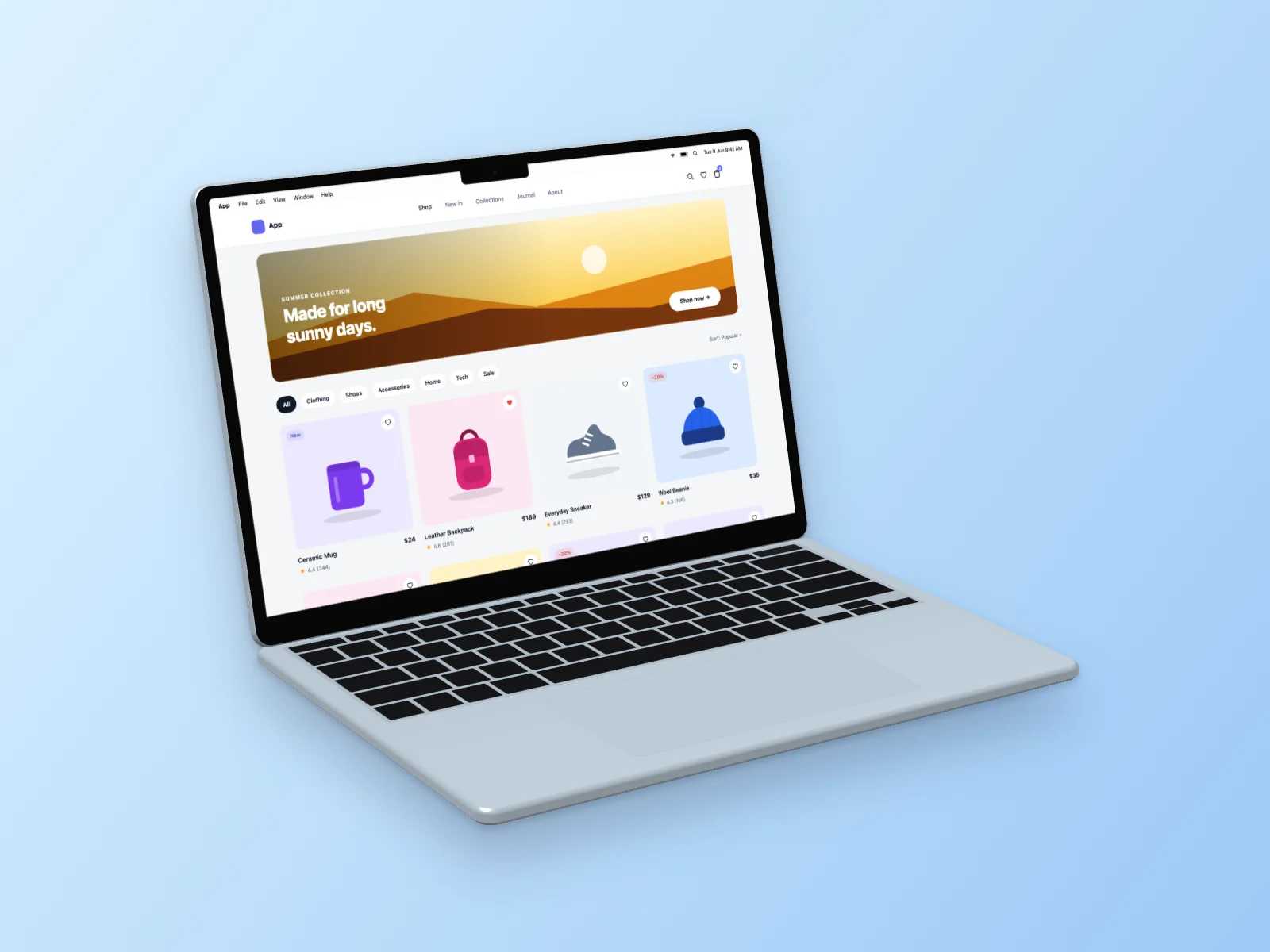 E-commerce Store on MacBook Air 13-inch Mockup — Left Angle
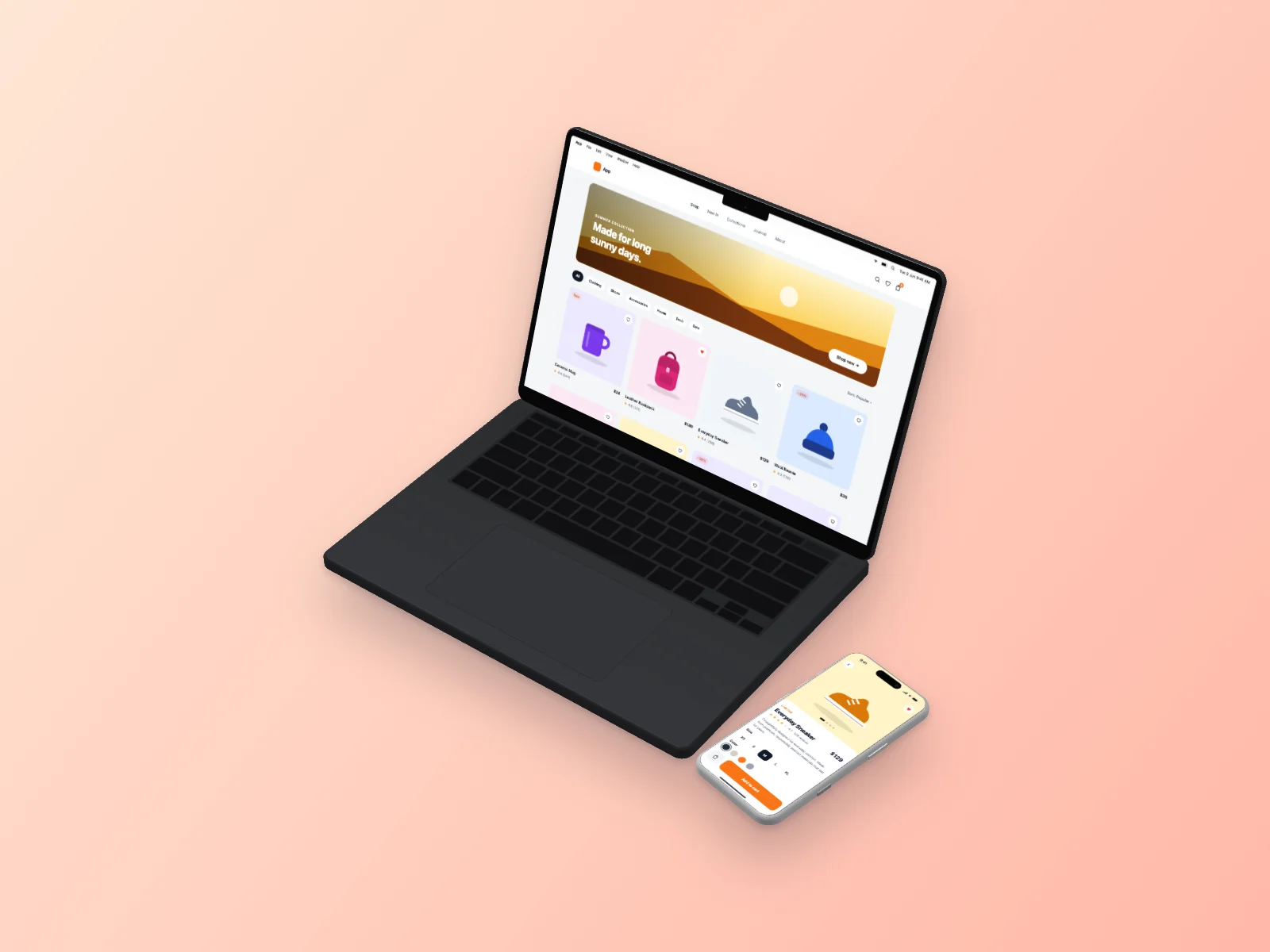 E-commerce Store on MacBook Pro 14-inch and iPhone 17 Pro Mockup — Isometric
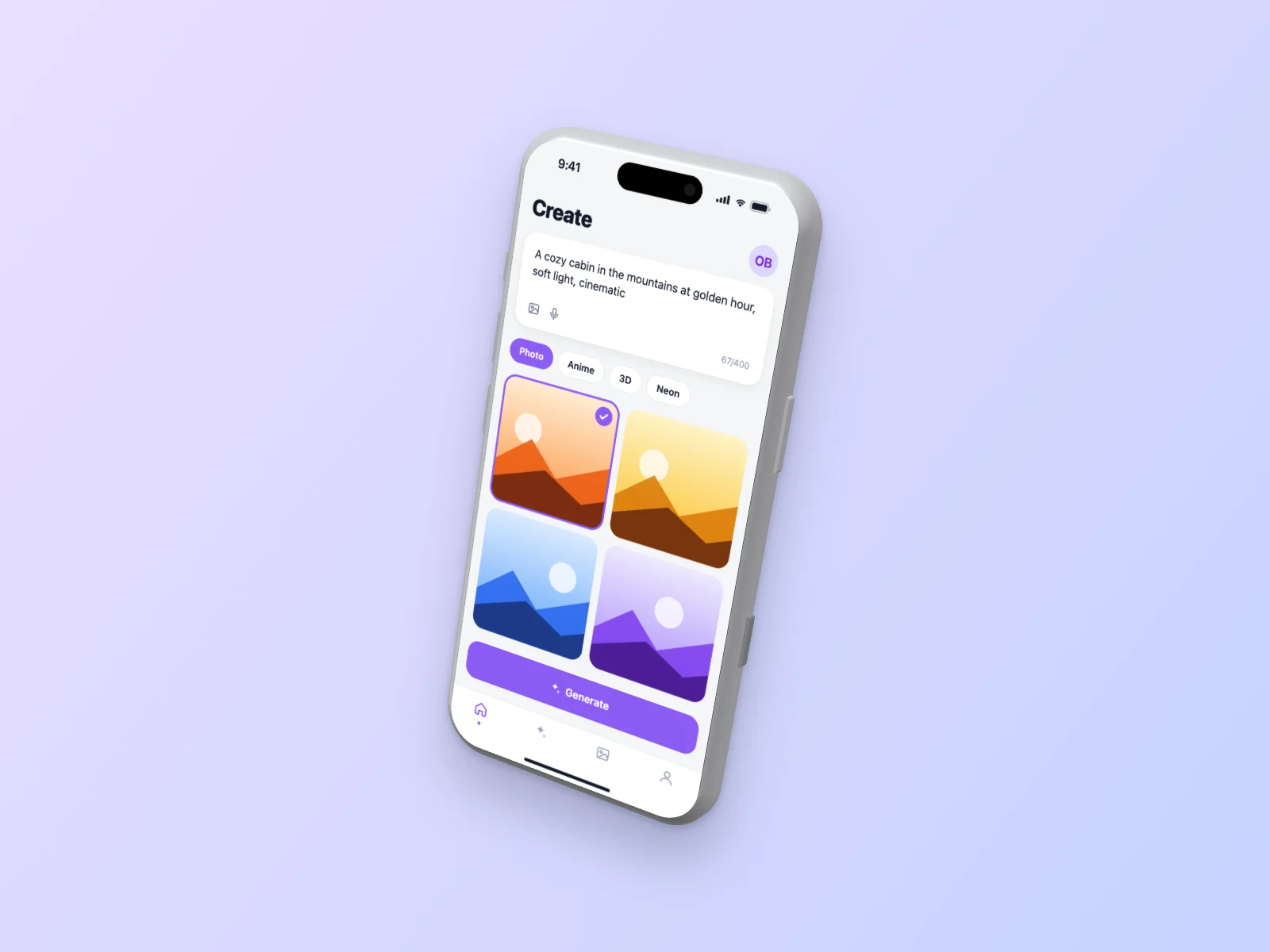 AI Image Generator on iPhone 17 Pro Mockup — Floating 3D
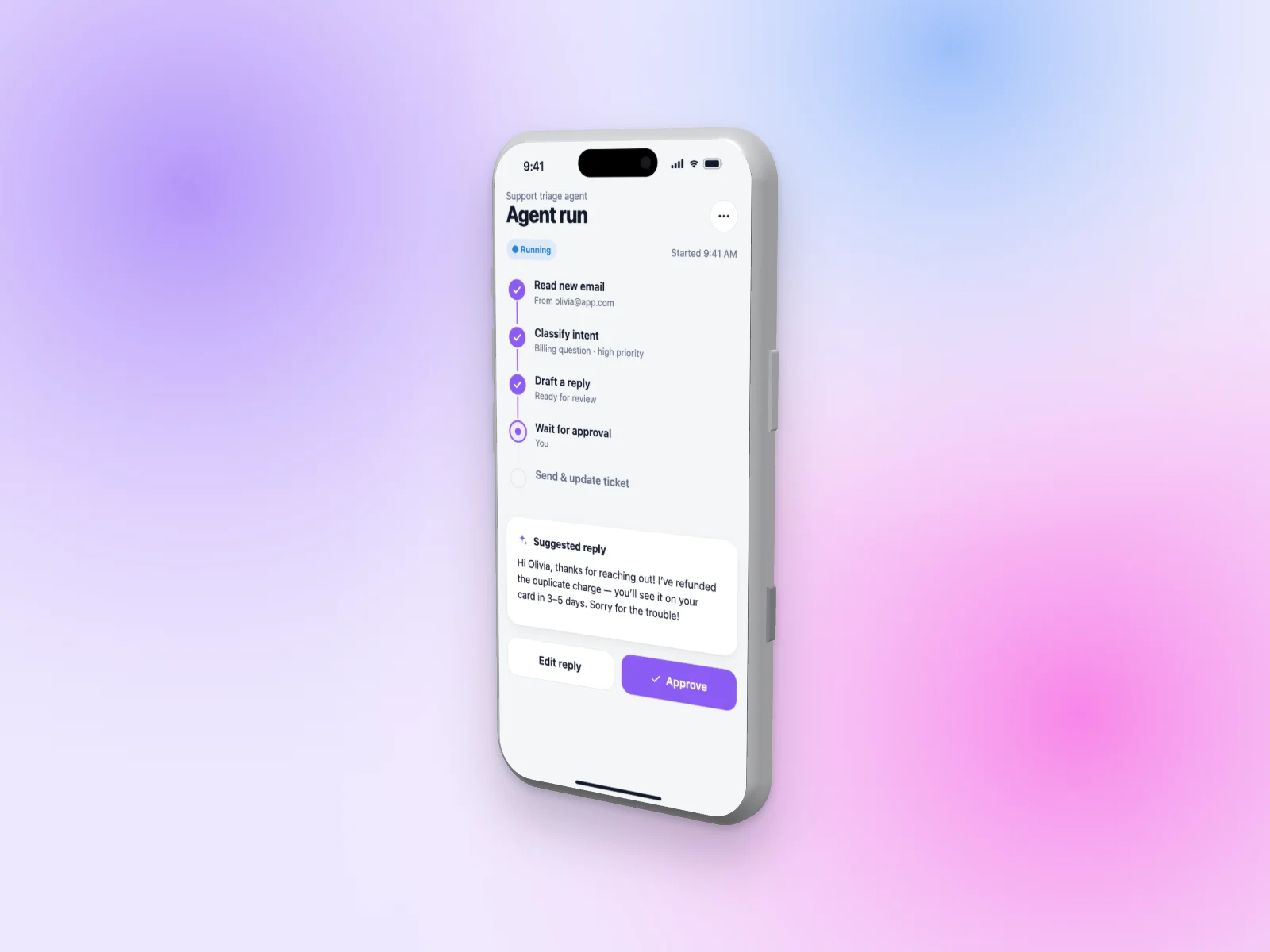 AI Agent Builder on iPhone 17 Pro Mockup — Right Angle