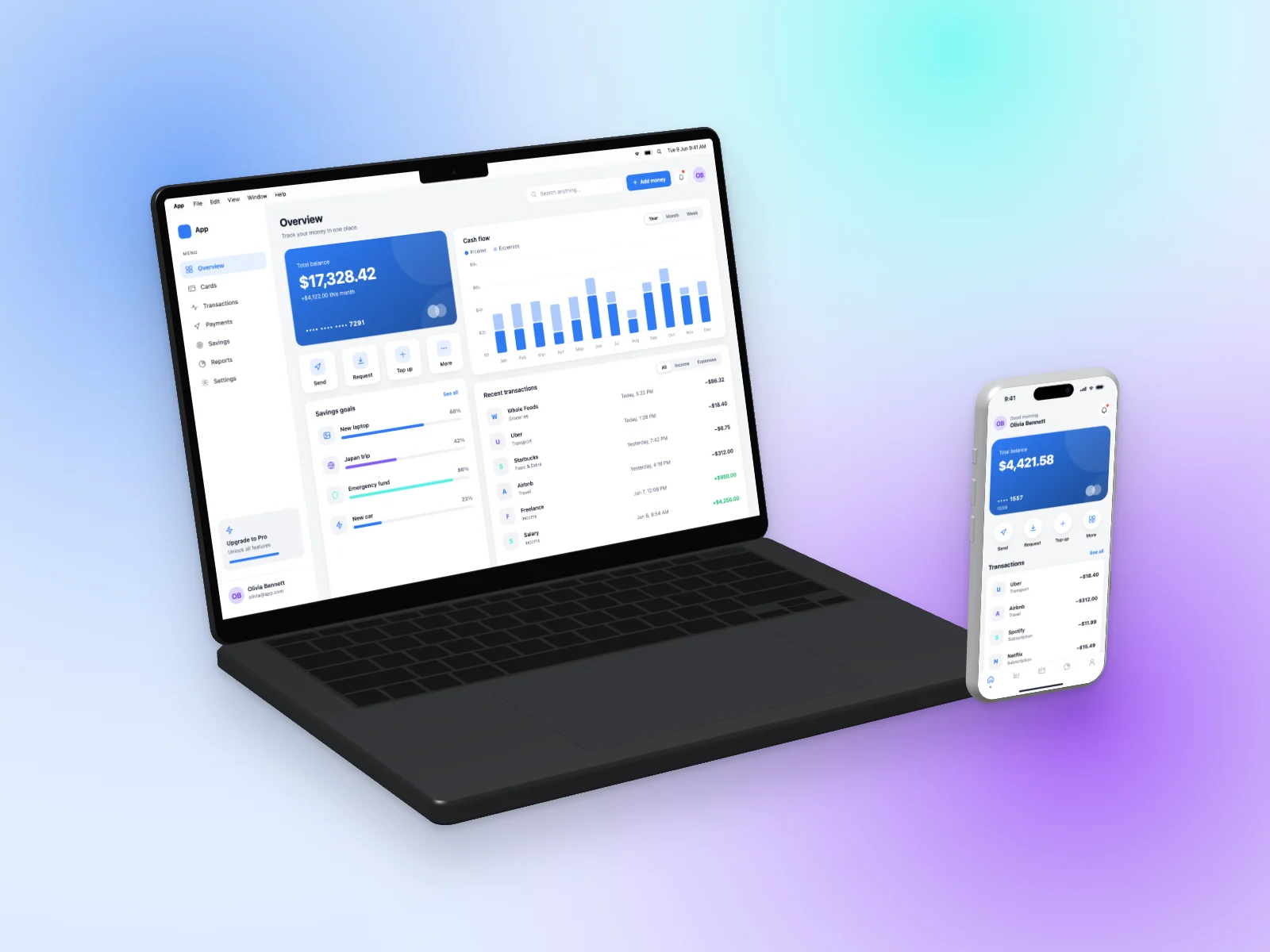
A ready-to-use finance app mockup on MacBook Pro 14-inch and iPhone 17 Pro in a left angle view. It is generated in your browser — open it in the editor above, adjust anything and download.
What’s on the screen
The desktop version shows a money overview: a gradient balance card, quick actions (send, request, top up), savings goals with progress bars, a stacked cash-flow chart and a list of recent transactions. The mobile version is a banking home screen with a greeting, a large balance card with the last card digits, four round quick actions and a transactions list.
The device
Two devices share the frame: a MacBook Pro 14-inch in Space Black shows the desktop version and an iPhone 17 Pro in Silver shows the mobile version of the same product, the classic responsive hero shot.
Angle and style
The camera looks from the left and slightly above, so you see the side of the device and the screen in gentle perspective. It adds depth without hiding the interface.
The interface uses the light theme with the blue accent color and soft cards with gentle shadows. The scene is placed on a soft mesh gradient with a soft shadow.
Details
| Screen | Finance App (desktop + mobile) |
|---|---|
| Device | MacBook Pro 14-inch and iPhone 17 Pro |
| Color | Space Black / Silver |
| Angle | Left Angle |
| Theme | Light |
| Accent | blue |
| Background | soft mesh gradient |
| Formats | PNG, JPG, WebP |
| Sizes | Auto (up to 3000 px), 1200×630, 1270×760, 1600×1200, 1080×1080, 1080×1350, 1920×1080 |
Good for
- Fintech and banking app websites
- Budgeting app launches
- App Store marketing images
- Finance articles and case studies
Questions
Can I download this finance app mockup for free?
Yes. The editor at the top of this page is already set up exactly like the image. Press “Download” to get a high-resolution PNG, or change anything first. No account is needed and you can use it commercially.
Can I put my own screenshot on this MacBook Pro 14-inch and iPhone 17 Pro?
Yes. Click “Your screenshot” or drop an image on the preview. It replaces the generated finance app and never leaves your browser.
Can I change the colors of this finance app?
Yes. Pick one of 8 accent colors, switch between light and dark, or choose the Soft, Sharp or Glass style. “New variant” generates different data and names.
Similar mockups
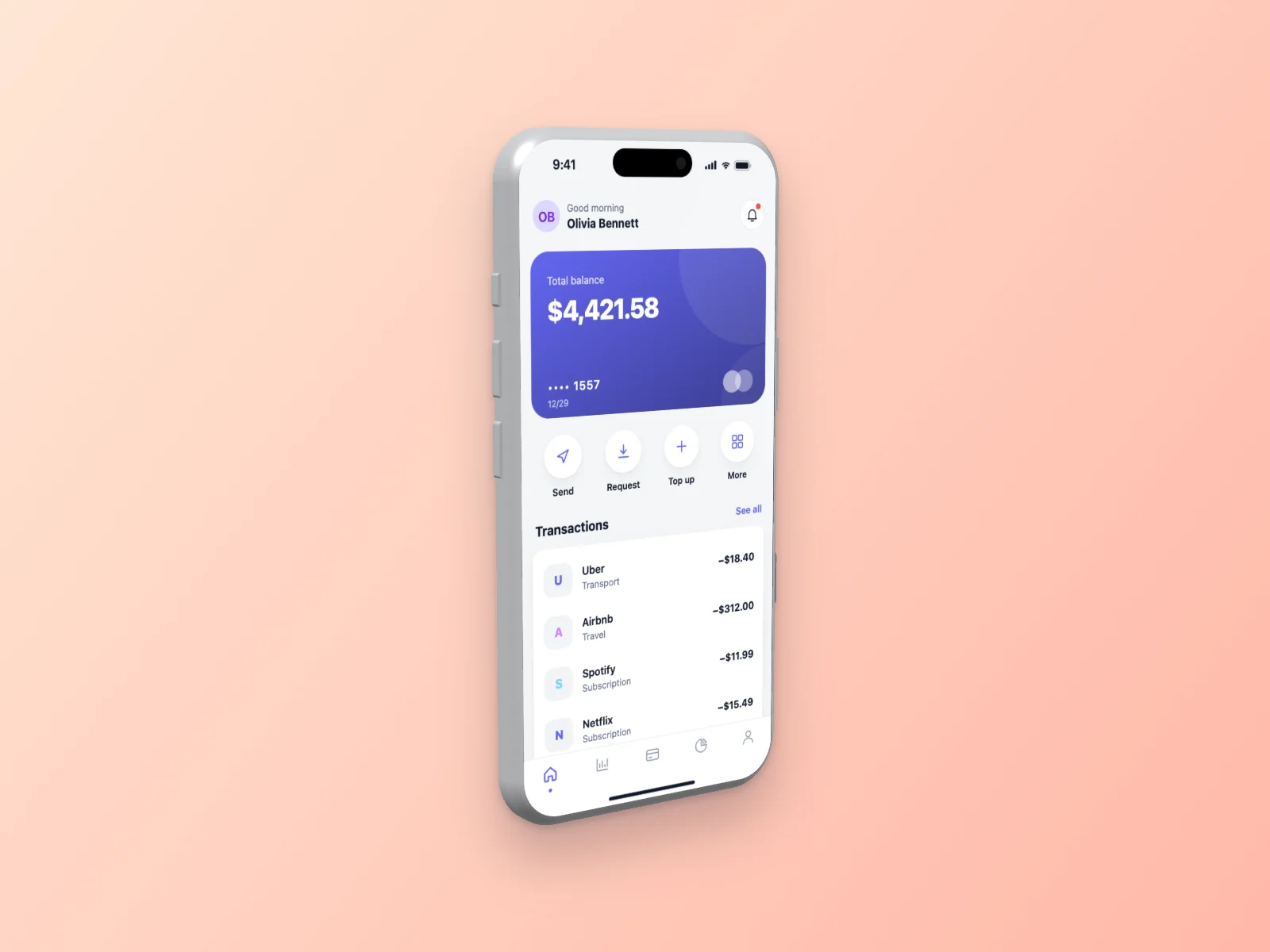 Finance App on iPhone 17 Pro Mockup — Left Angle
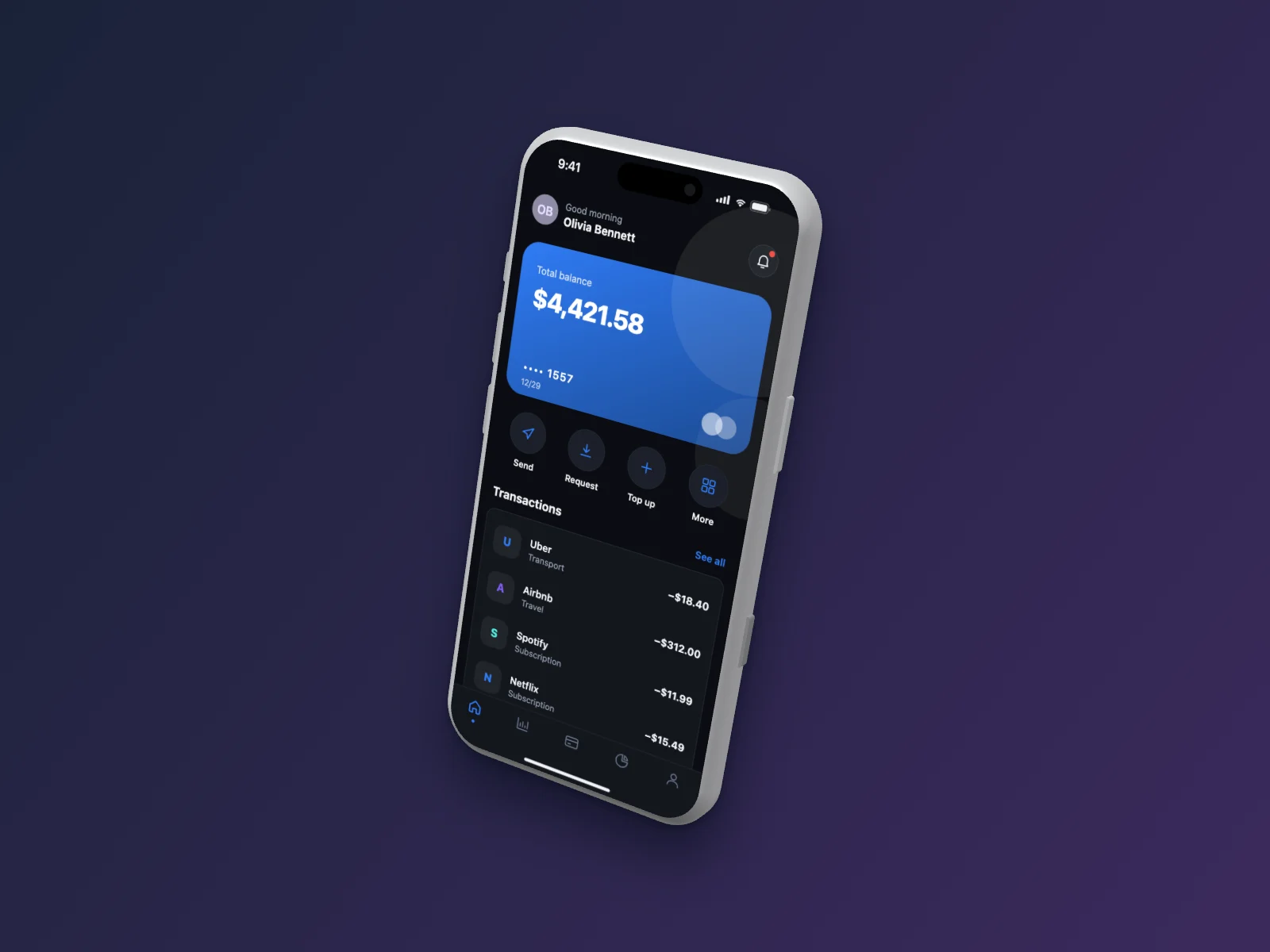 Finance App on iPhone 17 Pro Mockup — Floating 3D, Dark Mode
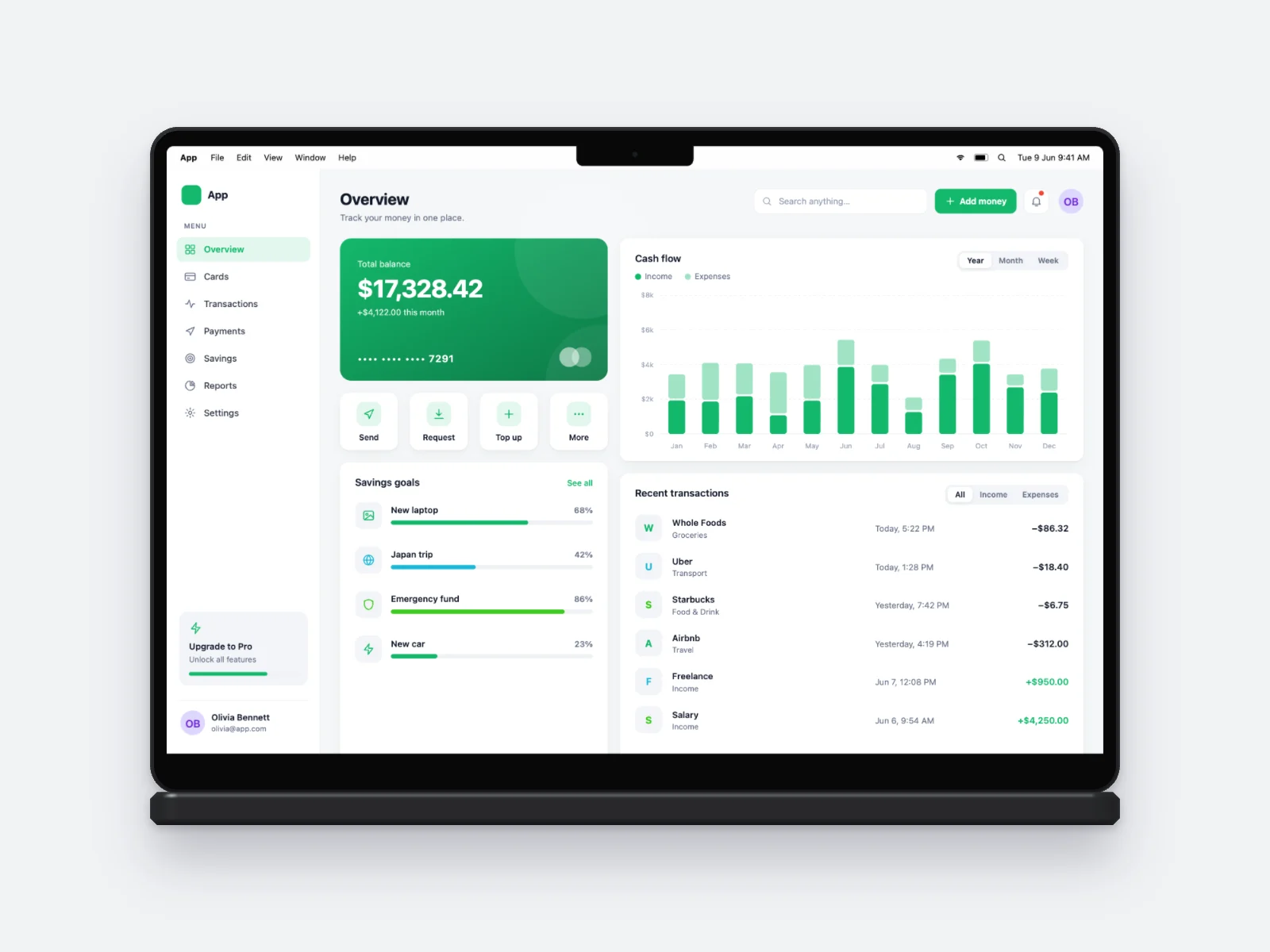 Finance App on MacBook Pro 14-inch Mockup
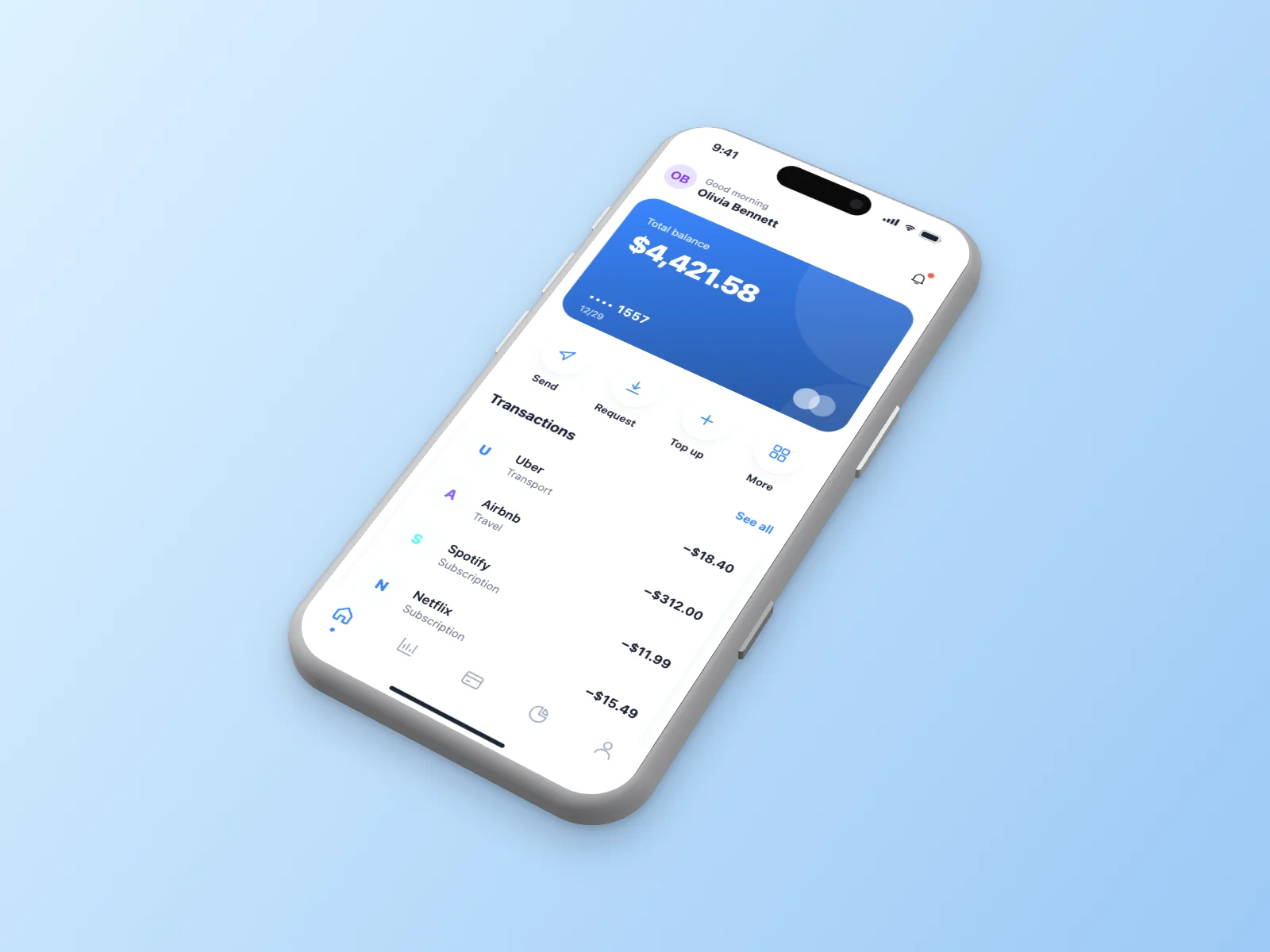 Finance App on iPhone 17 Pro Mockup — Isometric
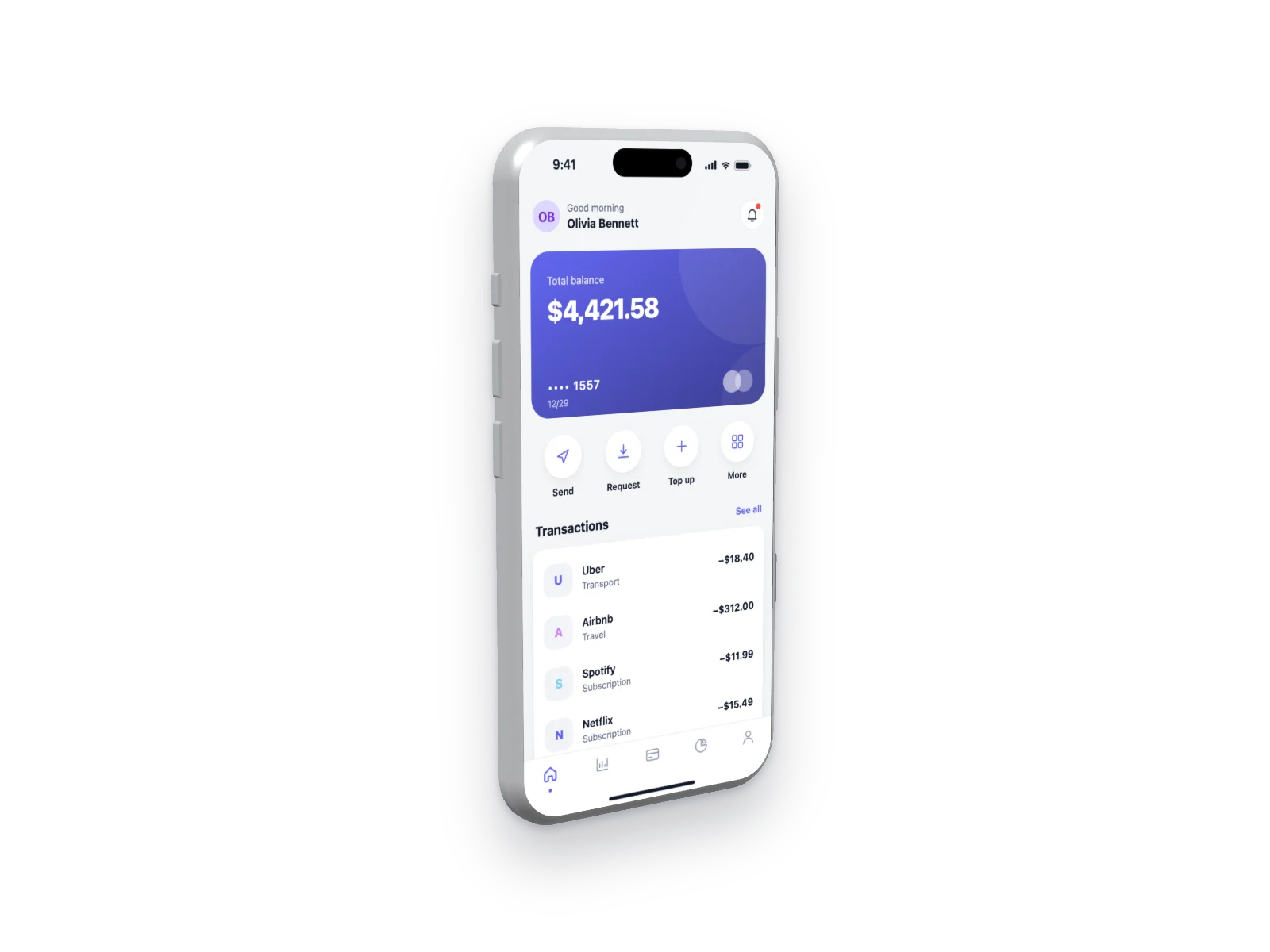 Finance App on iPhone 17 Pro Mockup — Left Angle, Transparent
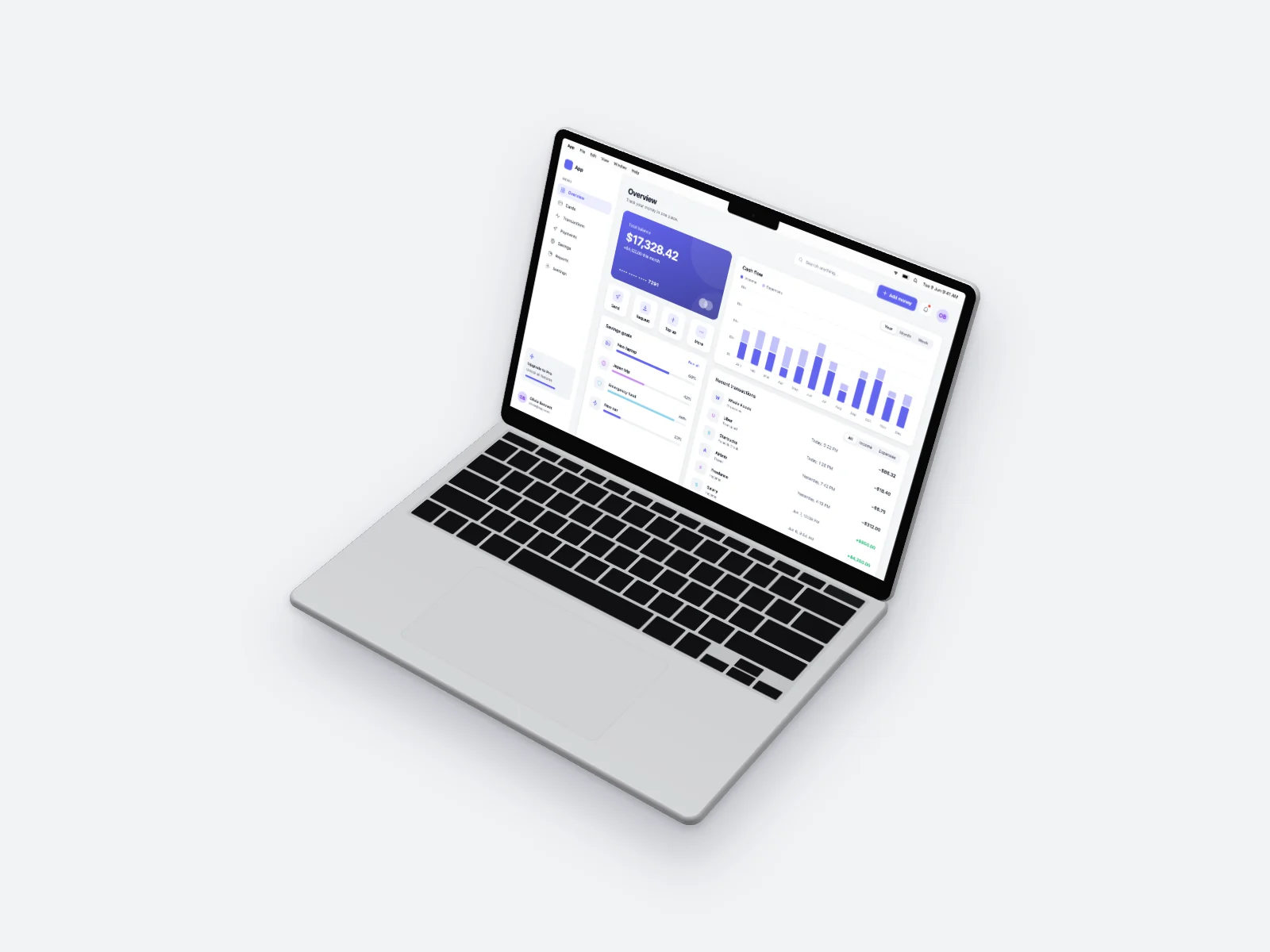 Finance App on MacBook Air 13-inch Mockup — Isometric
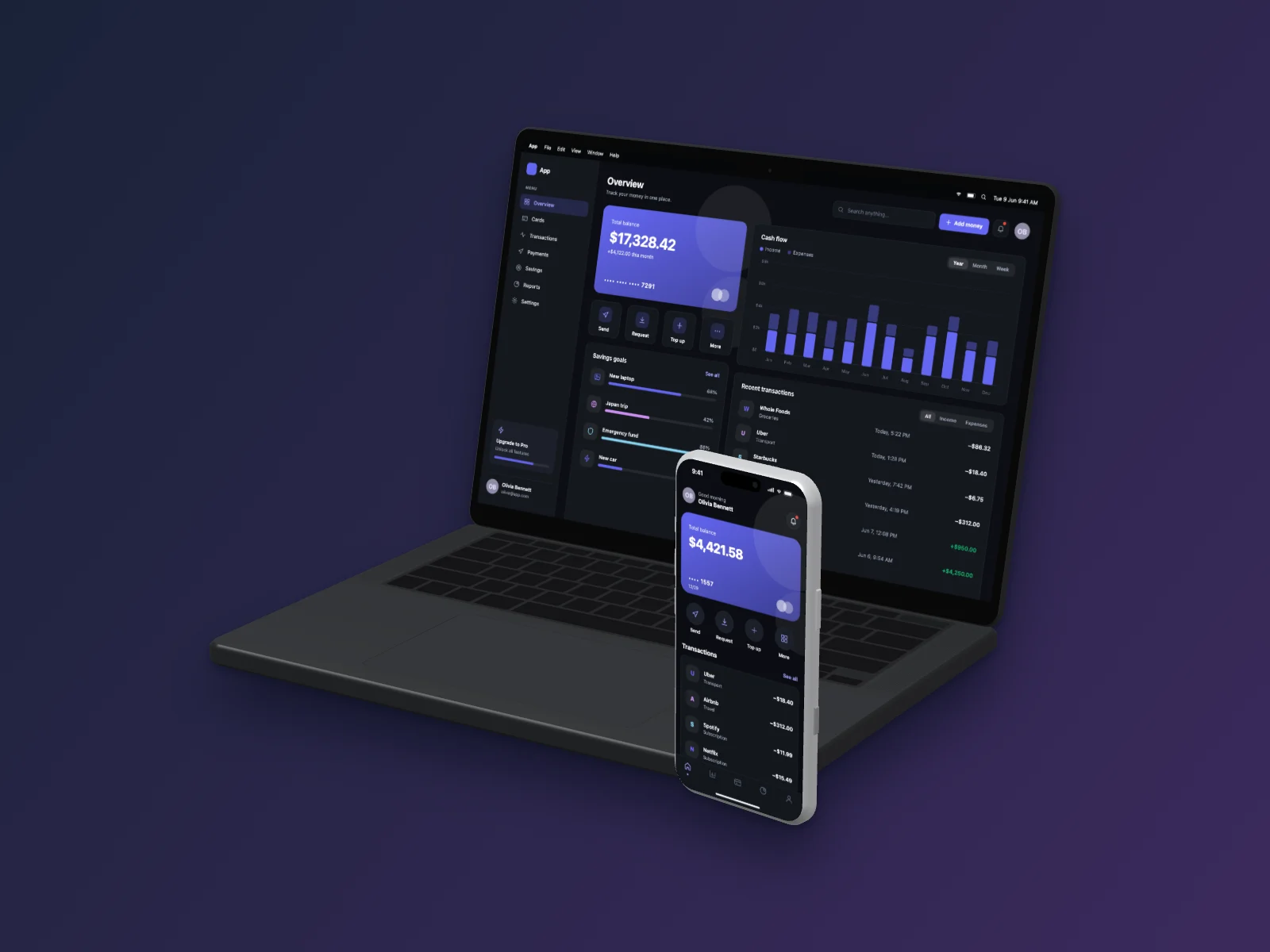 Finance App on MacBook Pro 14-inch and iPhone 17 Pro Mockup — Right Angle, Dark Mode
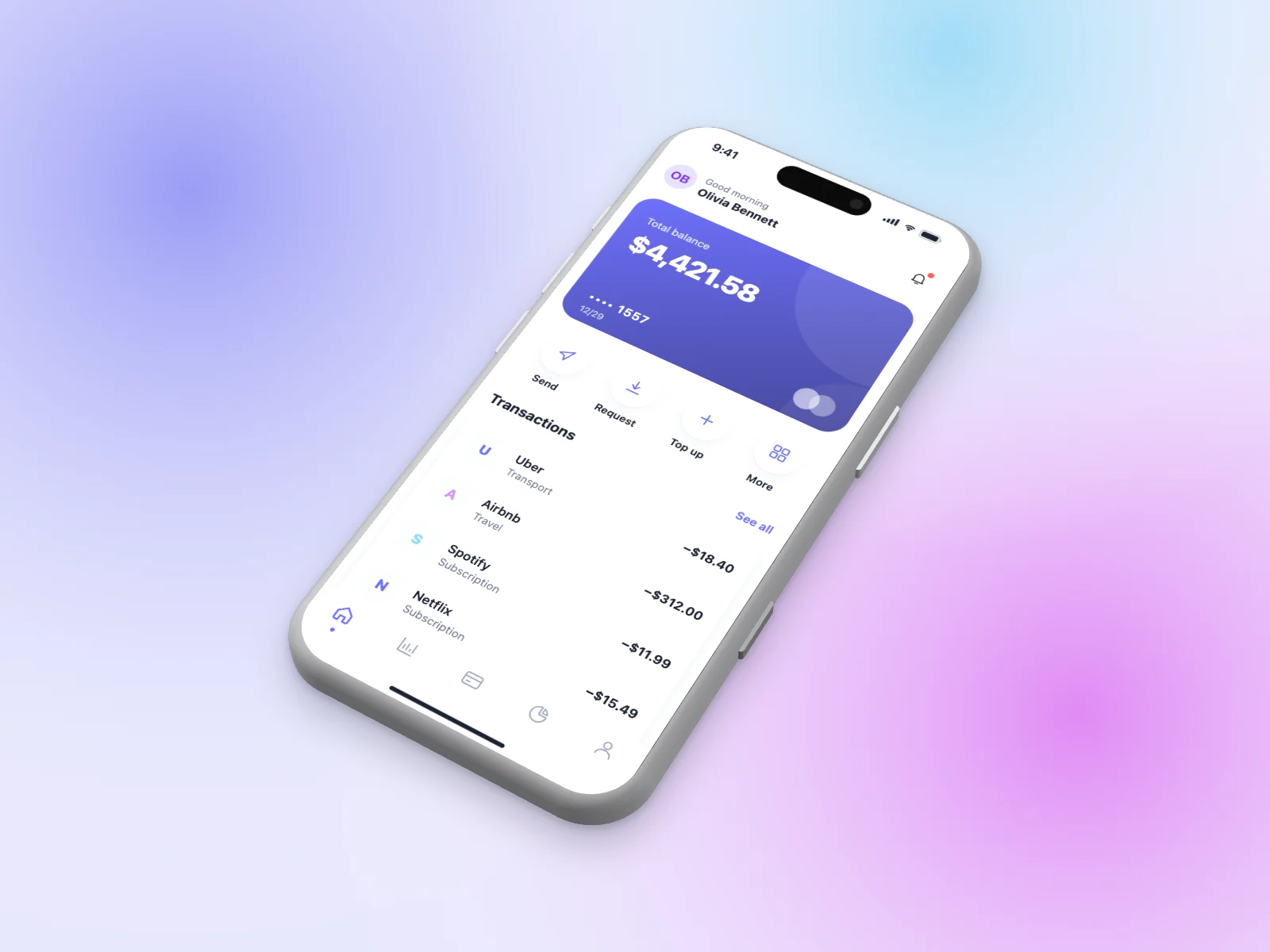 Finance App on iPhone 17 Pro Mockup — Isometric, Mesh Gradient