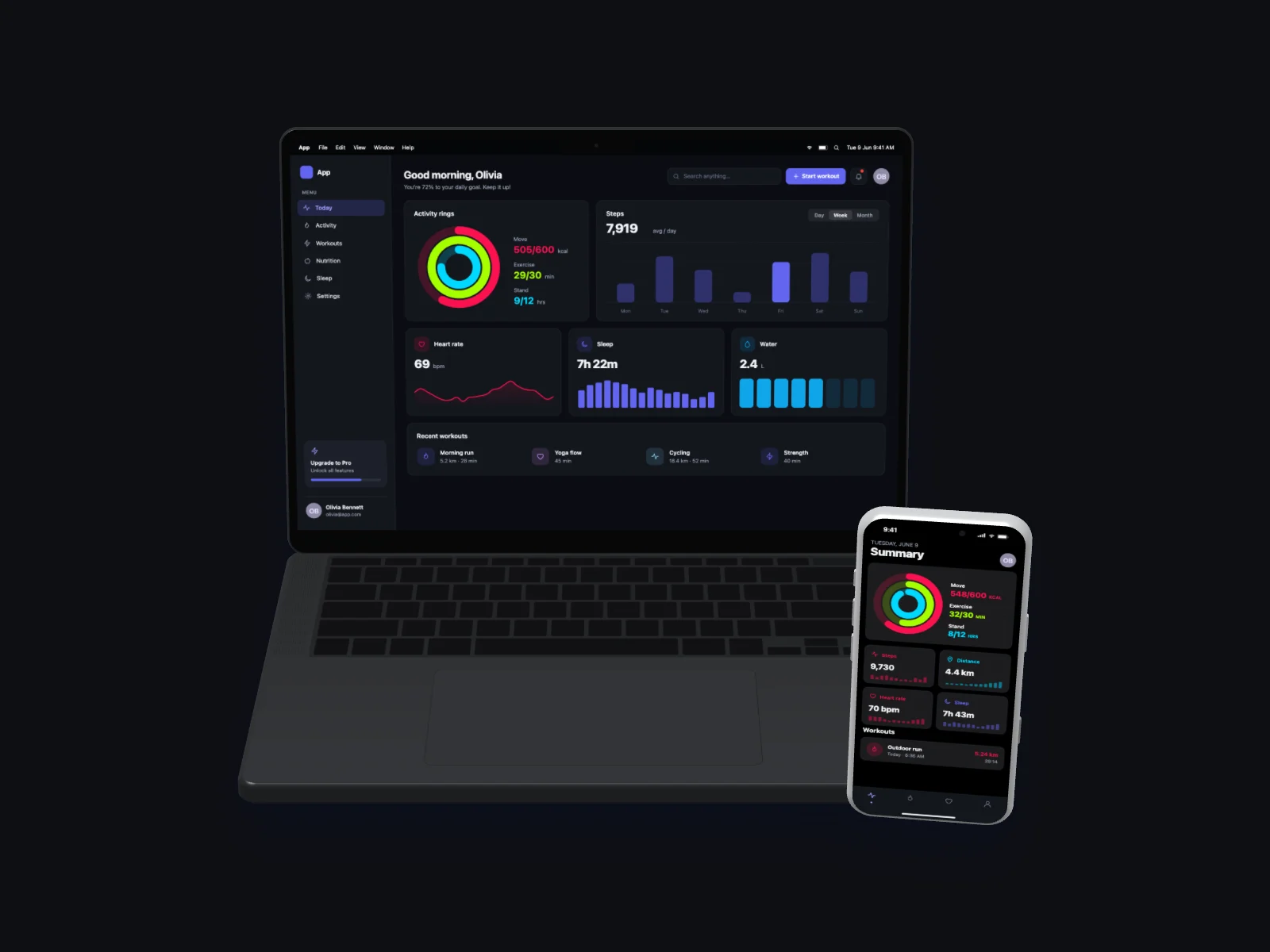
A ready-to-use fitness app mockup on MacBook Pro 14-inch and iPhone 17 Pro in a floating 3D view in dark mode. It is generated in your browser — open it in the editor above, adjust anything and download.
What’s on the screen
The desktop screen is a health dashboard with three activity rings, a weekly steps chart, heart-rate, sleep and water cards and a row of recent workouts. On the phone it is a daily summary with large activity rings, steps, distance, heart-rate and sleep tiles and a list of workouts.
The device
Two devices share the frame: a MacBook Pro 14-inch in Space Black shows the desktop version and an iPhone 17 Pro in Silver shows the mobile version of the same product, the classic responsive hero shot.
Angle and style
The device floats and is slightly tilted, a dynamic 3D shot that feels like a product photo and stands out in social posts and launch images.
The interface uses the dark theme with the indigo accent color and soft cards with gentle shadows. The scene is placed on a dark background with a soft shadow.
Details
| Screen | Fitness App (desktop + mobile) |
|---|---|
| Device | MacBook Pro 14-inch and iPhone 17 Pro |
| Color | Space Black / Silver |
| Angle | Floating 3D |
| Theme | Dark |
| Accent | indigo |
| Background | dark background |
| Formats | PNG, JPG, WebP |
| Sizes | Auto (up to 3000 px), 1200×630, 1270×760, 1600×1200, 1080×1080, 1080×1350, 1920×1080 |
Good for
- Fitness and health app websites
- Wearable and tracker launches
- Wellness blog posts
- App Store screenshots
Questions
Can I download this fitness app mockup for free?
Yes. The editor at the top of this page is already set up exactly like the image. Press “Download” to get a high-resolution PNG, or change anything first. No account is needed and you can use it commercially.
Can I put my own screenshot on this MacBook Pro 14-inch and iPhone 17 Pro?
Yes. Click “Your screenshot” or drop an image on the preview. It replaces the generated fitness app and never leaves your browser.
Can I change the colors of this fitness app?
Yes. Pick one of 8 accent colors, switch between light and dark, or choose the Soft, Sharp or Glass style. “New variant” generates different data and names.
Similar mockups
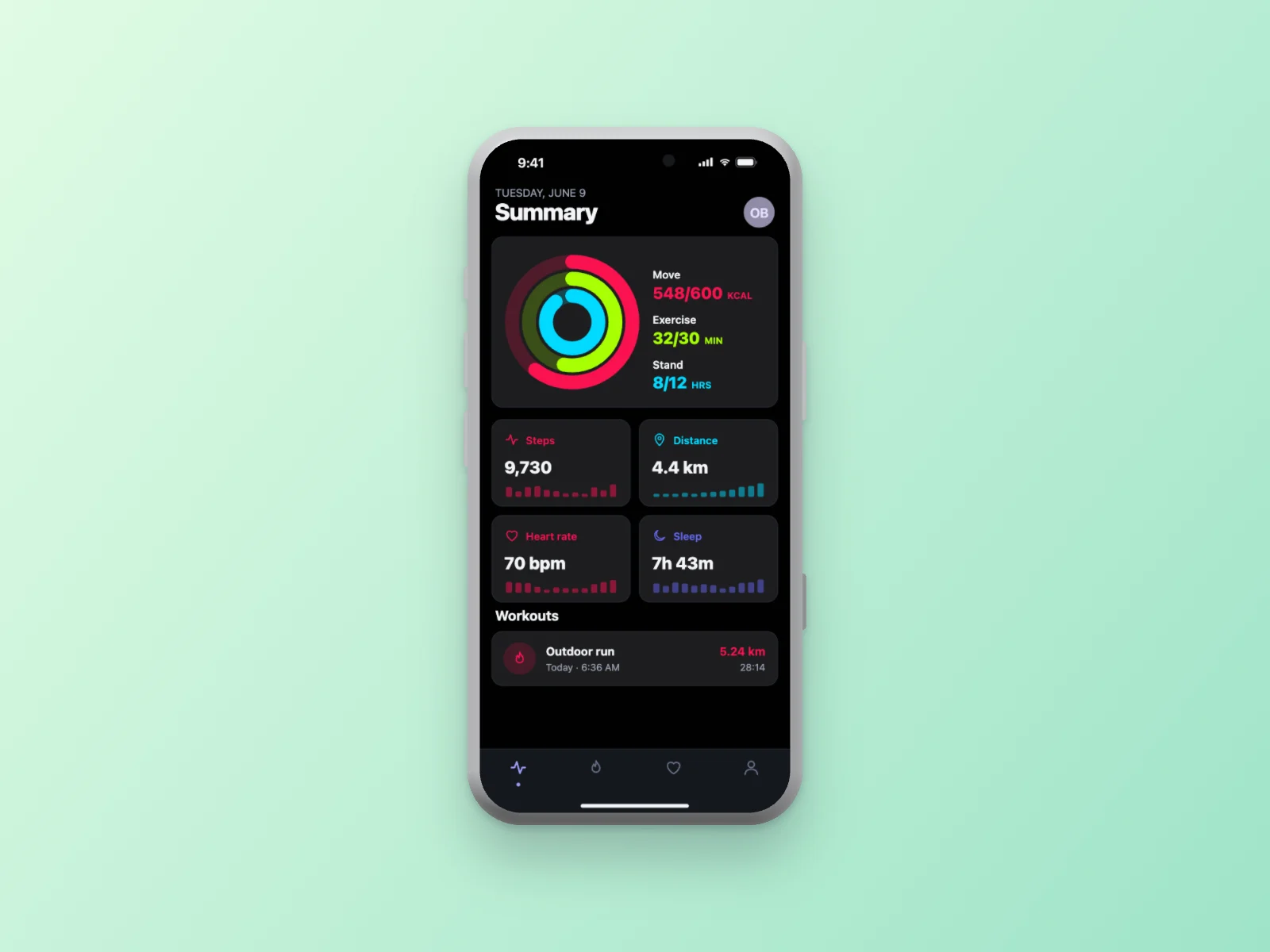 Fitness App on iPhone 17 Pro Mockup, Dark Mode
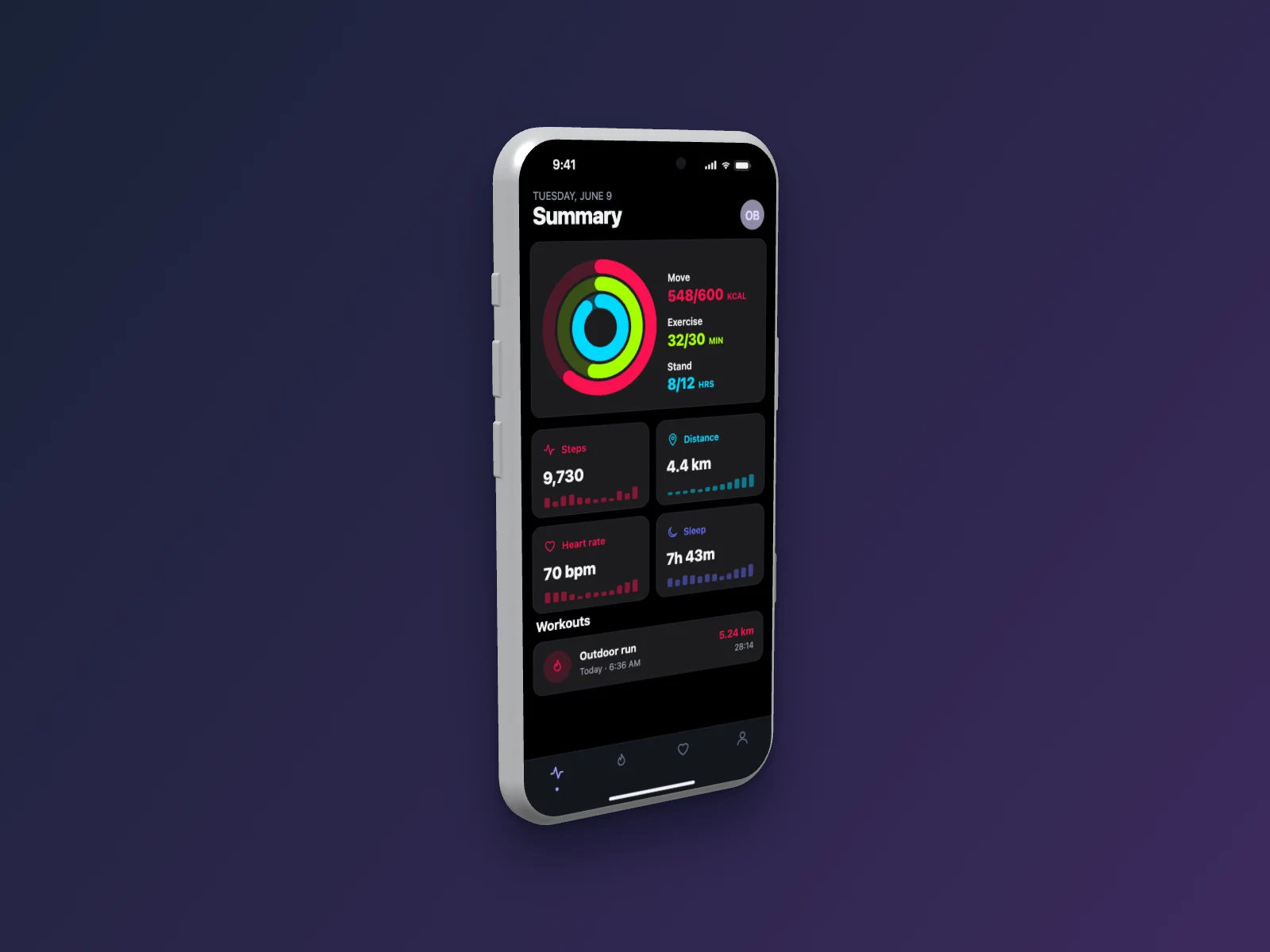 Fitness App on iPhone 17 Pro Mockup — Left Angle, Dark Mode
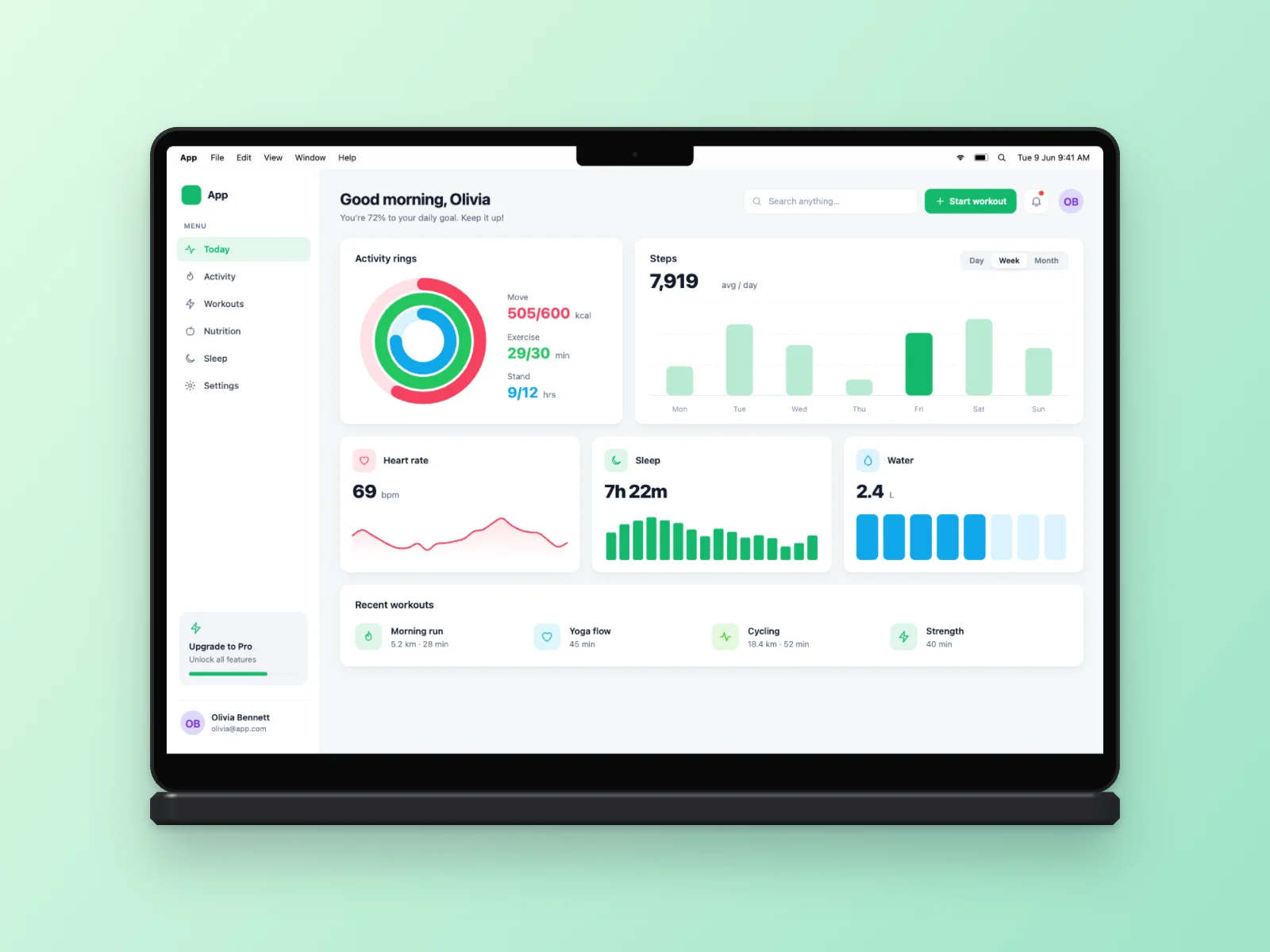 Fitness App on MacBook Pro 14-inch Mockup
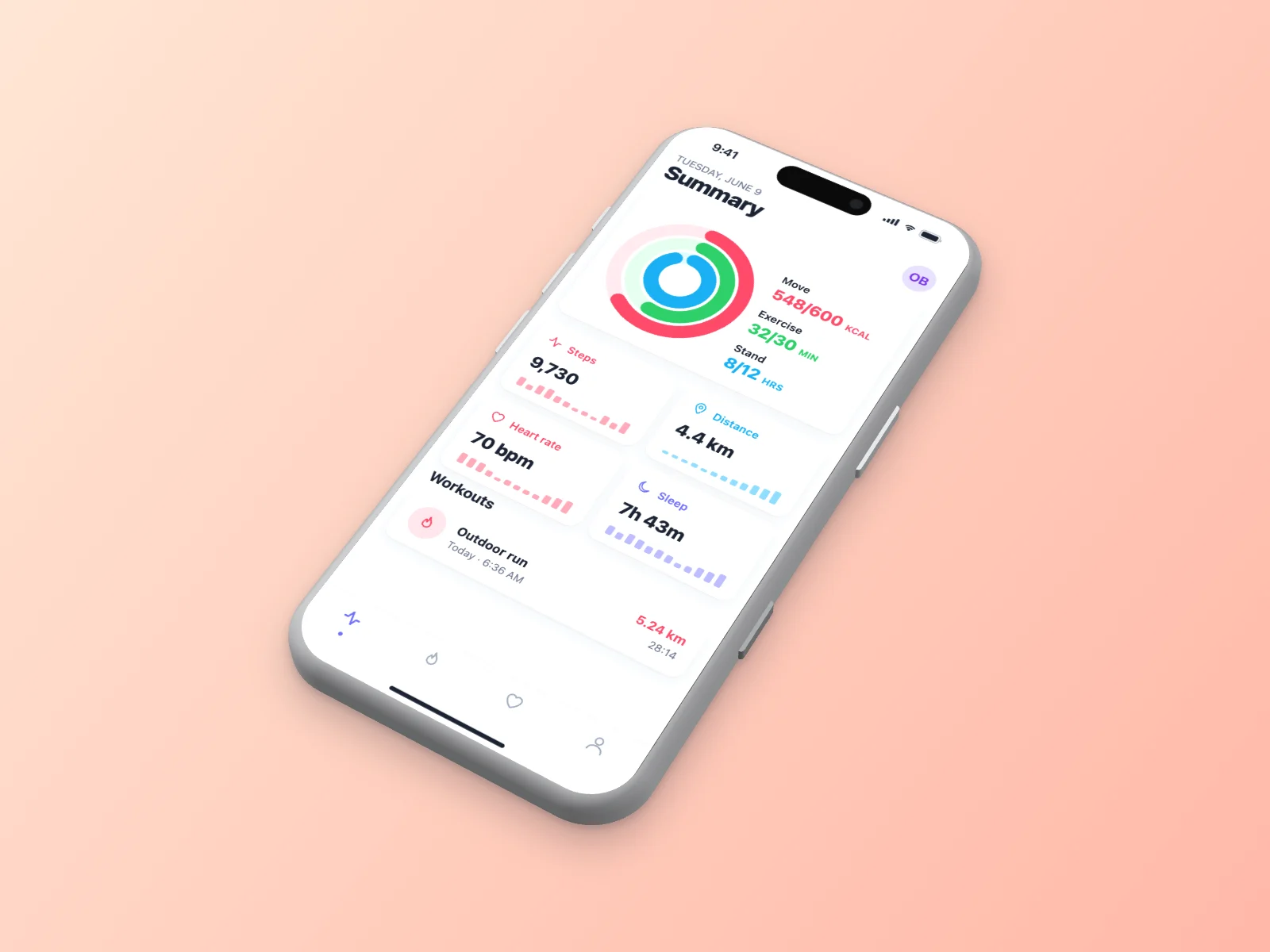 Fitness App on iPhone 17 Pro Mockup — Isometric
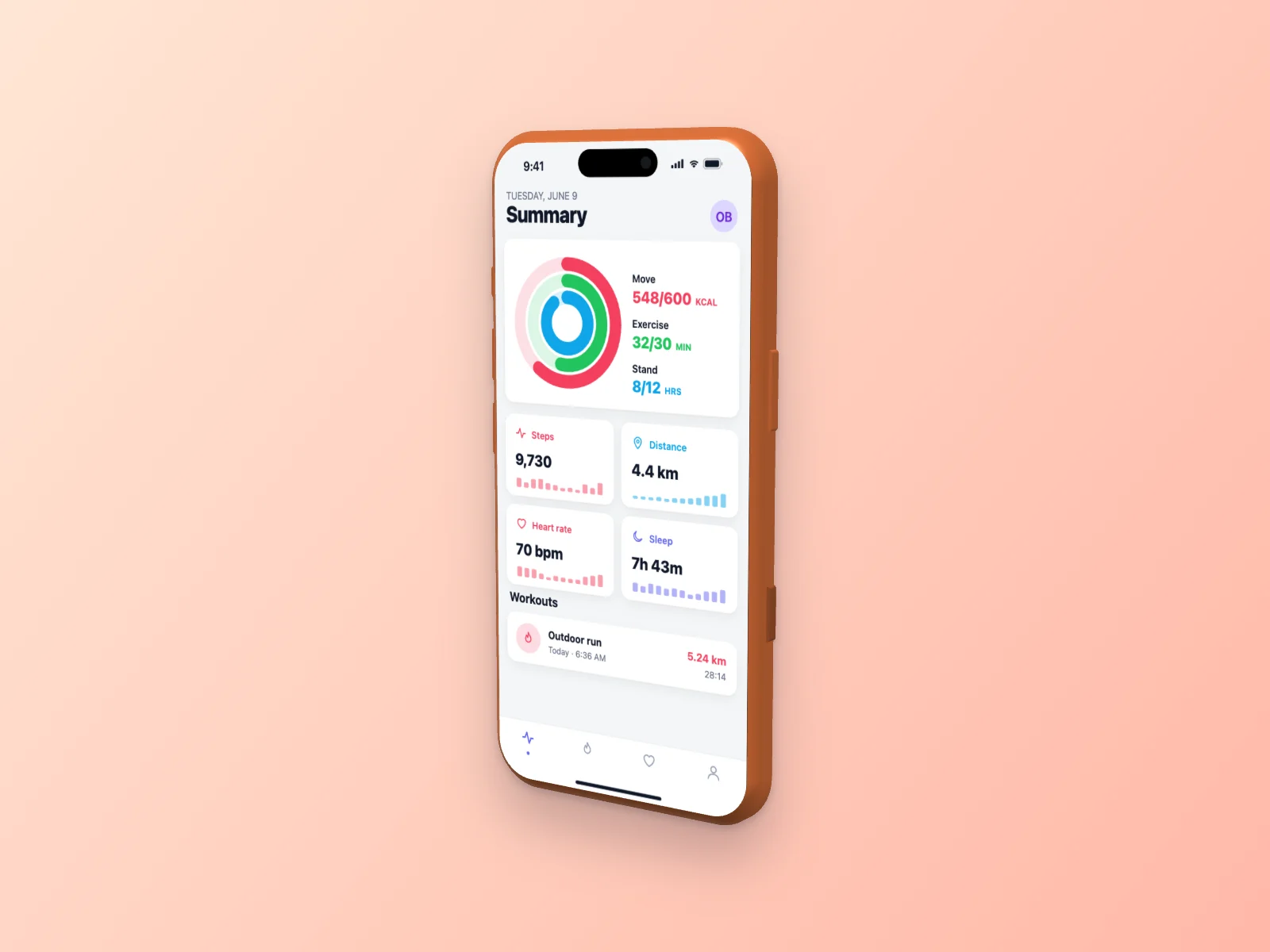 Fitness App on iPhone 17 Pro Mockup — Right Angle
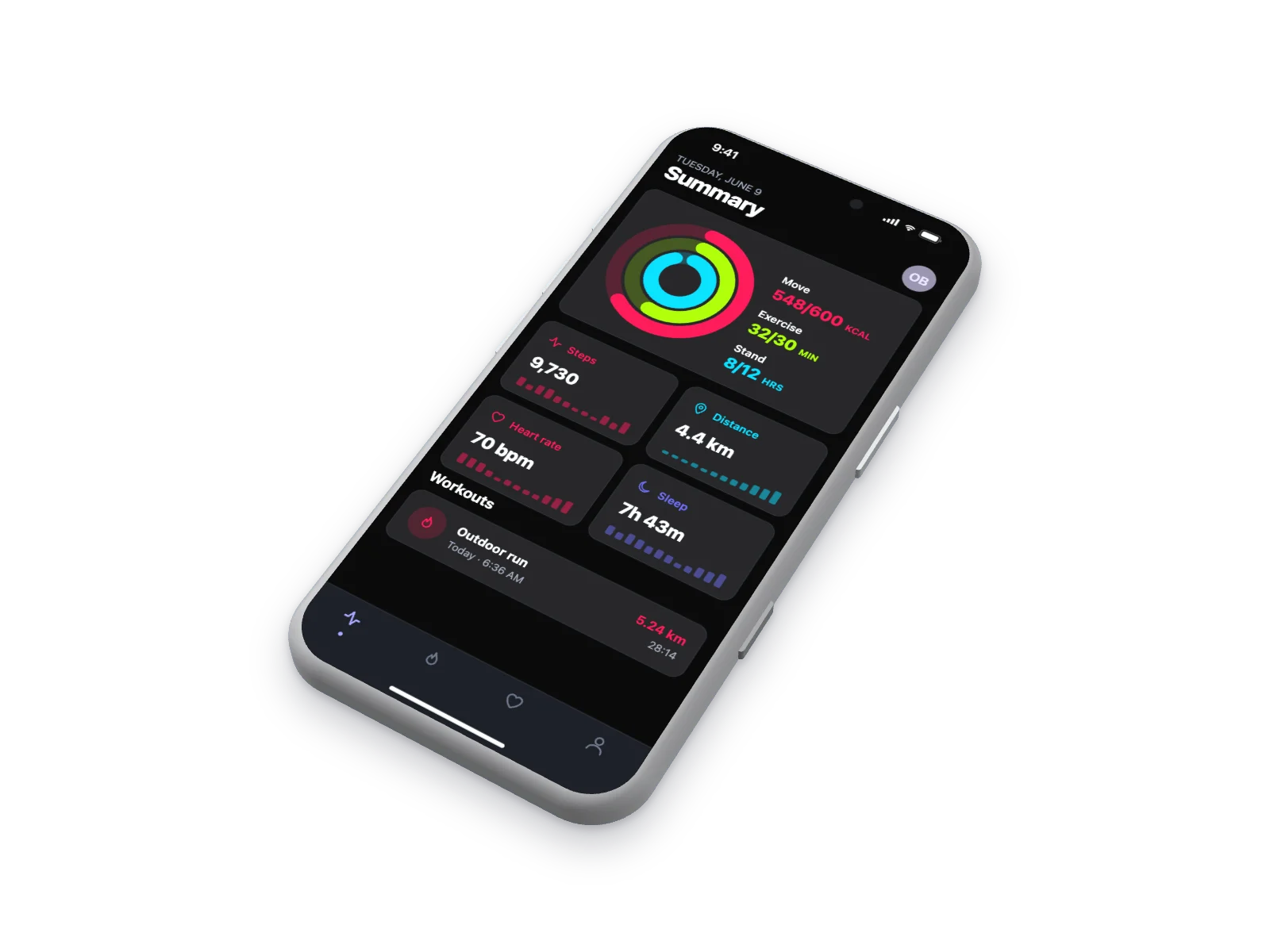 Fitness App on iPhone 17 Pro Mockup — Isometric, Dark Mode
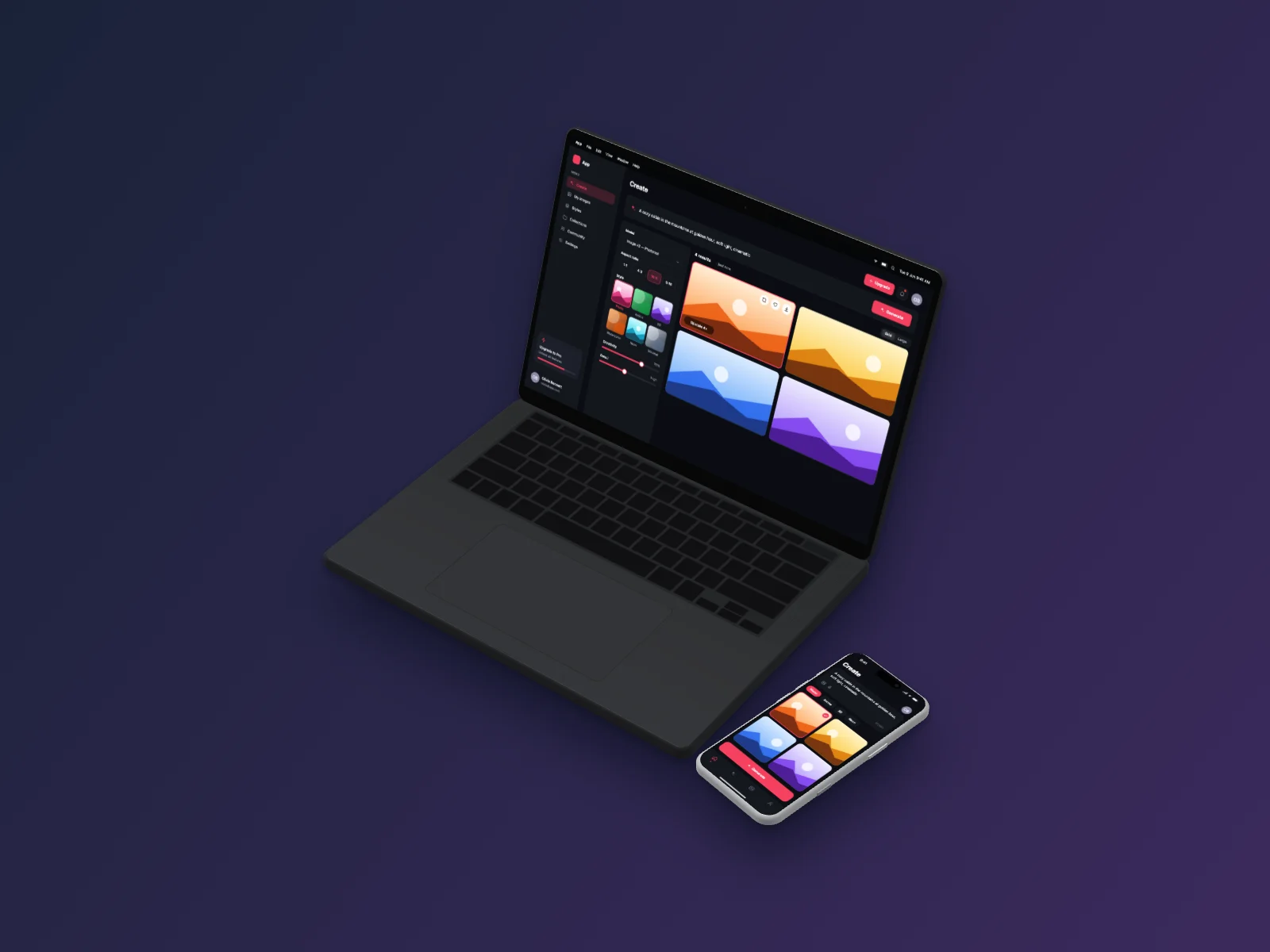 AI Image Generator on MacBook Pro 14-inch and iPhone 17 Pro Mockup — Isometric, Dark Mode
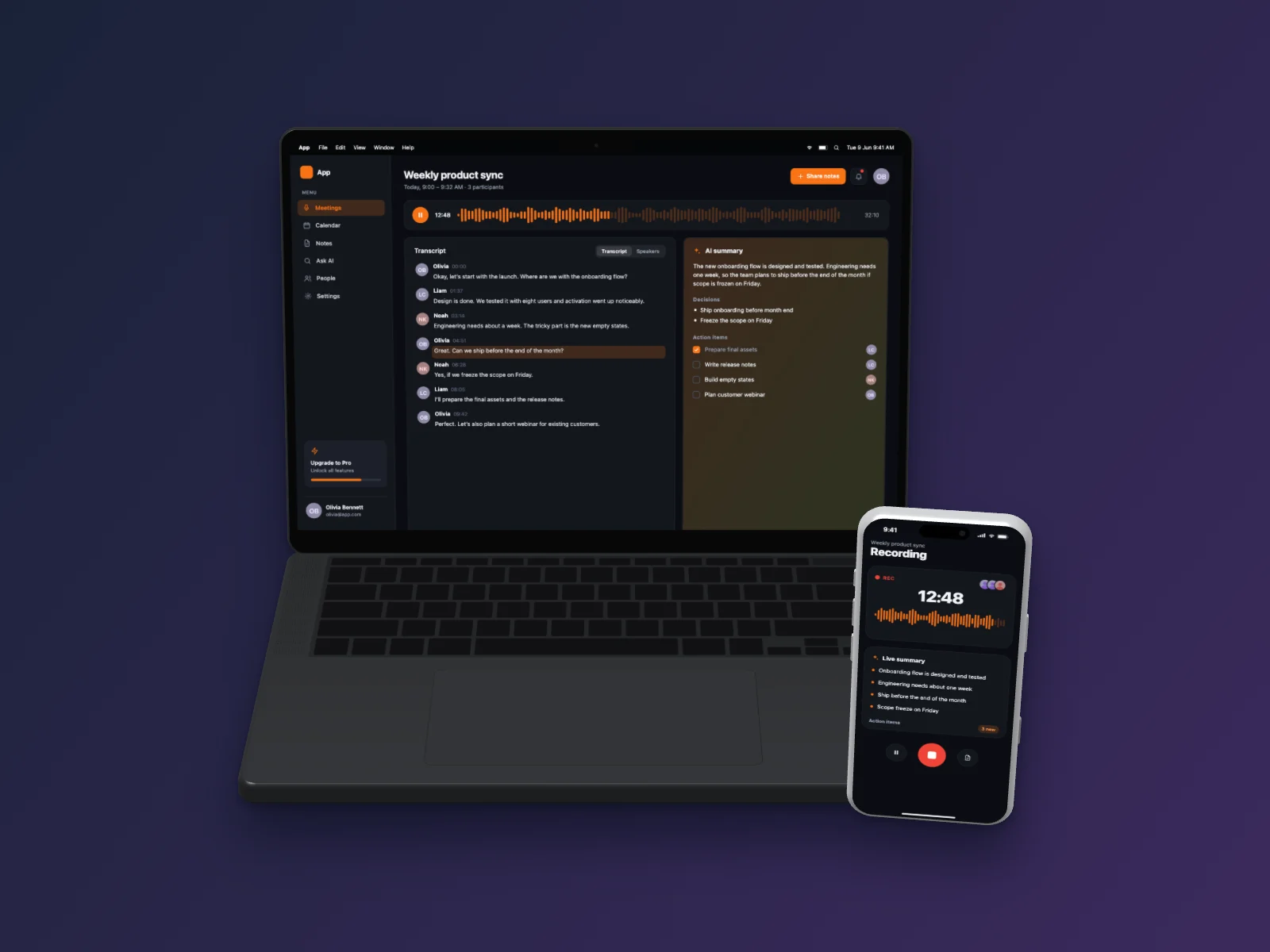 AI Meeting Notes on MacBook Pro 14-inch and iPhone 17 Pro Mockup — Floating 3D, Dark Mode