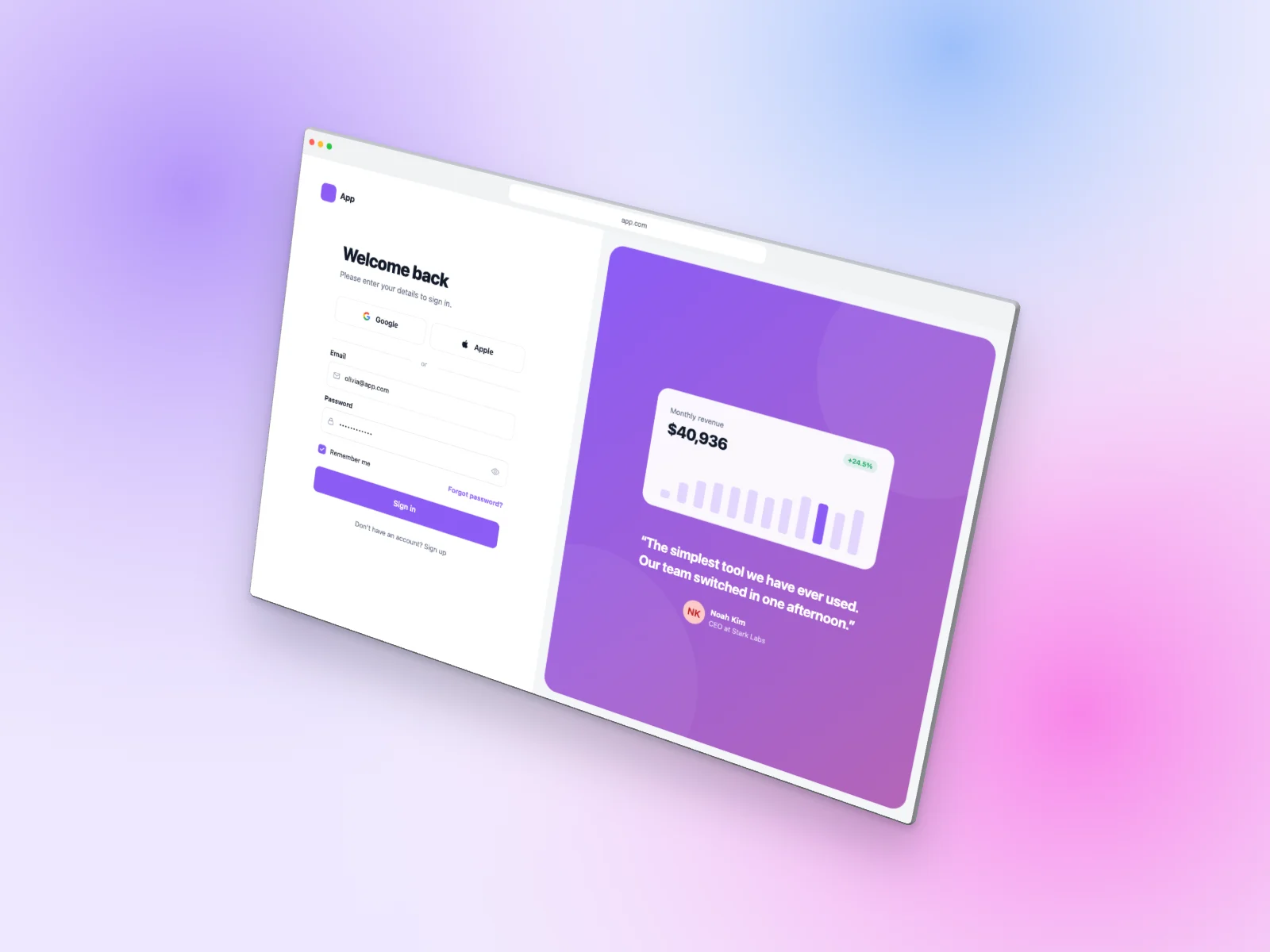
A ready-to-use login page mockup on Browser Window in a floating 3D view. It is generated in your browser — open it in the editor above, adjust anything and download.
What’s on the screen
The desktop page is a split-screen sign-in: Google and Apple buttons, email and password fields, “remember me” and a colorful panel with a testimonial and a revenue chart card.
The device
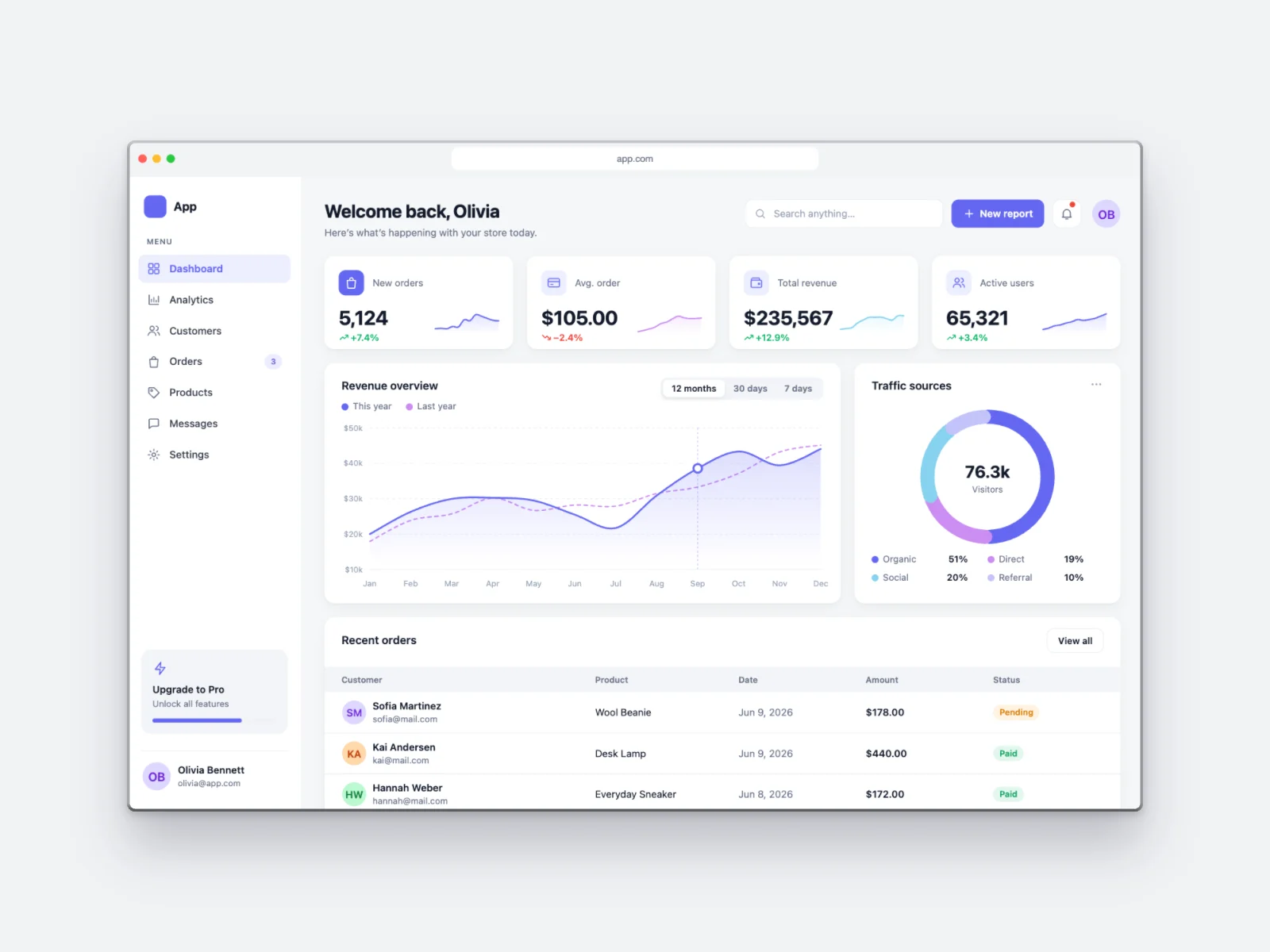
The interface is framed by a clean macOS-style light browser window with traffic-light buttons and an address bar showing the product’s domain.
Angle and style
The device floats and is slightly tilted, a dynamic 3D shot that feels like a product photo and stands out in social posts and launch images.
The interface uses the light theme with the violet accent color and soft cards with gentle shadows. The scene is placed on a soft mesh gradient with a soft shadow.
Details
| Screen | Login Page (desktop) |
|---|---|
| Device | Browser Window |
| Color | Light |
| Angle | Floating 3D |
| Theme | Light |
| Accent | violet |
| Background | soft mesh gradient |
| Formats | PNG, JPG, WebP |
| Sizes | Auto (up to 3000 px), 1200×630, 1270×760, 1600×1200, 1080×1080, 1080×1350, 1920×1080 |
Good for
- Authentication and onboarding flows
- UI kit previews
- Security and identity products
- Design-system documentation
Questions
Can I download this login page mockup for free?
Yes. The editor at the top of this page is already set up exactly like the image. Press “Download” to get a high-resolution PNG, or change anything first. No account is needed and you can use it commercially.
Can I put my own screenshot on this Browser Window?
Yes. Click “Your screenshot” or drop an image on the preview. It replaces the generated login page and never leaves your browser.
Can I change the colors of this login page?
Yes. Pick one of 8 accent colors, switch between light and dark, or choose the Soft, Sharp or Glass style. “New variant” generates different data and names.
Similar mockups
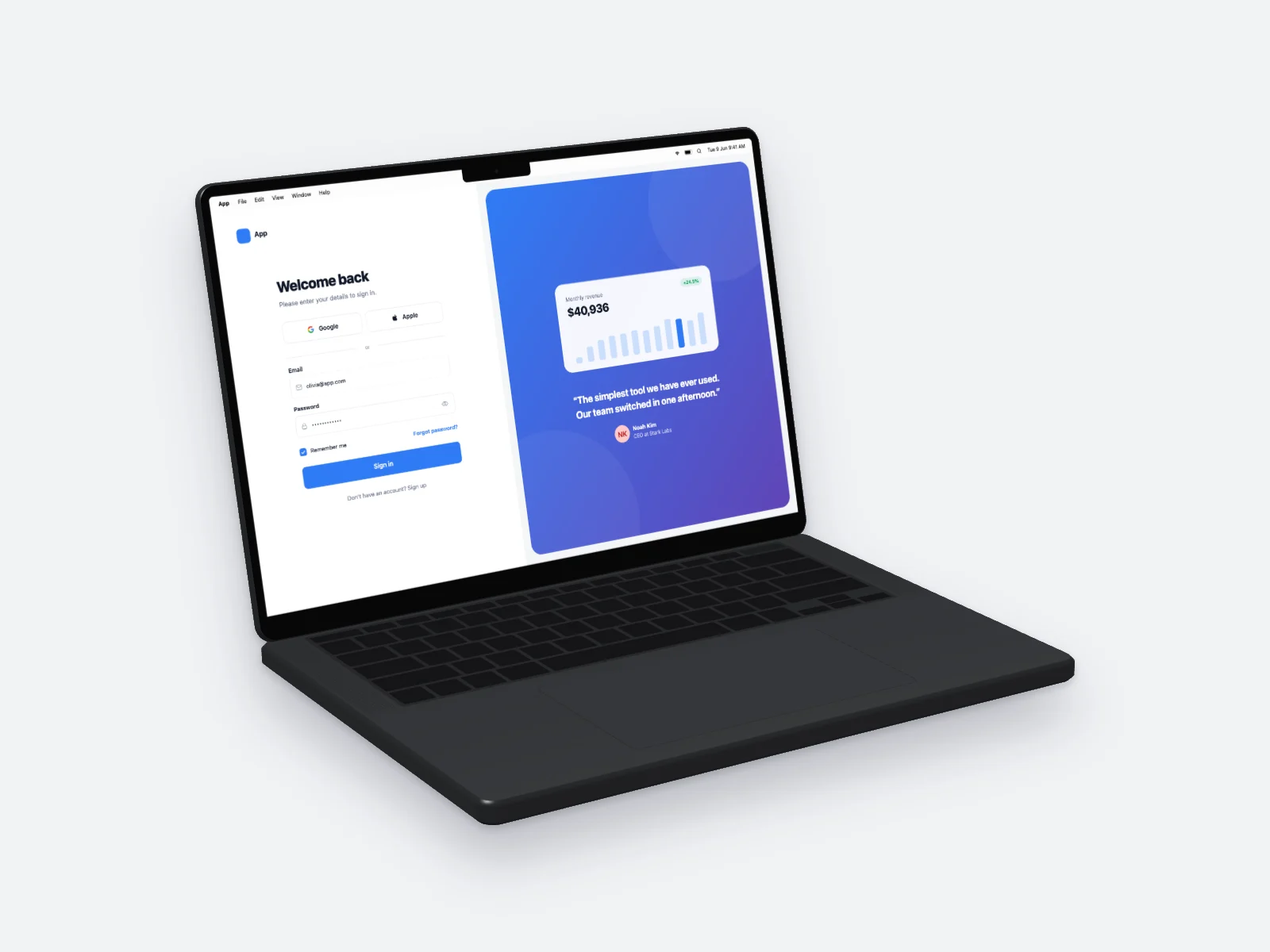 Login Page on MacBook Pro 14-inch Mockup — Left Angle
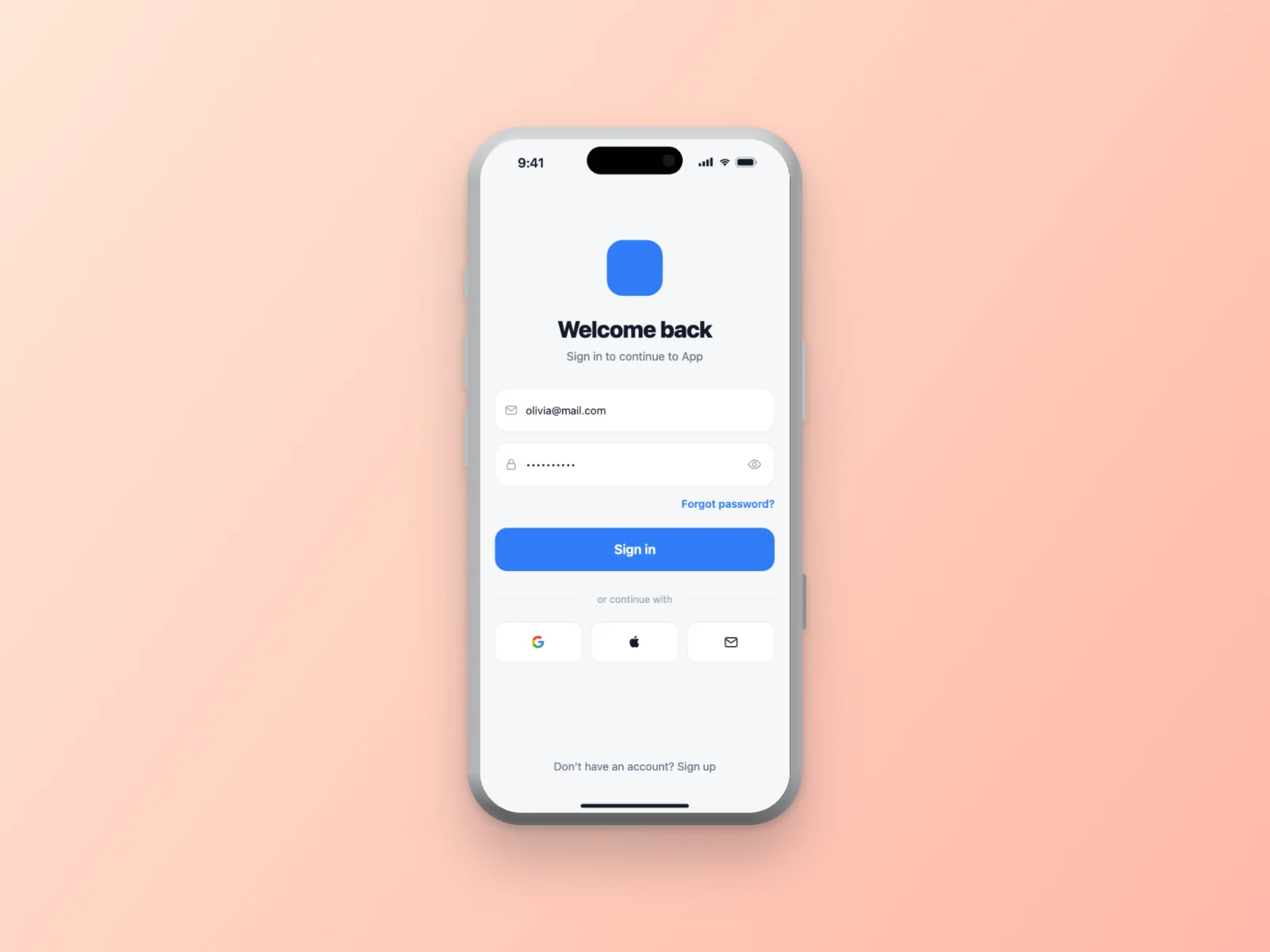 Login Page on iPhone 17 Pro Mockup
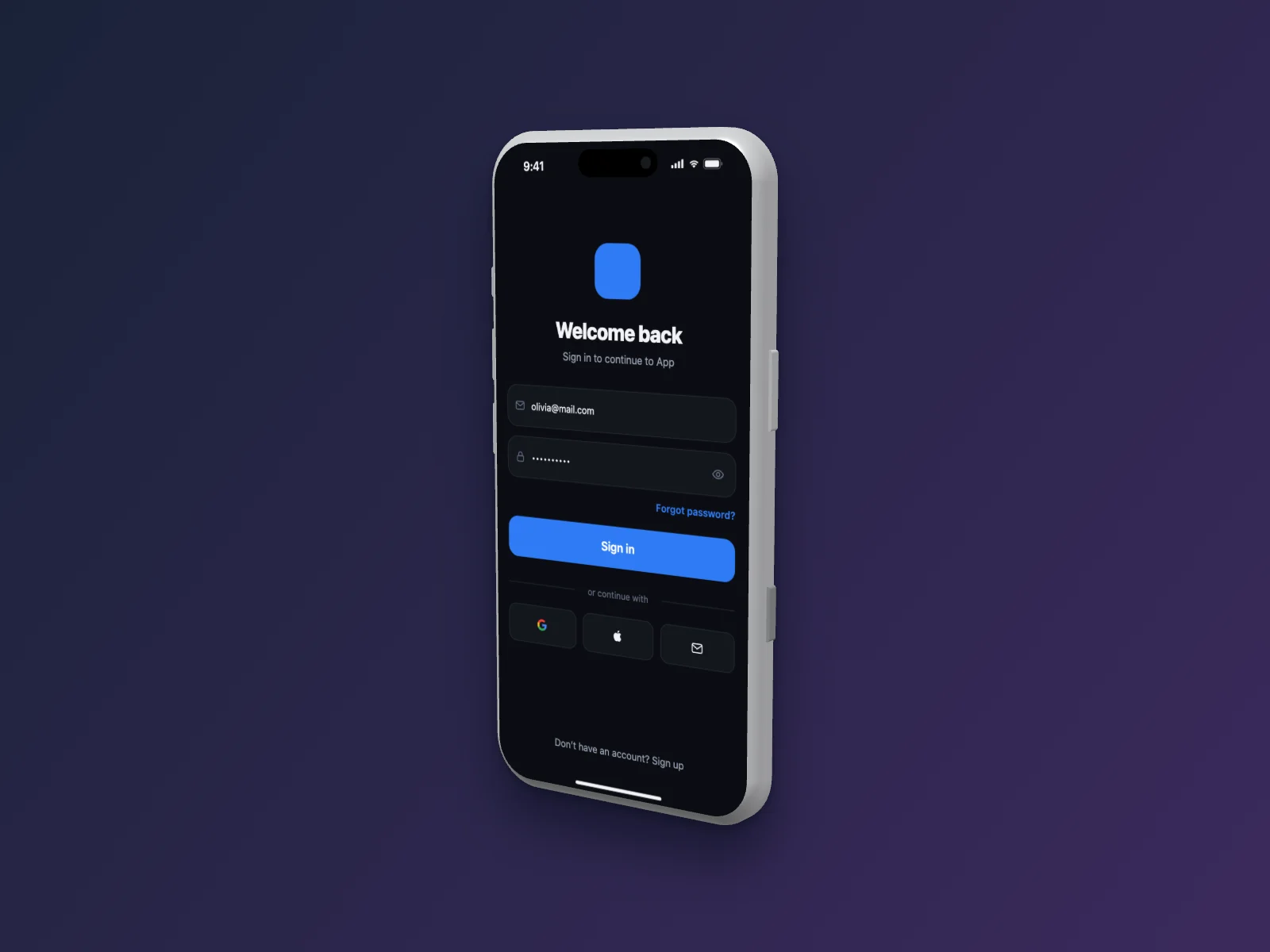 Login Page on iPhone 17 Pro Mockup — Right Angle, Dark Mode
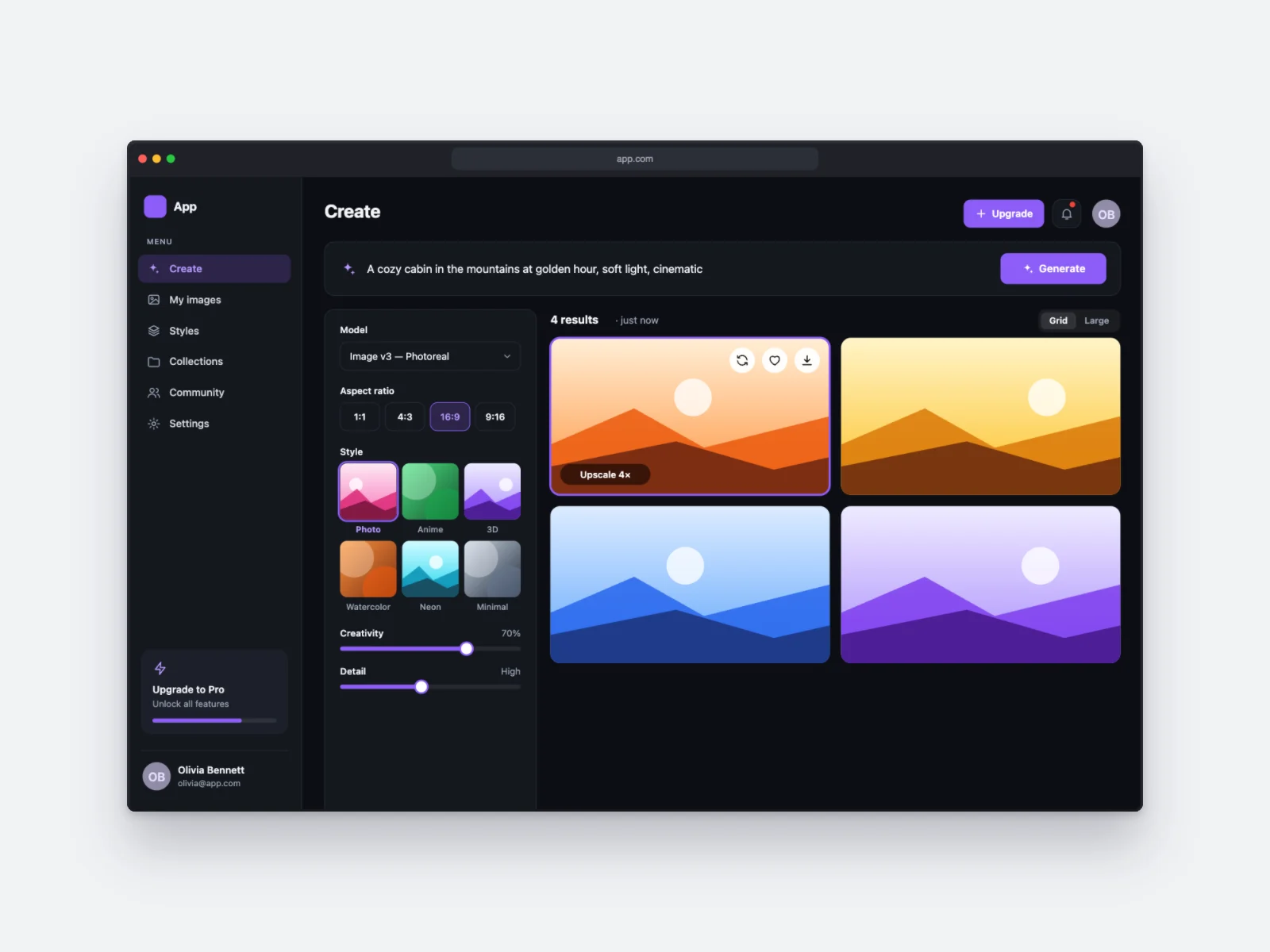 AI Image Generator on Browser Window Mockup, Dark Mode
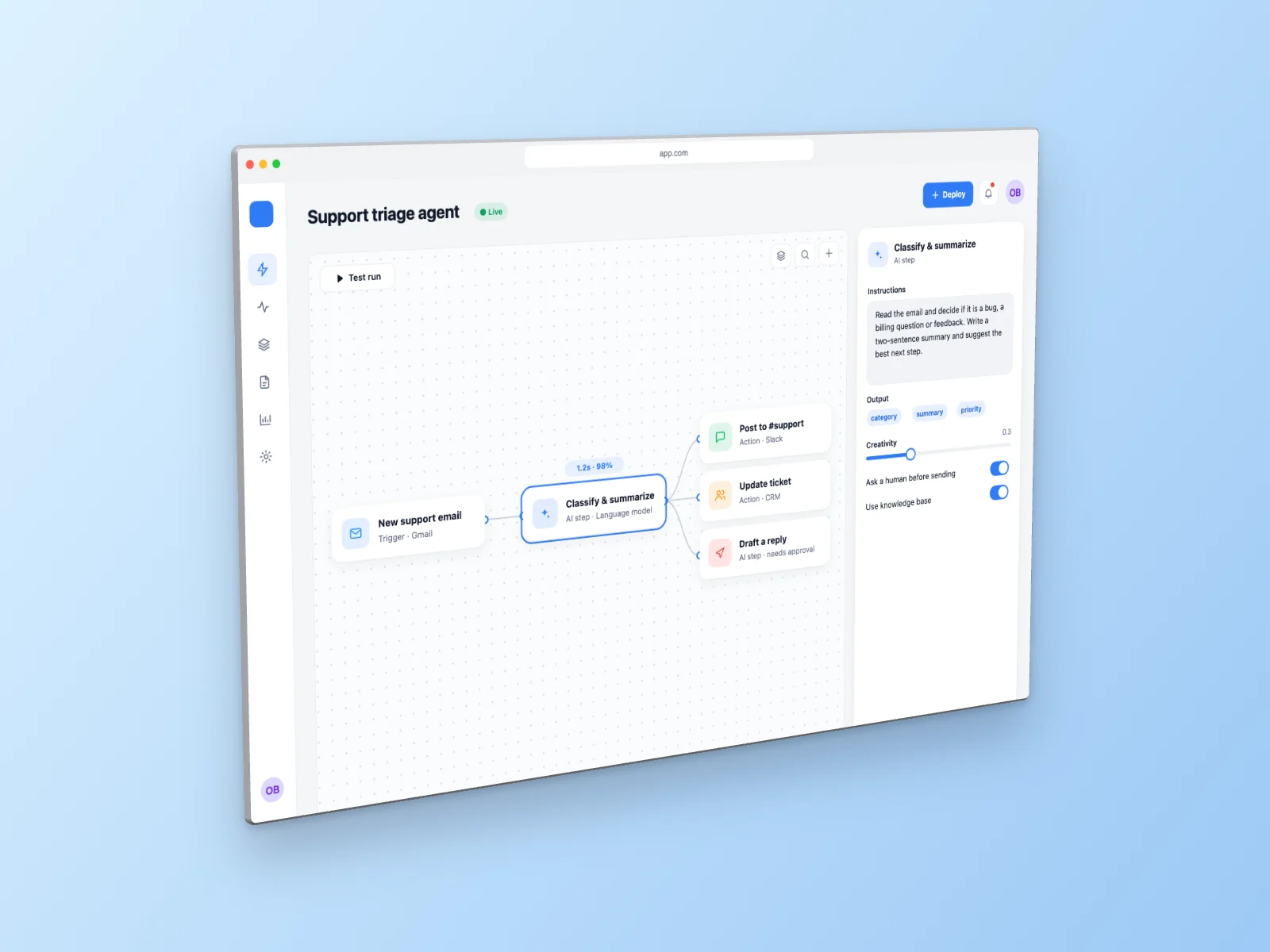 AI Agent Builder on Browser Window Mockup — Left Angle
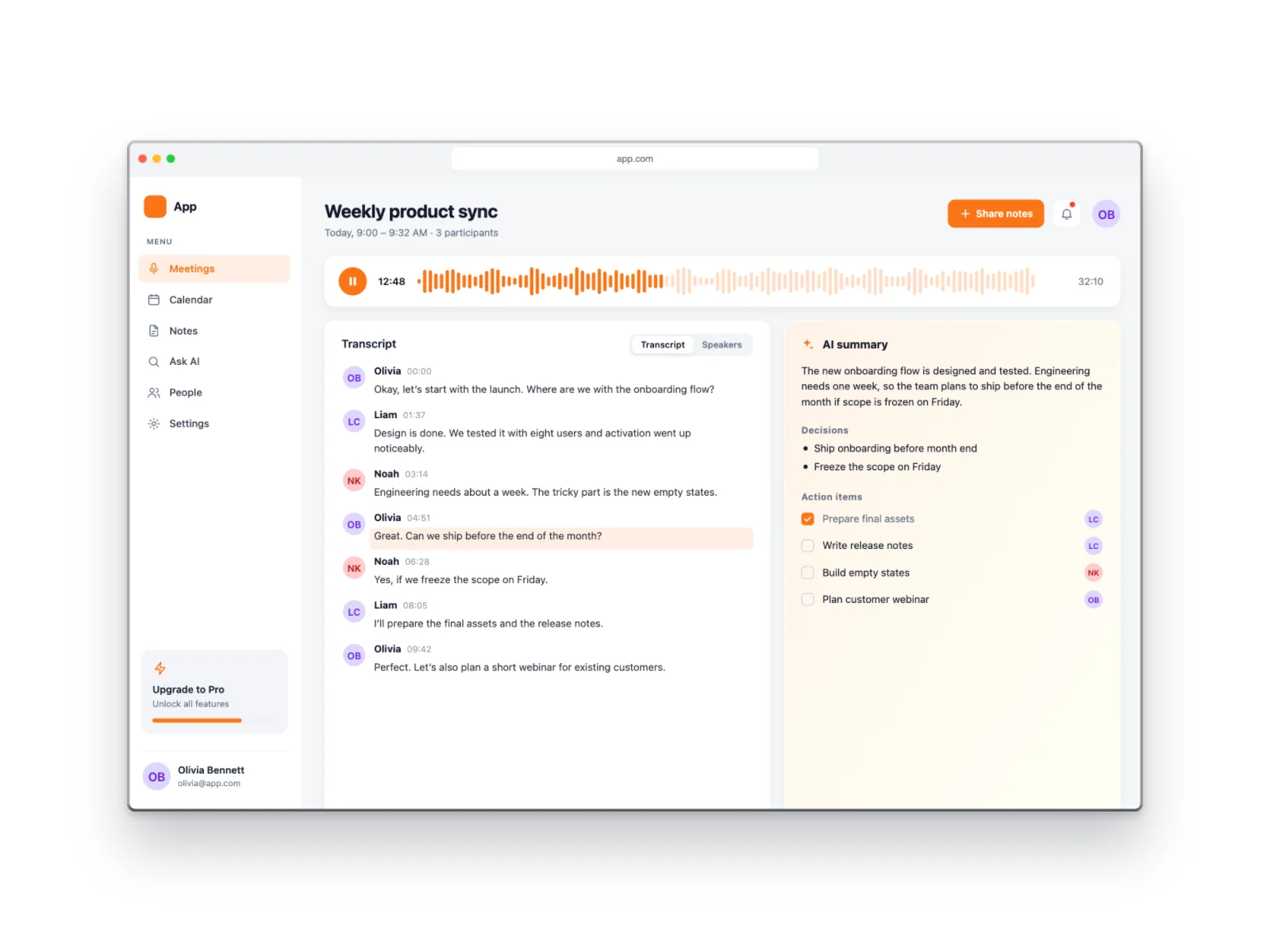 AI Meeting Notes on Browser Window Mockup
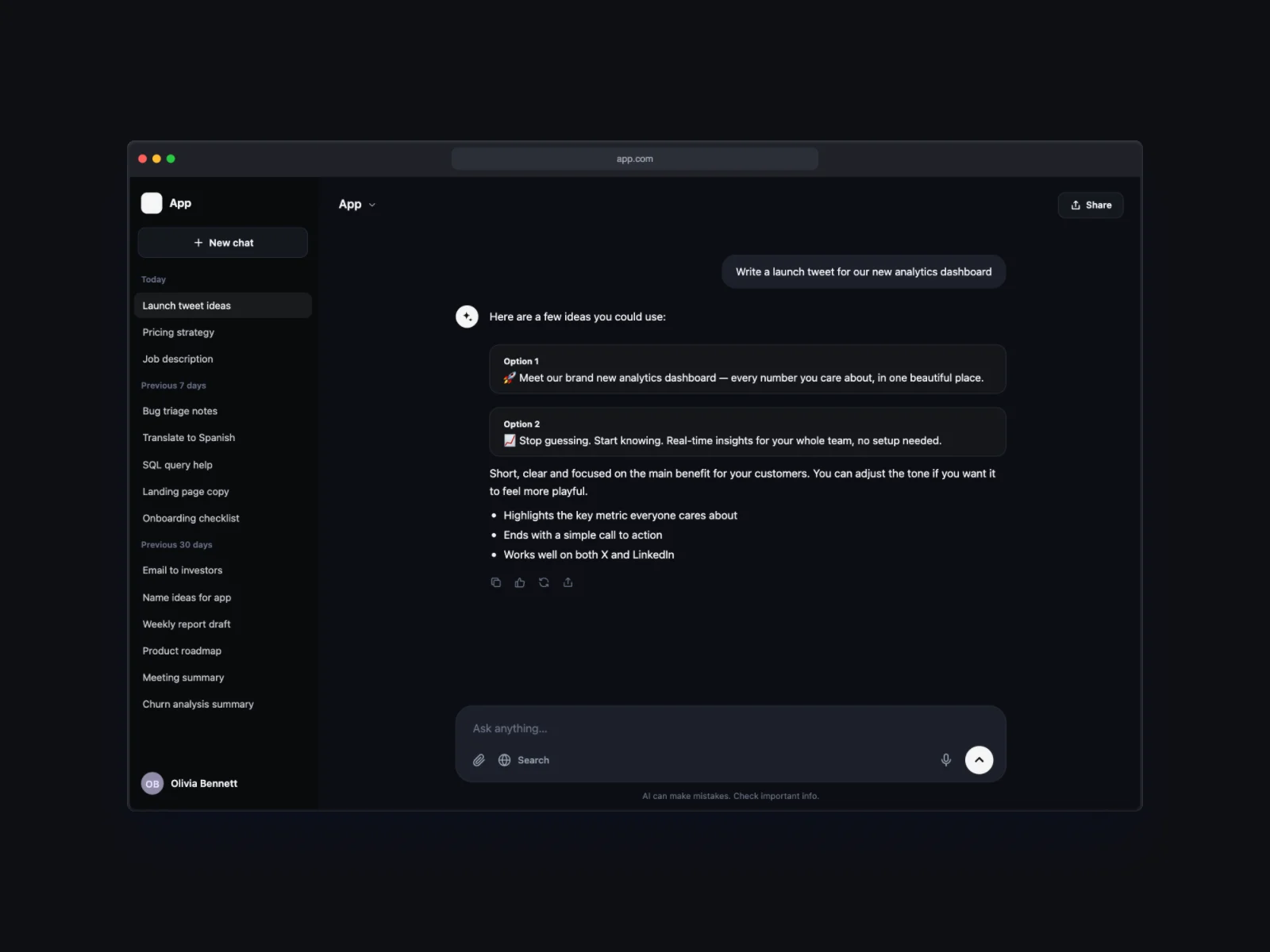 AI Chat on Browser Window Mockup, Dark Mode
 Analytics Dashboard on Browser Window Mockup